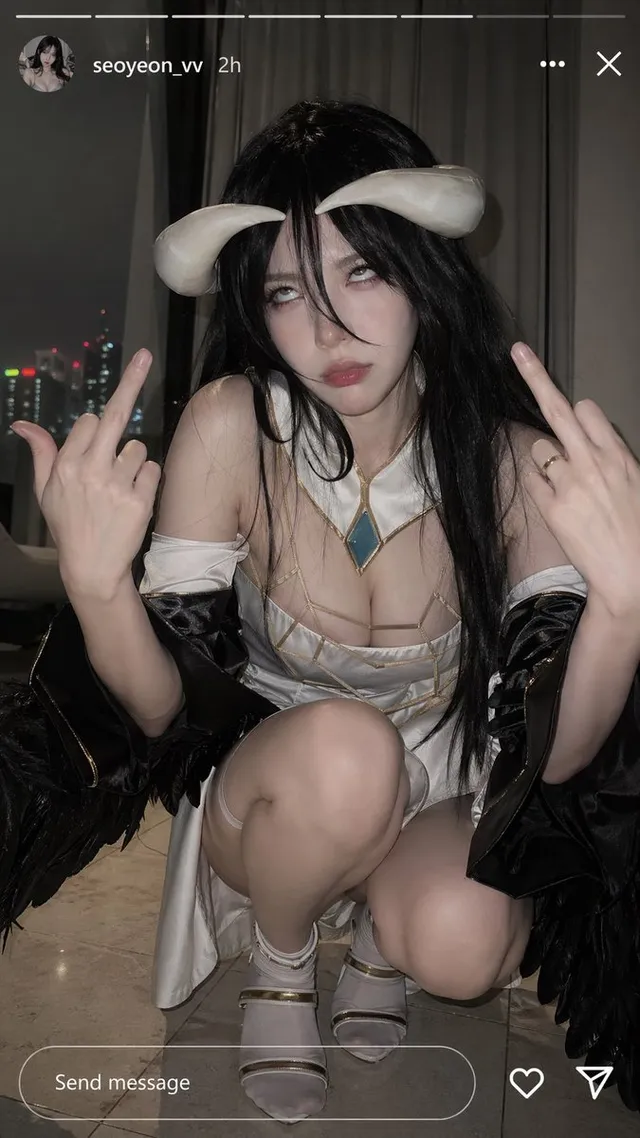
Albedo Cosplay Instagram Story
3.1KPrompt gallery
Real prompts and results. Copy any prompt and try it with GPT Image 3.
Albedo Cosplay Instagram Story
3.1K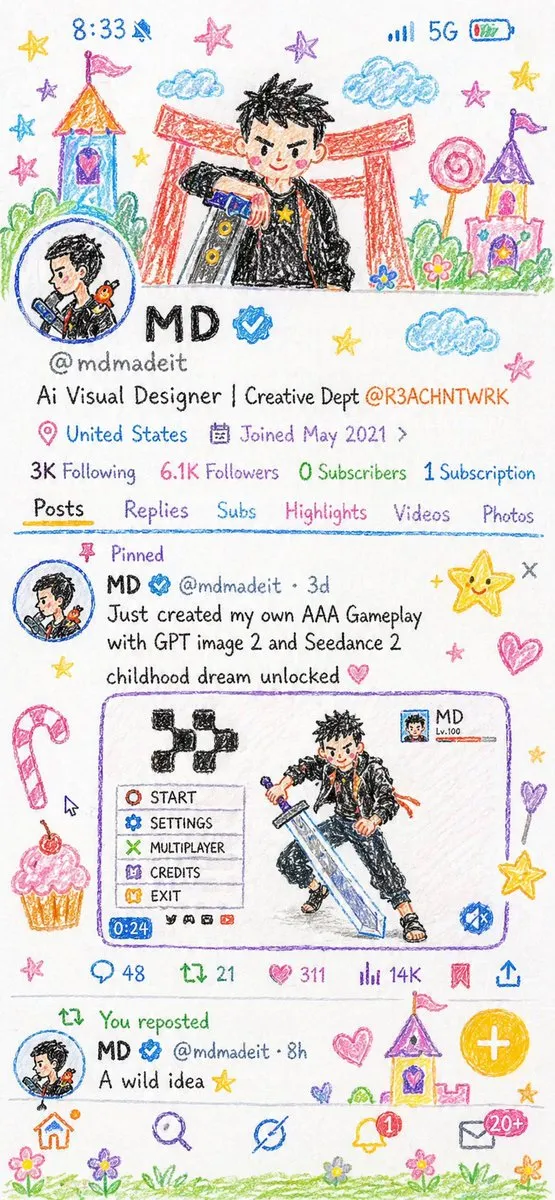
Crayon Style Illustration Profile Picture
2K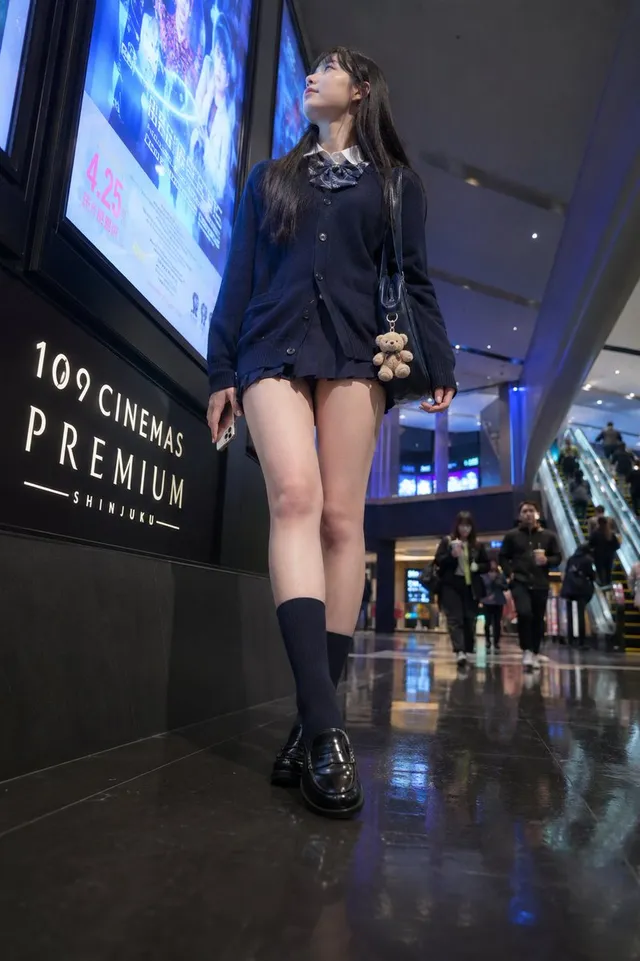
Cinema Lobby School-Inspired Fashion Photo
1.7K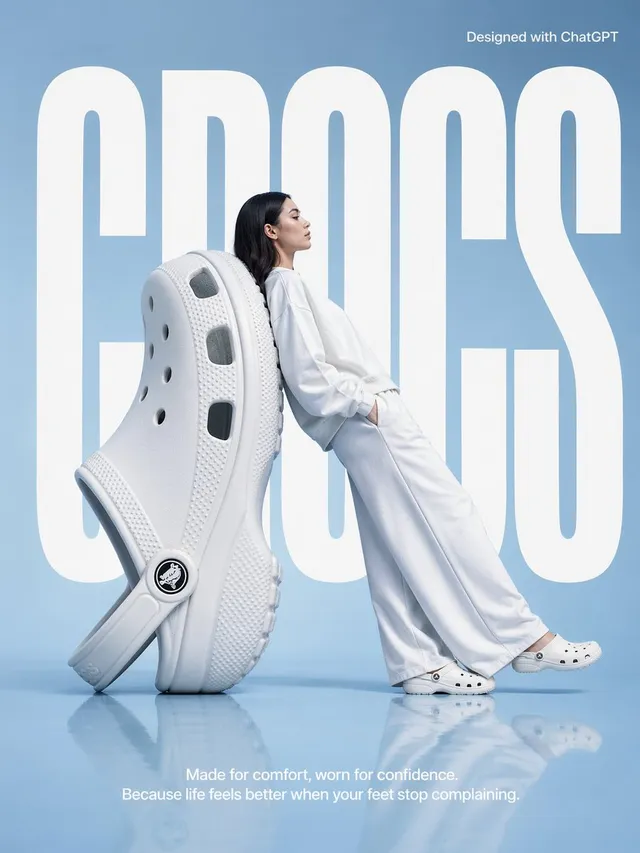
Surrealist Fashion Brand Poster
1.7K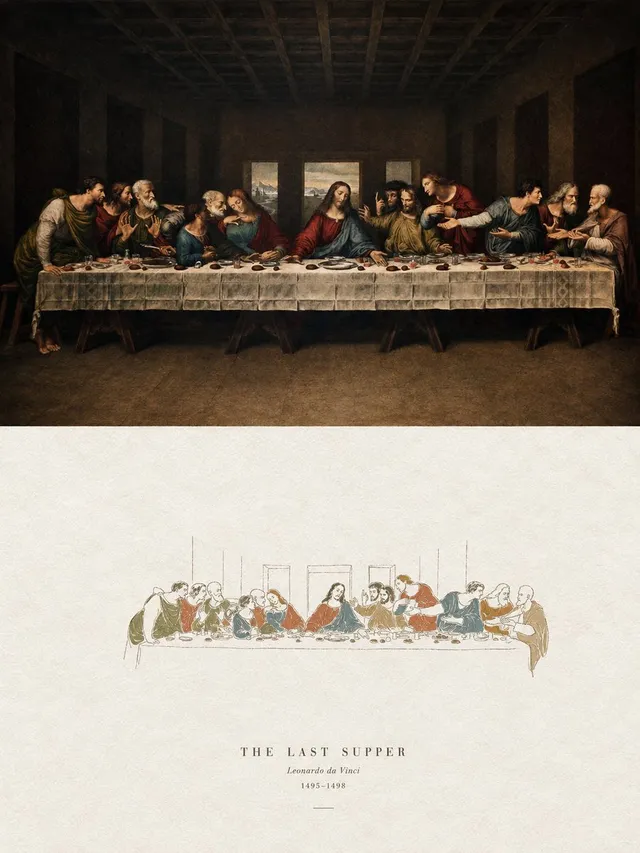
Acrylic Hand-Painted Style Poster Design
1.9K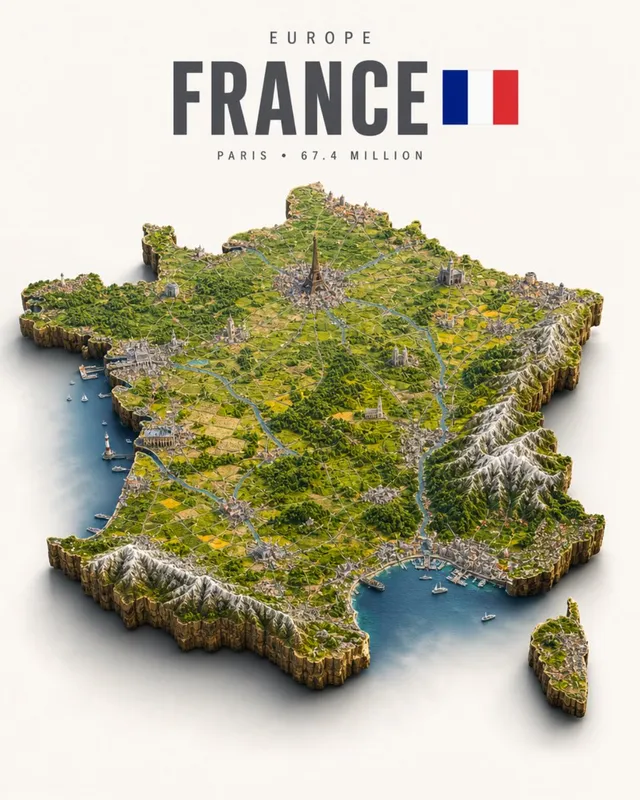
Isometric France Diorama Poster
4.9K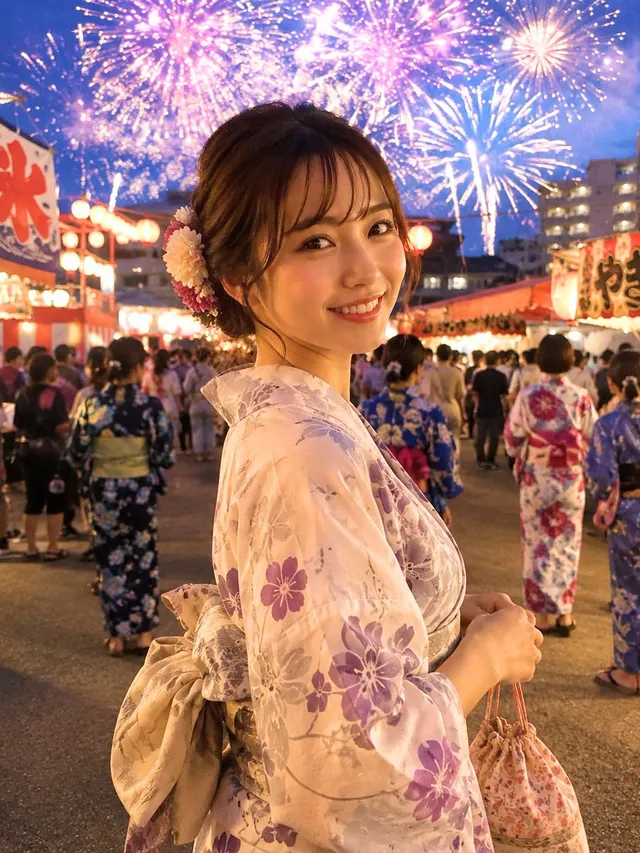
Japanese Fireworks Festival Yukata Portrait
1.9K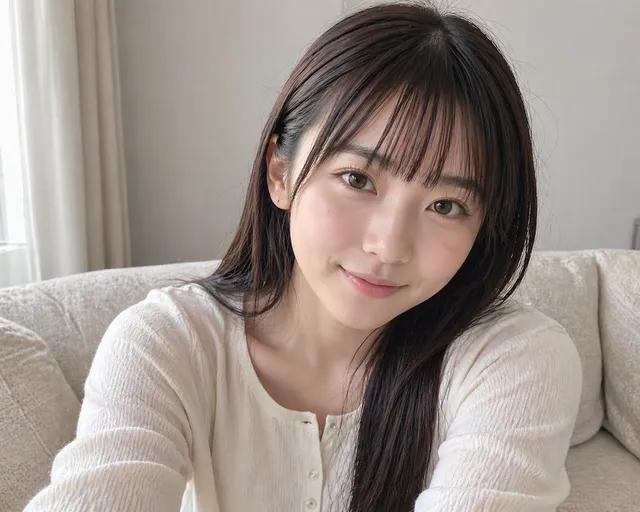
Censored Sofa Selfie Portrait
2.3K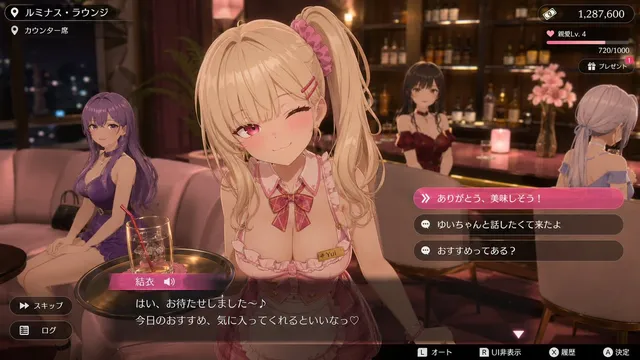
3D Anime RPG Gameplay Screenshot
2.4K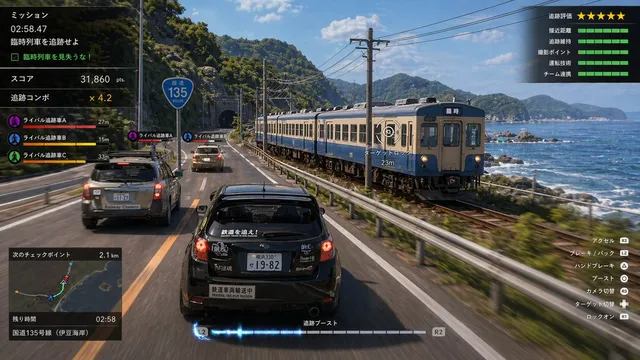
Train Photography Game Simulation
8.9KGPT Image 3 is an AI image generator built for real work. It makes photo-real pictures, writes readable text, and edits only what you ask it to change. Here is the short version.
Describe the scene in plain words. GPT Image 3 follows long instructions, places objects where you said, and gets the mood right on the first try.
Upload a photo and change the style, the scene, or the outfit. GPT Image 3 keeps the face, the product, and the framing exactly as they were.
Ask GPT Image 3 to change one word, one sleeve, or one corner of the sky. Only that part changes, even after many rounds of edits.
Every feature below is about one thing: getting the picture you actually wanted, faster.
Point at a spot, say the change, done. GPT Image 3 edits the part you mention and leaves everything else pixel for pixel the same.
Add up to 16 reference images. Faces, logos, and products stay recognizable across new scenes, poses, and styles.
Most GPT Image 3 results land in seconds. Use fast mode for drafts and batches, and precision mode when the details matter.
Posters, menus, charts, and labels come out spelled right. GPT Image 3 handles dense text in more than ten writing systems.
Square, portrait, landscape, or banner. Pick 1K, 2K, or 4K output, plus a transparent background when you need a clean cut-out.
New accounts get free GPT Image 3 generations. Daily check-ins and invites add more. Upgrade only when your projects grow.
From one-off posts to full campaigns, GPT Image 3 fits the job. Pick a scenario and start.
Test ten headlines, backgrounds, and layouts before lunch. The product stays exactly the same in every version.
Turn a single product photo into white-background listings, lifestyle scenes, and banners with GPT Image 3.
Keep one look across your whole feed. GPT Image 3 remembers your style, your colors, and your face.
Build character sheets, items, and scenes where the same hero appears in every frame, in any pose.
Write the panels, and GPT Image 3 keeps the characters and the setting the same from page one to the end.
Readable text, clean layouts, and transparent backgrounds. Ready for print or for your app, straight from GPT Image 3.
Three steps and about one minute. Nothing to install.
Type what you want in plain words, or upload a photo to edit. Add reference images if you want the same face or product.
Pick a size and a quality level, then click Generate. Your GPT Image 3 result arrives in seconds.
Tell GPT Image 3 what to change, one sentence at a time. When it looks right, download it in full resolution.
GPT Image 3 is the next generation of the GPT Image family, an AI image generator that creates and edits pictures from plain words. It builds on GPT Image 2.5, which already ranked first on Image Arena for text to image and image editing. On this page you can use GPT Image 3 for free: type a prompt, upload a photo, or both.
Yes, you can start for free. New accounts get free GPT Image 3 generations, and a daily check-in adds more. Inviting friends gives both of you bonus credits. Paid plans add more credits, 4K output, faster queues, and a commercial license.
Choose Text to Image, describe the picture in a sentence or two, pick a size, and click Generate. GPT Image 3 understands natural language, so you can write the way you talk. Name a style, a camera angle, or a mood if you want more control.
Switch to Image to Image, upload your photo, and describe the change. GPT Image 3 keeps the subject and the framing while it applies the new style, scene, or outfit. You can upload several reference images to lock in a face, a product, or a color palette.
Yes. Describe the part you want to change, or paint over it with the brush tool. GPT Image 3 edits only that area and leaves the rest untouched. You can repeat this as many times as you like without the image drifting.
Output goes from 1K to 4K. You can choose square, portrait, landscape, wide banner, and many social media sizes. A transparent background option is available for logos, stickers, and product cut-outs.
GPT Image 2.5 introduced faster rendering, more natural light and texture, stable multi-round edits, and stronger reference fidelity. GPT Image 3 pushes further in the same directions: finer detail, cleaner small text, and better consistency across long projects. You can try both models on this site and compare.
Yes. Images made on a paid plan include a commercial license that you can download from your account page. Use them in ads, on product pages, in client work, and in print. Free-plan images are perfect for personal projects and testing.
Turn words into images, edit any photo, and keep every detail true. GPT Image 3 is free to start.
Popular