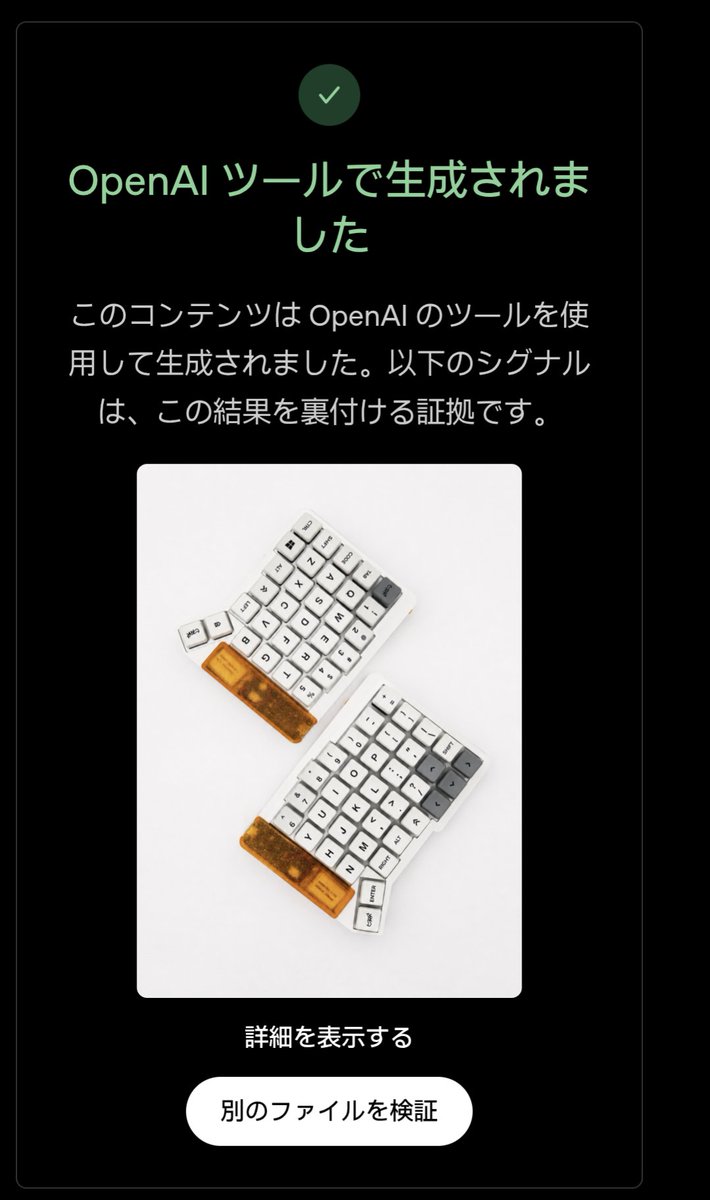
프롬프트/GPT Image 프롬프트/프롬프트 세부 정보이미지 프롬프트긍정적인 OpenAI 출처 화면원래 레이아웃과 포함된 이미지를 유지하면서 부정적인 OpenAI 신호 확인 스크린샷을 긍정적인 감지 결과 UI로 변환합니다.이 프롬프트는 참조 이미지와 함께 사용되었습니다이 프롬프트 사용좋아요6조회245북마크1이 프롬프트를 저장하거나 친구와 공유하세요.프롬프트 공유프롬프트복사Using the provided reference image, edit the verification-result screen so it shows a positive OpenAI provenance detection result instead of a negative one. Keep the same dark rounded card layout, the embedded keyboard photo, the centered composition, the bottom link, and the white rounded button unchanged. Change exactly 3 verification-status elements: 1) replace the pink circular X icon with a green circular checkmark icon, 2) change the headline to green and set it to 「OpenAI ツールで生成されました」, and 3) replace the explanatory body text with 「このコンテンツは OpenAI のツールを使用して生成されました。以下のシグナルは、この結果を裏付ける証拠です。」 Preserve exactly 2 lower text elements as in the reference: the link 「詳細を表示する」 and the button label 「別のファイルを検証」. Use a clean Japanese UI style, high contrast on black, rounded corners, and make the edit look like an authentic screenshot rather than a redesigned poster.프롬프트 보기