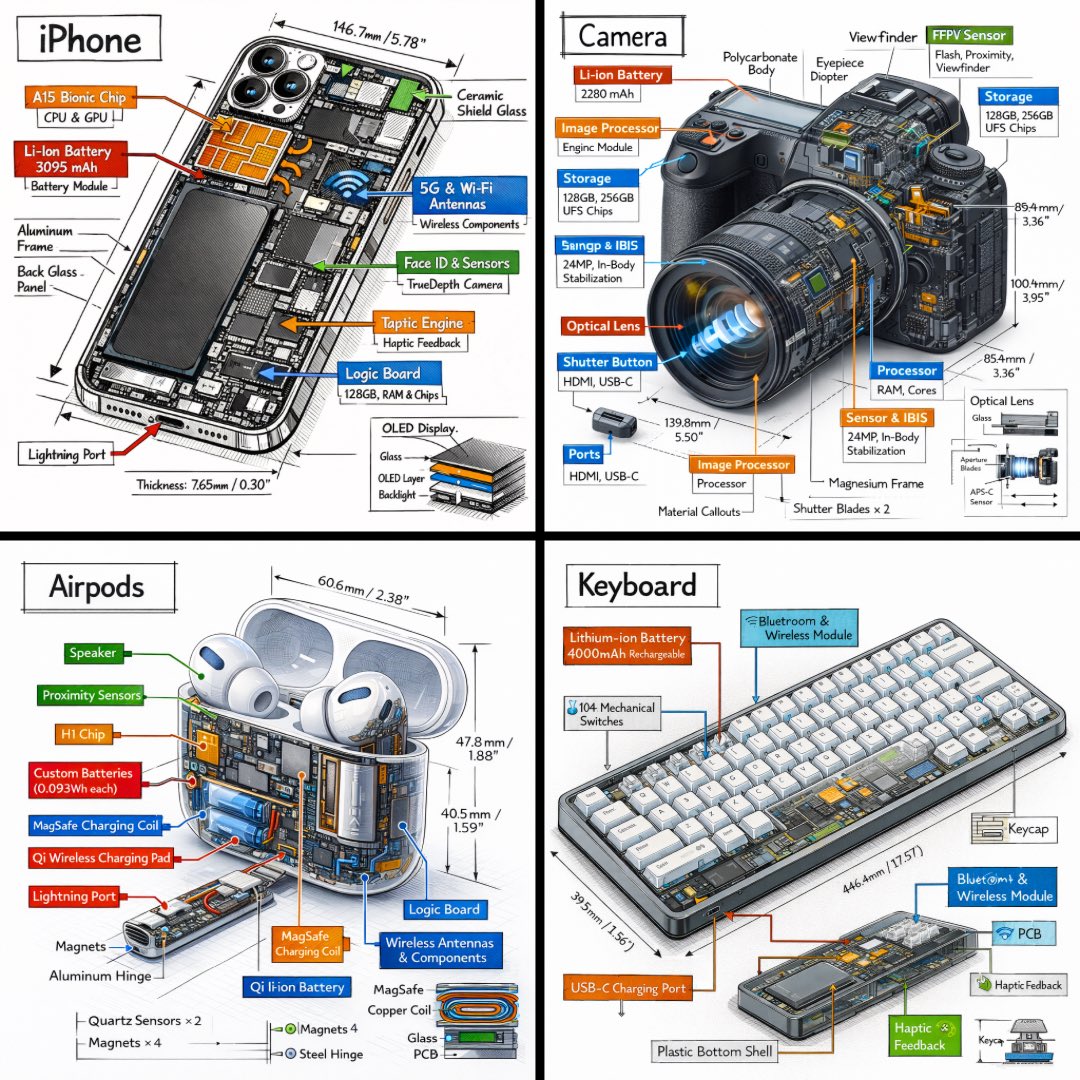
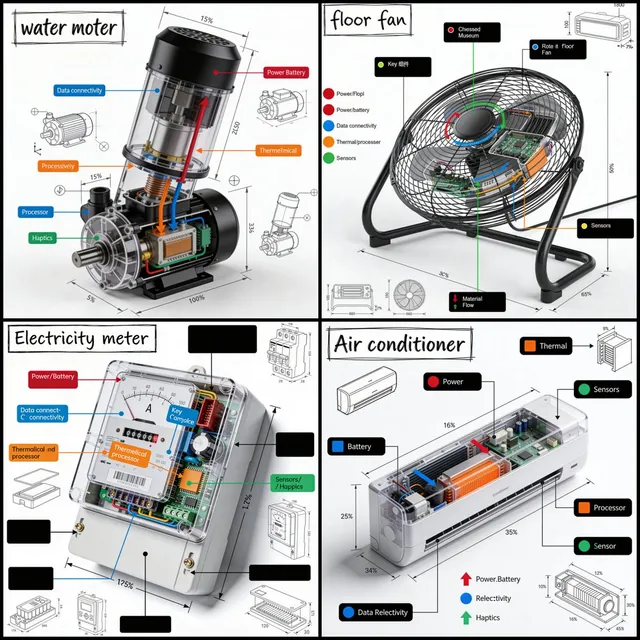
프롬프트/GPT Image 프롬프트/프롬프트 세부 정보이미지 프롬프트기술적 등각 분해 인포그래픽손으로 그린 주석, 색상으로 구분된 콜아웃, 모든 객체의 기술 다이어그램이 포함된 전문 엔지니어링 스타일의 등각 인포그래픽을 생성합니다.이 프롬프트 사용좋아요2조회224북마크0이 프롬프트를 저장하거나 친구와 공유하세요.프롬프트 공유프롬프트복사Generate a technical infographic of {argument name="object" default="OBJECT"} rendered from a {argument name="viewpoint" default="45-degree isometric 3D viewpoint"}, with the object slightly tilted to expose depth and three-dimensional structure. Blend a photorealistic render of the object with hand-drawn black ink technical annotations on a clean pure-white background. Include: - Color-coded callout boxes labeling each key component - Transparent / cutaway sections that reveal internal parts - Precise measurements, dimensions, and scale markers - Material descriptions and quantity counts - Color-coded directional arrows for function and flow: RED for power/battery, BLUE for data/connectivity, ORANGE for thermal/processor, GREEN for sensors/haptics - Simple schematics or cross-section diagrams where useful Place the "{argument name="object" default="OBJECT"}" title inside a hand-sketched technical frame in the top-left corner. Style: black architectural-pen linework, sketchy yet precise; the object remains fully visible; vibe of a professional engineering teardown or museum exhibit. Clean layout with balanced negative space. Perspective: 45-degree isometric tilt that dramatically reveals depth, dimension, and internal architecture, like a product engineering manual. Color usage: roughly 10-15% accent density, black dominant, white background. Output: 1080x1080, ultra-crisp, optimized for social feeds.프롬프트 보기