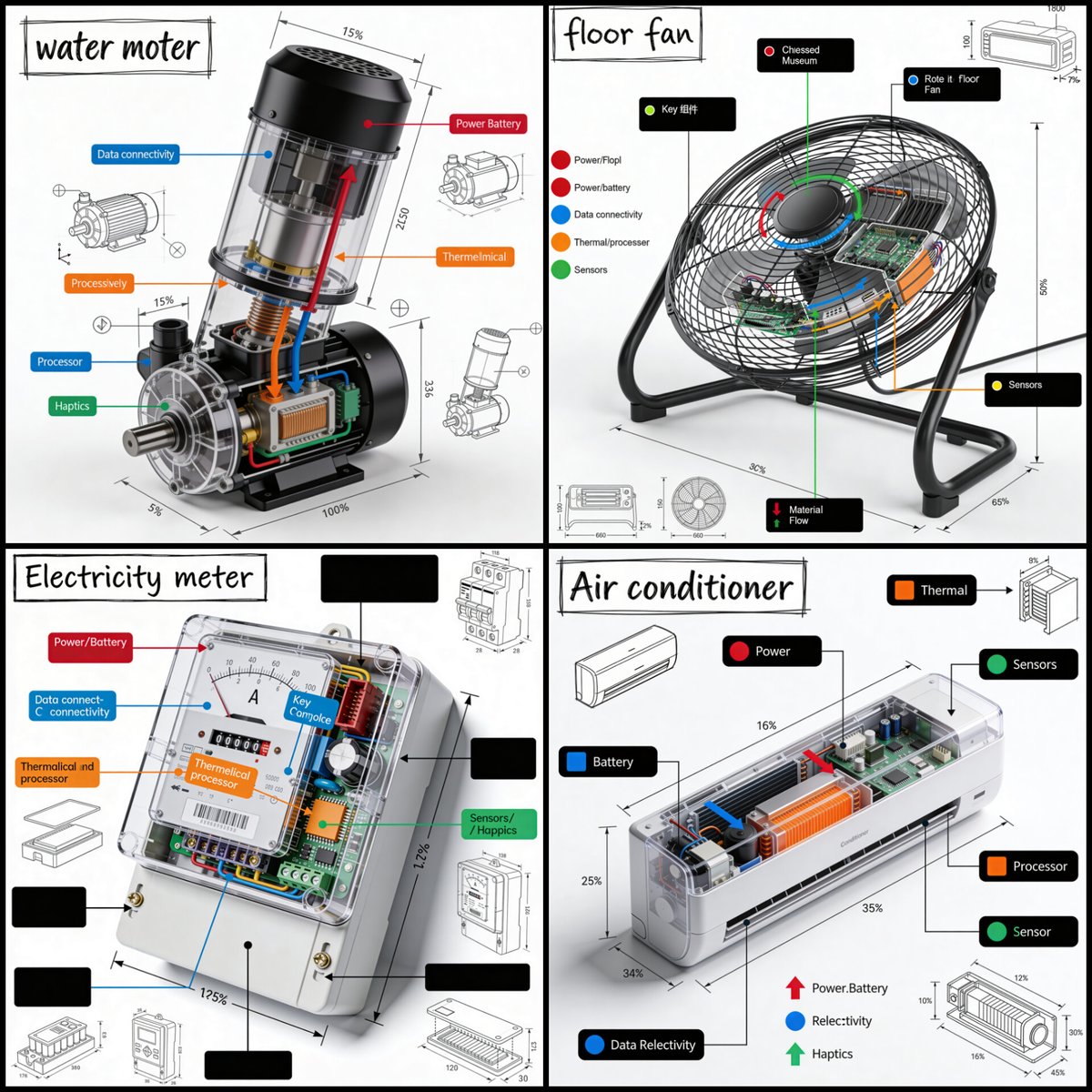
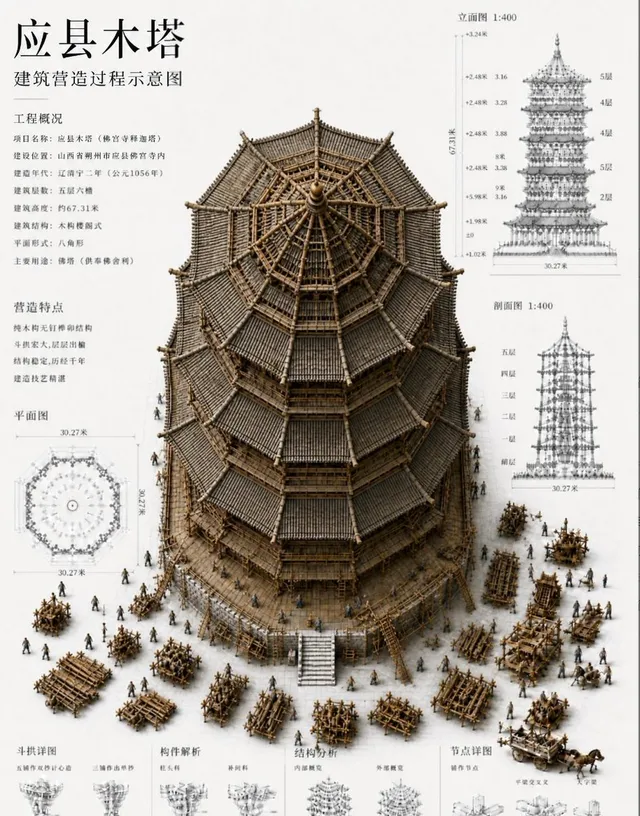
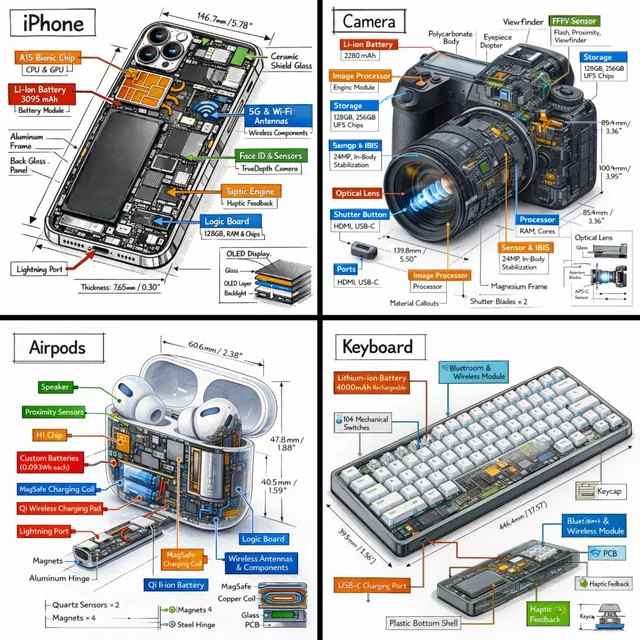
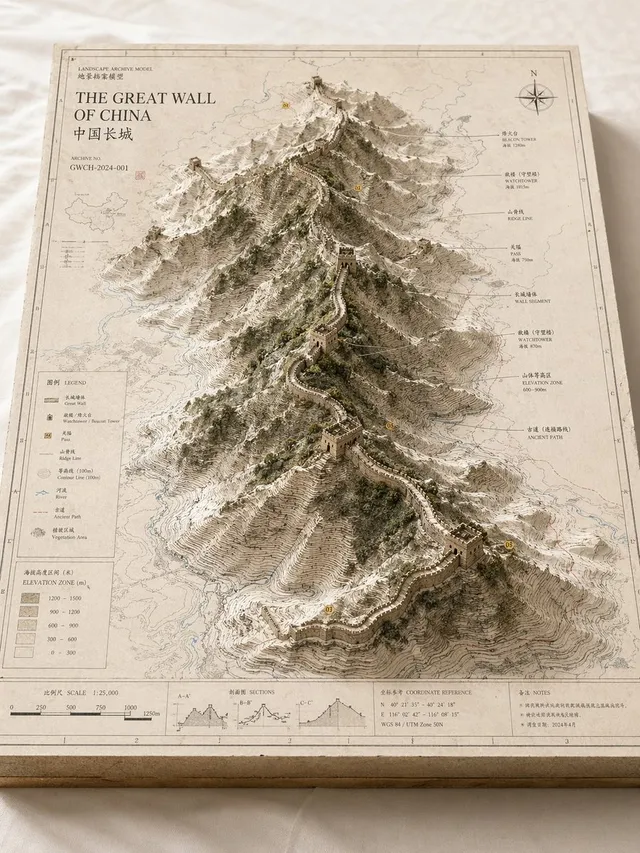
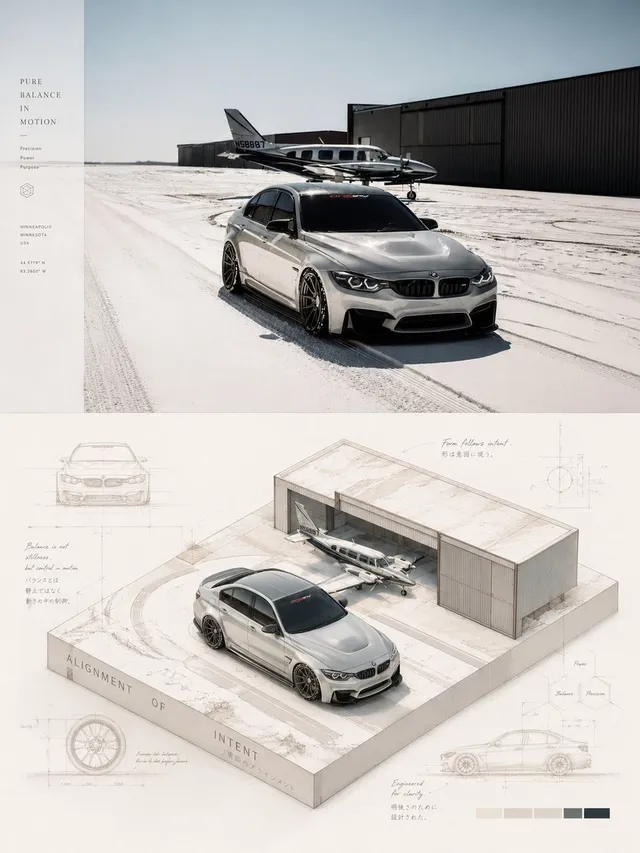
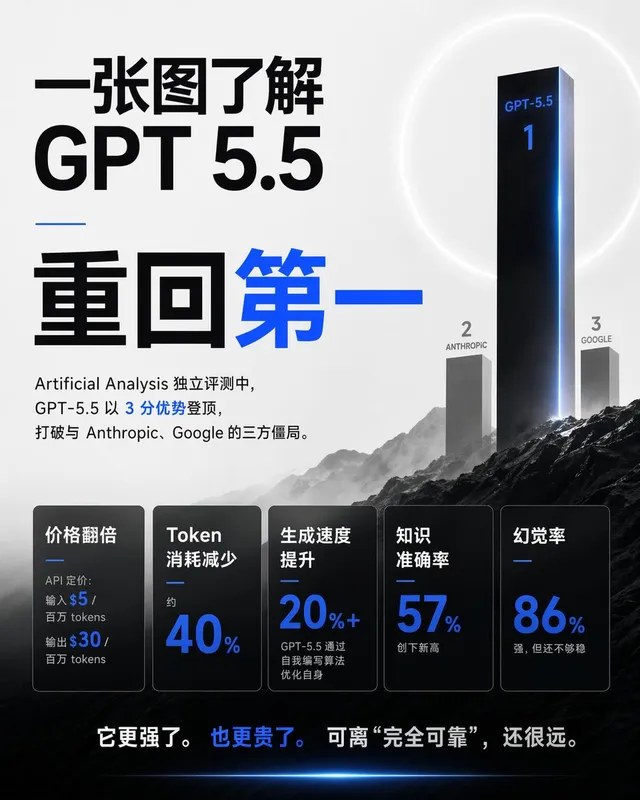
프롬프트/GPT Image 프롬프트/프롬프트 세부 정보이미지 프롬프트기술 제품 분해 인포그래픽매뉴얼 또는 교육 콘텐츠에 완벽한 실제 제품 렌더링과 상세한 엔지니어링 주석을 혼합한 전문 기술 인포그래픽을 생성하기 위한 정교한 프롬프트입니다.이 프롬프트 사용좋아요22조회843북마크22이 프롬프트를 저장하거나 친구와 공유하세요.프롬프트 공유프롬프트복사Create a square 1080x1080 technical infographic for {argument name="object" default="OBJECT"}, shown from a 45-degree isometric 3D angle so the object is slightly tilted and its depth, dimensions, and internal architecture are easy to read. Blend a realistic photoreal product render with precise black-ink engineering annotations on a pure white background. Include labeled key components with color-coded callout boxes, transparent or cutaway areas that reveal internal parts, exact measurements and scale markers, material notes with quantities, and function-flow arrows using red for power or battery, blue for data or connectivity, orange for thermal or processor systems, and green for sensors or haptics. Add small schematic views or cross-section diagrams wherever they help explain the object. Place the title "{argument name="object title" default="OBJECT"}" inside a hand-drawn technical label box in the top-left corner. Style the artwork like a professional product teardown manual with architectural pen linework: sketched but accurate, clean, crisp, and educational. Keep the object clearly visible, use balanced negative space, make black the dominant color, and limit accents to about 10-15% of the composition. Overall mood: clean museum exhibit, premium engineering manual, ultra-crisp social-feed infographic, white background, sharp details, high clarity.프롬프트 보기