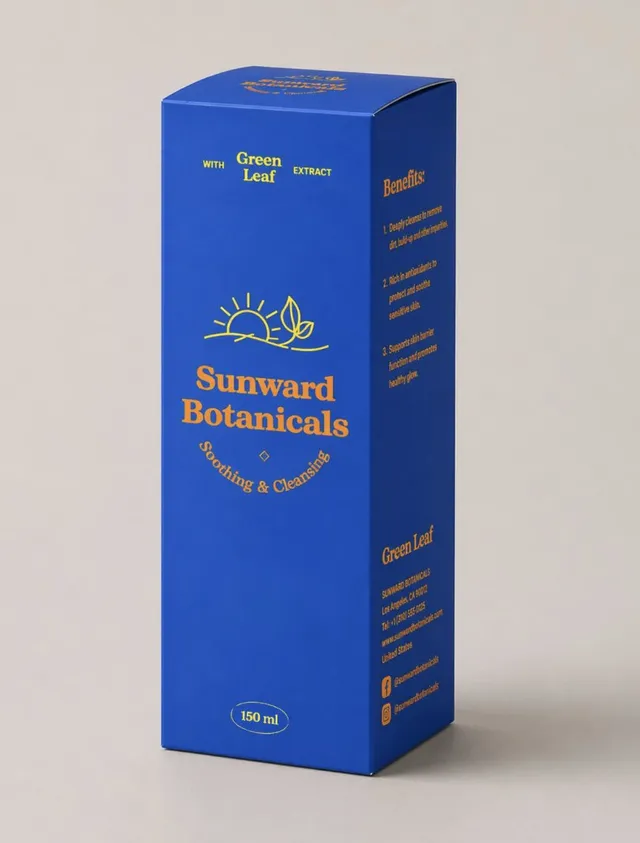
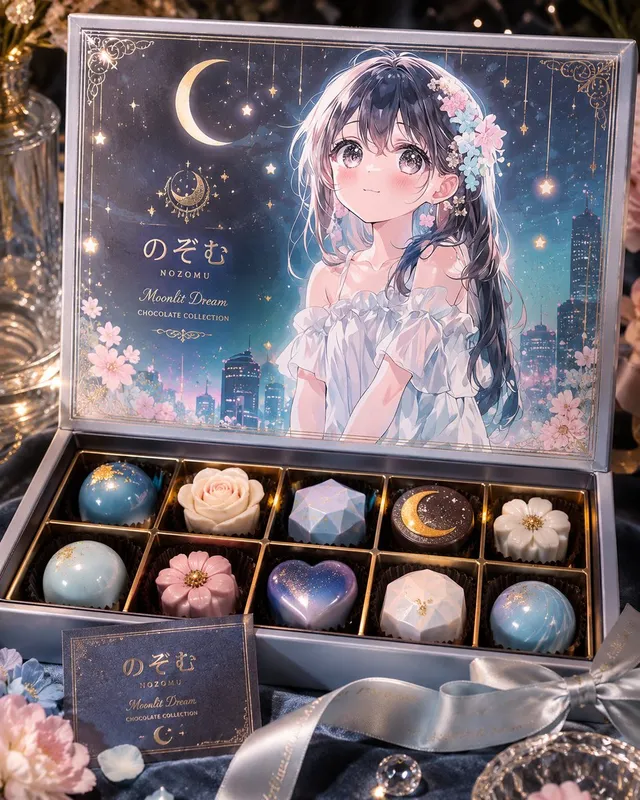
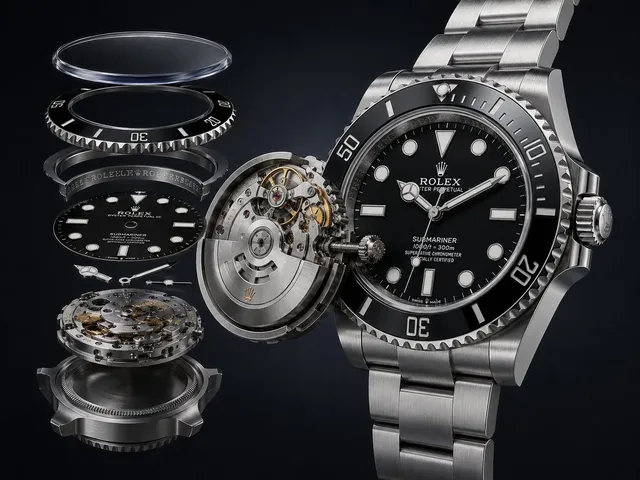
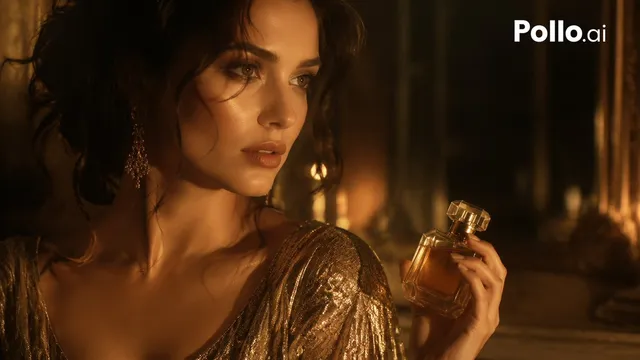
提示词/GPT Image 提示词/提示词详情图片提示词逼真的UGC图像策略一个关于使用灵感图像和JSON样式描述符生成真实产品照片的教程,使用GPT Image 2.5。这条提示词使用了参考图片立即使用点赞275浏览33,172收藏536保存这条提示词,或分享给朋友。分享提示词提示词复制“using this json as reference, generate a person holding my product [attach product image]” > GPT-Image 2.5 generates the photo with that person holding your product compare it with a version generated without the reference and look at the difference in the lighting and color grading > save the generated character photo you’re happy with as your reference > for future generations, attach the character photo each time and ask it to preserve the same facial features now you have a reference character you can use across multiple product photos you can also iterate the base json prompt and chat back and forth with GPT-6 Astra based on what you want, then repeat the same process.. i like this because it gives you much more direction over the color grading instead of leaving everything up to the model the basic colours and grainy look are some of the things that can make an image feel AI-generated, so pay attention to those when comparing your results this is how you can start building a library of high quality ugc images around your own products the json gives GPT-Image 2.5 the lighting and color direction, your character reference helps with consistency, and you control the product placement once you have that starting point, you can keep creating variations without writing everything from scratch GPT-Image 2.5 Sunburst & Flare are available on Higgsfield. try this with your own product and reference images there展开提示词