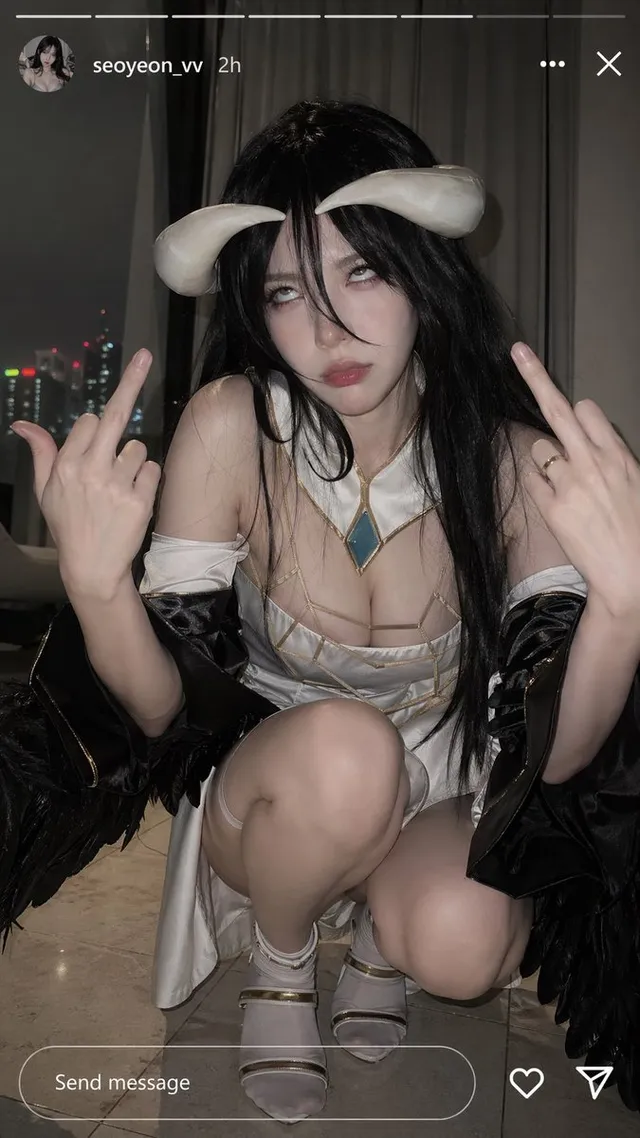
Albedo Cosplay Instagram Story
3.1KPrompt gallery
Real prompts and results. Copy any prompt and try it with GPT Image 2.5.
Same price, big upgrade. Here is what changed between the two generations of this AI image generator.
| GPT Image 2.5 | GPT Image 2 | |
|---|---|---|
| Speed | About 50% lower latency, 2 to 3x faster in practice | Baseline |
| Image edit | Edits stay inside the instruction, no drift across rounds | Whole image can shift on repeated edits |
| Reference fidelity | Understands references, people and products stay recognizable | Tends to paste references into the scene |
| Light and texture | More natural lighting and material detail | Good, but flatter |
| Modes | Flare for speed, Sunburst for precision, five quality tiers | One model, three quality tiers |
| Resolution | Any size up to 3840 x 2160, transparent or opaque background | Up to 2K, 3:1 to 1:3 ratios |
| Arena score gain | +40 text to image, +59 single edit, +81 multi-image edit | Baseline |
Arena gains are for GPT Image 2.5 Sunburst compared with GPT Image 2 (medium) on Image Arena, September 2026.
Creators across the world are testing this AI image generator on X. A few of their notes.
ChatGPT Images 2.5 is rolling out to all users today. Faster generation, more realistic lighting and textures, and edits that stay consistent across multiple turns.
GPT-Image-2.5 Sunburst debuts at #1 and Flare at #2 across Text-to-Image, Image Edit, and Multi-Image Edit. Largest gains land in editing: +81 on Multi-Image Edit.
GPT Image 2.5 is noticeably more realistic and about 3x faster. 2.0 used to paste the reference into the scene. 2.5 actually understands it as a reference.
Edits stay strictly scoped to the instruction. Subject, composition, and background are untouched. Long editing sessions do not lose quality.
細い線が多い絵の角度変換を試した。2.5は元の雰囲気をちゃんと保ってくれる。2.0はどうしてもAIっぽさが出ていた。
生成速度は体感で約2倍。待ち時間がほぼ半分になった。光と影の質感も自然で、写真に近い仕上がり。
GPT Image 2.5 is an AI image generator with two modes. Flare is fast and great for everyday work. Sunburst is slower and more precise for detailed edits and complex layouts. Both are available here.
The default mode. Better quality, better edits, and about half the wait of GPT Image 2. Use it for drafts, batches, and daily content.
Takes a bit longer and rewards you with sharper text, cleaner layouts, and more careful edits across many rounds.
Start from a sentence or a photo. Upload up to 16 references. Ask for a transparent background. Get up to 4K output.
Four upgrades that make this AI image generator feel different from the first prompt.
Change one word on a sign or one sleeve on a jacket. GPT Image 2.5 touches only that spot and keeps the rest of the picture exactly as it was.
Upload a person or a product and move them into new scenes. They stay recognizable instead of turning into a lookalike.
Latency is about 50% lower than GPT Image 2. In real use, many people see two to three times the speed.
Skin, fabric, metal, and glass look natural. Lighting falls the way it would in a real photo.
Edit, then edit again, then again. The image stays consistent across long sessions instead of drifting.
Pick any aspect ratio up to 3840 x 2160 and choose a transparent or solid background. Five quality tiers let you trade time for detail.
Three steps, about a minute, and the first images are free.
Choose Text to Image or Image to Image. Select Flare for speed or Sunburst for precision.
Write what you want in plain words, add reference images if needed, pick a size, and click Generate.
Ask for changes one sentence at a time. When it looks right, download your image in full resolution.
GPT Image 2.5 is the September 2026 release of the GPT Image family, an AI image generator for text to image, image to image, and image edit. It comes in two modes, Flare and Sunburst, and it ranks first on Image Arena for text to image and image editing.
Flare is the default. It is faster and already better than GPT Image 2 in quality and editing. Sunburst trades some speed for more precision, which helps with dense text, complex layouts, and heavy multi-round edits. Most people start with Flare and switch to Sunburst when the details matter.
You can try it for free with the credits every new account gets, plus daily check-in rewards and invite bonuses. Paid plans add more credits, 4K output, faster queues, and a commercial license.
Editing is where it improved the most. Edits stay inside the instruction, the rest of the image is untouched, and quality holds across long sessions. On Image Arena it gained 59 points on single-image edit and 81 points on multi-image edit compared with GPT Image 2.
Yes. It treats your uploads as true references instead of pasting them in. Faces, logos, and products stay recognizable when you change the scene, the style, or the pose.
Any aspect ratio within the model limits, with output up to 3840 x 2160 on Sunburst. You can pick 1K, 2K, or 4K here, and choose a transparent or opaque background.
Very small, very dense text can still have small errors, as with earlier versions. Sunburst handles it better than Flare. For posters and menus, give the text its own line in the prompt and keep it short.
Use GPT Image 2.5 now. It is the strongest image edit model available today. When GPT Image 3 arrives here, your prompts, references, and saved work carry over, and you can compare both on this site.
The #1 ranked AI image generator. Faster renders, truer light, and edits that change only what you ask. Free to try.