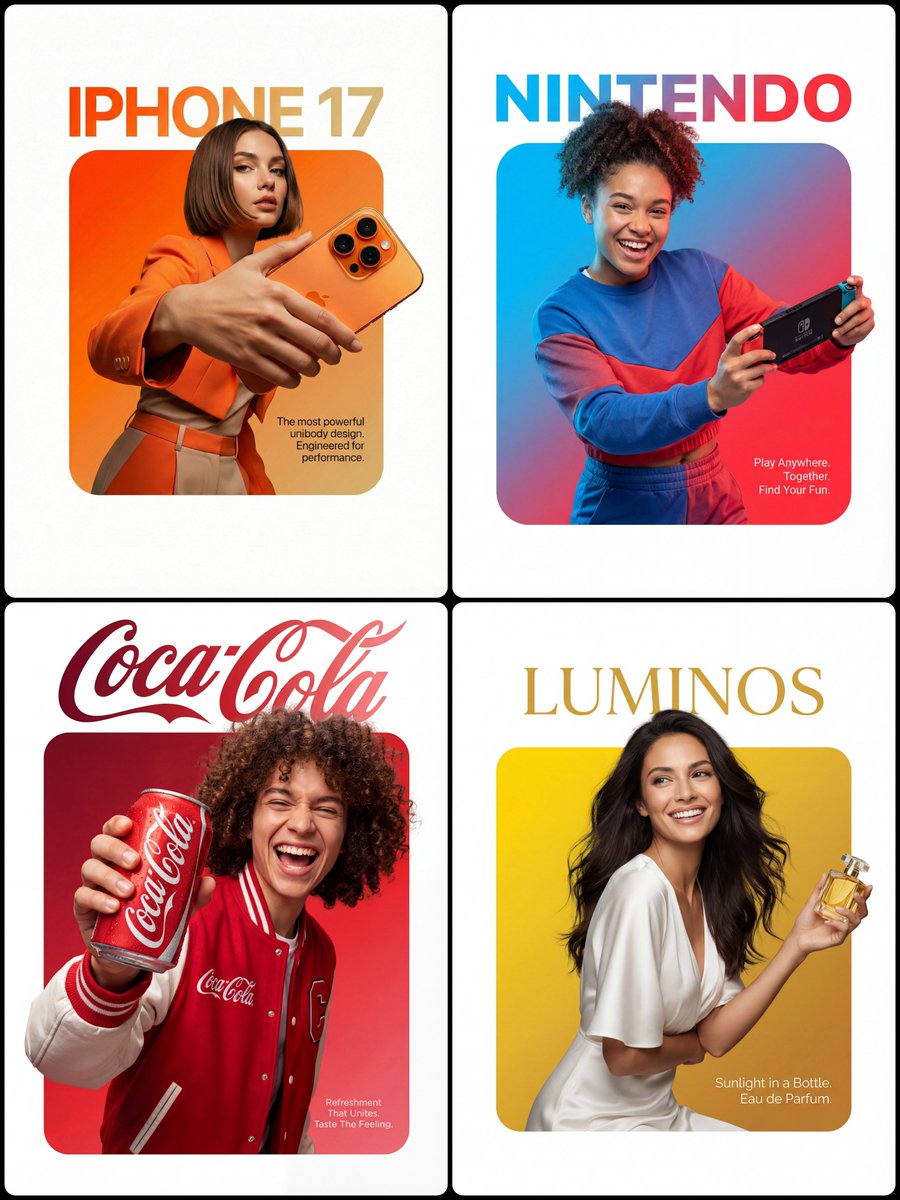
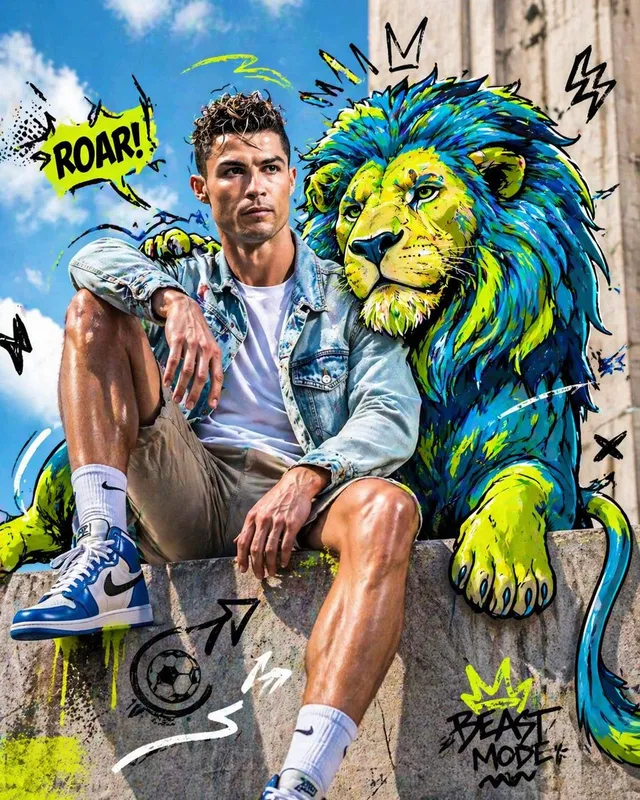
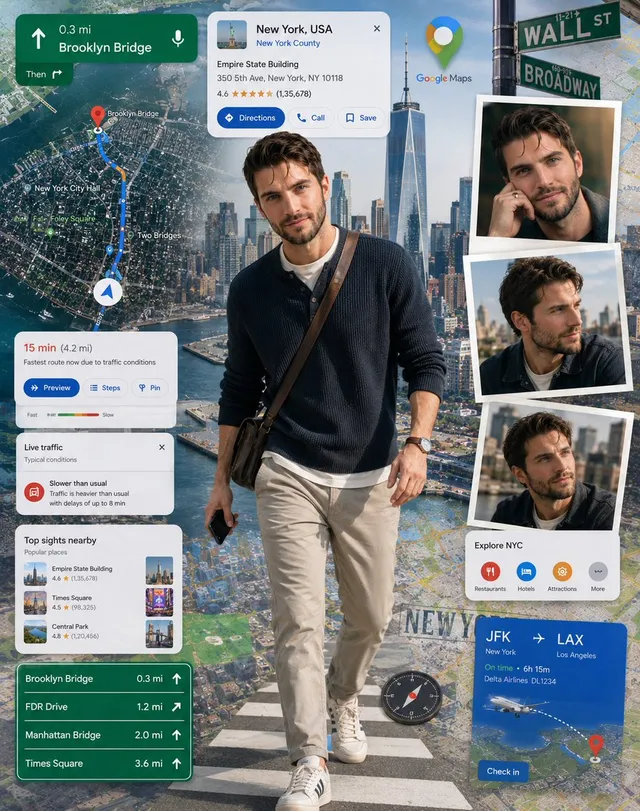
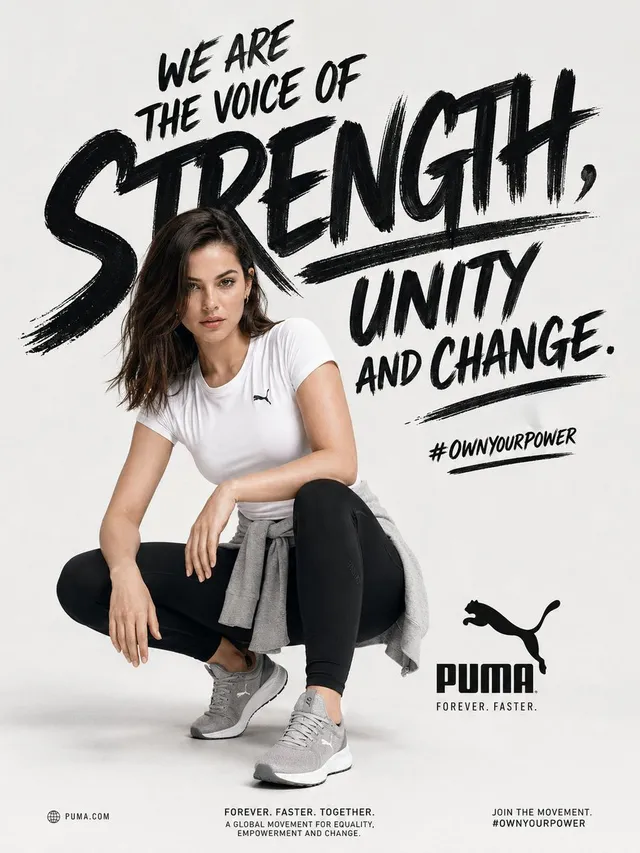
프롬프트/GPT Image 프롬프트/프롬프트 세부 정보이미지 프롬프트3D 브레이크아웃 효과 편집 광고피사체와 제품이 중앙 프레임에서 벗어나는 것처럼 보이는 프리미엄 광고 레이아웃을 위한 창의적인 프롬프트입니다.이 프롬프트 사용좋아요7조회396북마크9이 프롬프트를 저장하거나 친구와 공유하세요.프롬프트 공유프롬프트복사A premium editorial-style ad layout set on a clean pure-white background. At the center sits a perfectly symmetrical solid rounded square (filled, not an outline) with a smooth vibrant gradient inside fading from {argument name="gradient colors" default="Top-Left Color through to Bottom-Right Color"}. A {argument name="subject" default="Description of Character"} is placed so that the lower edge of their torso lines up flush with the bottom edge of the square, no leftover colored strip beneath them. The figure and outfit stay in true-to-life colors and textures, lit by professional studio lighting that is fully separate from the background gradient, so no color tint bleeds onto skin or clothing. They grip {argument name="product" default="Product Description"} in a confident, realistic hold. Importantly, the crown of the head and hair push past the top edge of the square and overlap into the white space, while the hands and the product cross the side edges as well, creating a strong 3D breakout effect spilling onto the canvas. Typography: Above the square, set on the white space with a deliberate gap, place the [Font Style] brand wordmark '[Brand Name]' in [Top Text Color]. Inside the square, layered over the gradient in the bottom-right corner, drop a small block of thin clean [Bottom Text Color] body text reading '[Slogan/Tagline]'. Lighting is [Lighting Type: e.g., Sharp/Soft], crisp, and commercial, bringing out the texture of both the person and the product.프롬프트 보기