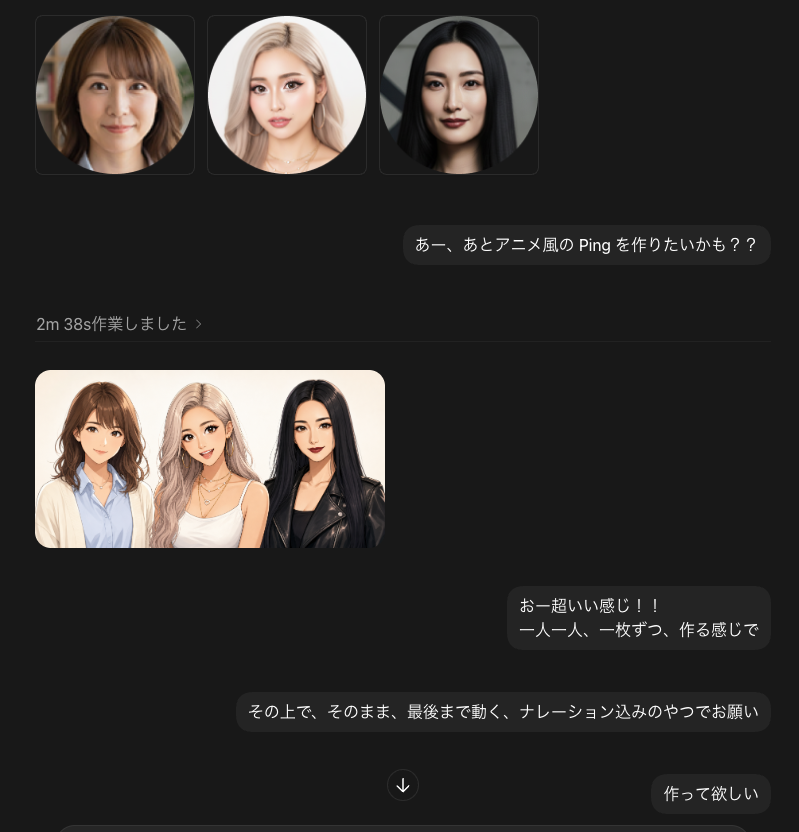
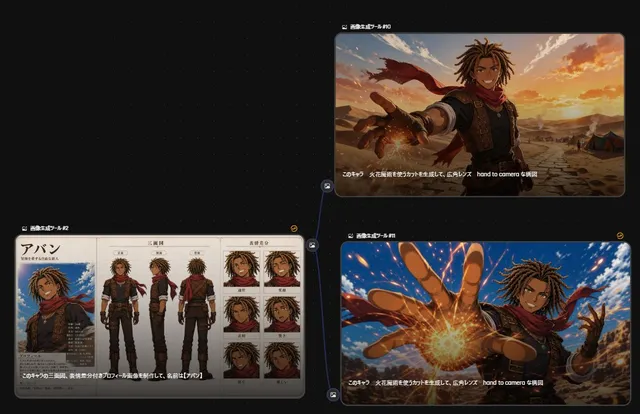
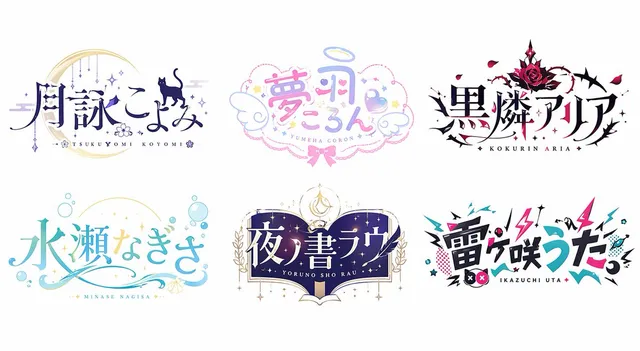
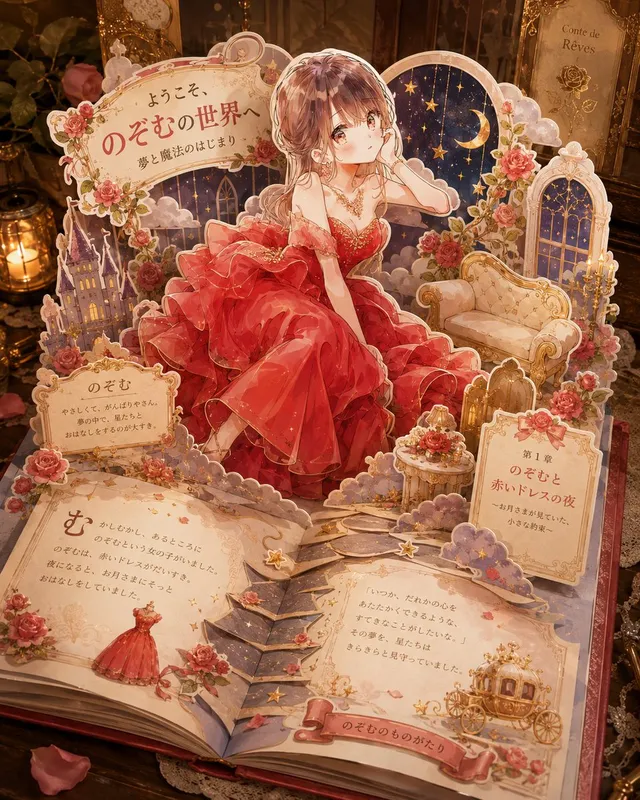
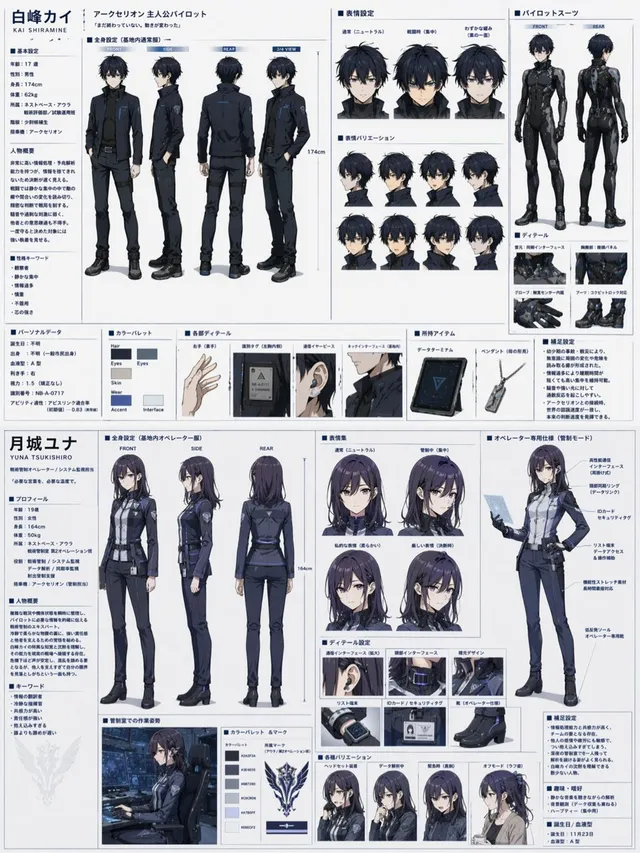
프롬프트/GPT Image 프롬프트/프롬프트 세부 정보이미지 프롬프트다크 채팅 UI 애니메이션 변환 스크린샷세 개의 초상화 입력과 일본어 대화 거품이 있는 애니메이션 스타일 생성 그룹 미리 보기를 보여주는 다크 모드 채팅 스크린샷 목업을 생성합니다.이 프롬프트는 참조 이미지와 함께 사용되었습니다이 프롬프트 사용좋아요2조회484북마크1이 프롬프트를 저장하거나 친구와 공유하세요.프롬프트 공유프롬프트복사Goal: Create a dark-mode chat interface screenshot showing an AI image-generation conversation about making anime-style animated characters from photos. Canvas: Square 768×768 image, dark charcoal background, cropped like a desktop chat app. Use subtle rounded rectangles, soft shadows, and muted gray dividers. Layout: At the top left, display exactly 3 square thumbnail cards in a row, each with a circular portrait inside: 1) a brunette woman with shoulder-length wavy hair, 2) a blonde woman with long light hair, 3) a black-haired woman with straight long hair. Each face should be intentionally blurred or covered with a soft rectangular privacy blur. To the right beneath the thumbnails, place a rounded dark chat bubble containing the Japanese message {argument name="first message" default="あー、あとアニメ風の Ping を作りたいかも??"}. Below, show a small gray status line on the left reading {argument name="status text" default="2m 38s作業しました ›"}, followed by a thin horizontal divider. Generated image preview: Under the divider on the left, place exactly 1 rounded rectangular preview image showing the same 3 women transformed into polished anime/semi-realistic character art, standing shoulder-to-shoulder on a warm off-white background. Count the characters exactly: 3 women — brunette in a cream cardigan over a light blue shirt, blonde in a white top with layered necklaces, and black-haired woman in a black leather jacket. Keep all faces privacy-blurred with soft rectangular blur blocks. Chat bubbles: Include exactly 4 visible outgoing message bubbles total: 1 top prompt bubble, 2 mid-lower bubbles, and 1 bottom-right bubble. The mid-lower first bubble should read {argument name="reaction message" default="おー超いい感じ!!\n一人一人、一枚ずつ、作る感じで"}. The mid-lower second, wider bubble should read {argument name="instruction message" default="その上で、そのまま、最後まで動く、ナレーション込みのやつでお願い"}. The bottom-right bubble should read {argument name="final message" default="作って欲しい"}. Add a small circular down-arrow button centered near the lower middle between the bubbles. Visual style: Realistic UI screenshot, Japanese chat app aesthetic, minimal and modern, dark theme, rounded corners, graphite message bubbles, light gray text, clean spacing. The character art preview should look like high-quality anime-photo conversion rather than flat cartoon. Constraints: Use exactly 3 top portrait thumbnails, exactly 1 generated preview image, exactly 3 anime-style women inside the preview, exactly 4 chat bubbles, and exactly 1 down-arrow button. Do not add app logos, watermarks, extra buttons, extra text, or extra people.프롬프트 보기