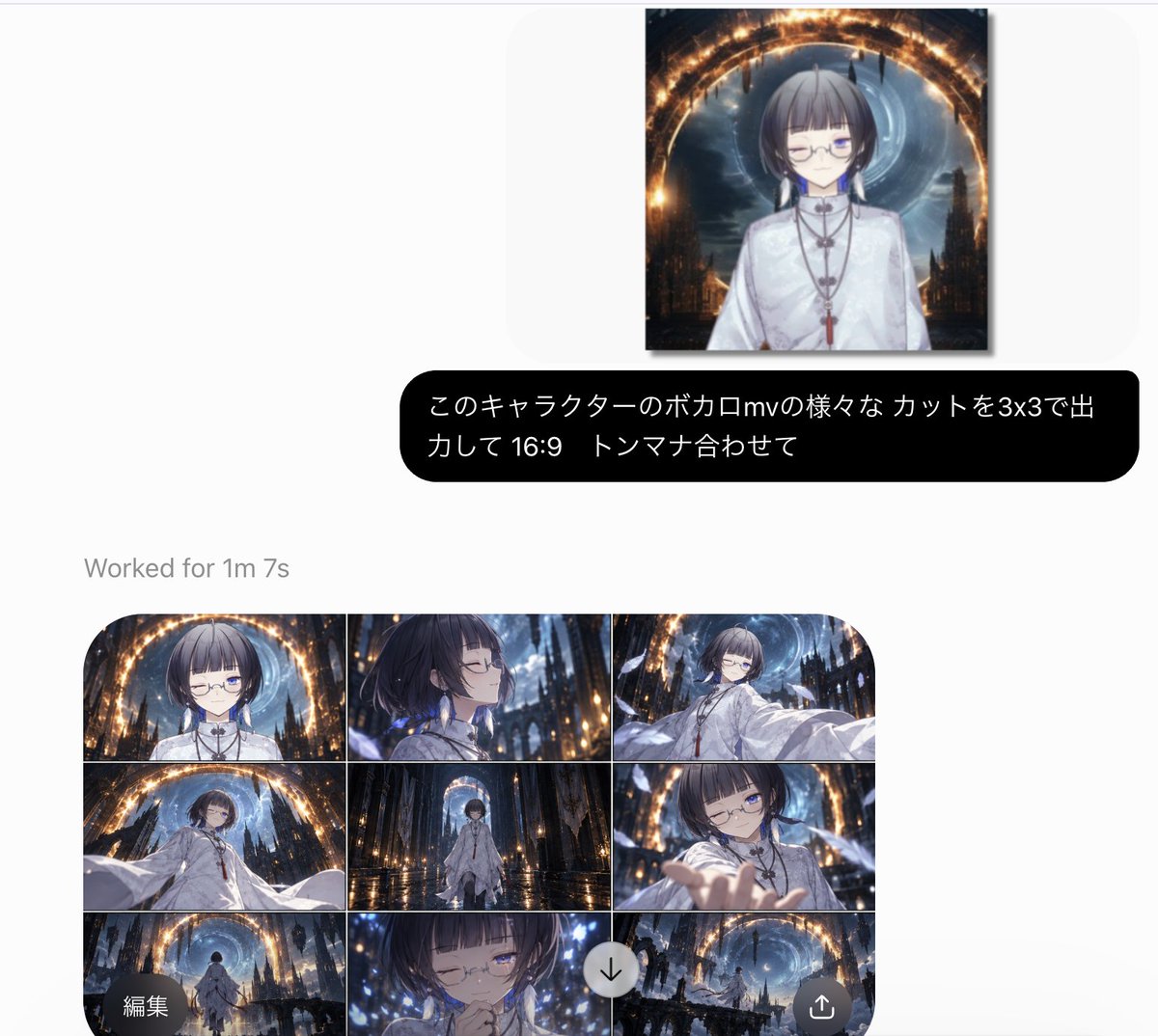
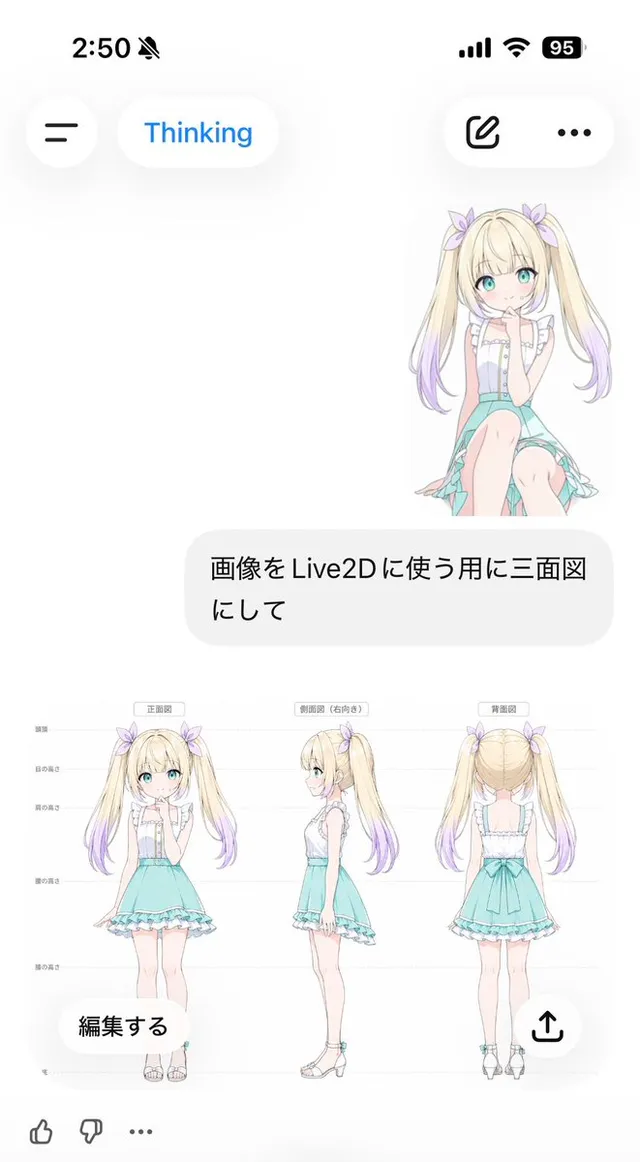
프롬프트/GPT Image 프롬프트/프롬프트 세부 정보이미지 프롬프트애니메이션 3x3 스토리보드 포함 AI 생성 UI이미지 1/2중국어 프롬프트와 완성된 3x3 영화 같은 보컬로이드 스타일 MV 스토리보드 그리드를 보여주는 사실적인 웹 앱 스크린샷을 생성합니다.이 프롬프트는 참조 이미지와 함께 사용되었습니다이 프롬프트 사용좋아요7조회1,729북마크4이 프롬프트를 저장하거나 친구와 공유하세요.프롬프트 공유프롬프트복사Goal: Create a clean social-media screenshot of an AI image generation interface showing a completed anime music-video storyboard request and its 3x3 output grid. Canvas: Horizontal screenshot, approximately 1200x884 px, white/light-gray background with lots of empty margin. Use a modern minimal web-app UI style with rounded cards, soft shadows, and gray system text. Top area: Near the upper center, show one rectangular reference image preview with a subtle shadow. The preview contains an anime character: a short-haired androgynous young person with {argument name="hair color" default="dark ash-brown bob haircut with straight bangs"}, pale skin, thin round glasses, one eye closed in a wink, one blue visible eye, wearing a white high-collar ceremonial robe with necklaces and a red tassel. Behind them is a dark fantasy cathedral city with a glowing golden circular arch and a blue vortex moon-like sky. Prompt bubble: Below the preview, place a wide black rounded speech bubble with white Japanese text, reading exactly {argument name="prompt text" default="このキャラクターのボカロmvの様々なカットを3x3で出力して 16:9 トンマナ合わせて"}. The bubble should span most of the center width and have large rounded corners. Status text: Under the bubble, aligned left above the output grid, add gray text reading {argument name="status text" default="Worked for 1m 7s"}. Output grid: Show exactly 9 cinematic panels arranged in a 3 columns by 3 rows grid, inside one large rounded rectangle with clipped rounded corners. Each panel is 16:9, separated by thin white grid lines, all sharing the same tone: dark blue, black, white, and warm gold, glossy anime/Vocaloid MV aesthetic, dramatic lighting, cathedral ruins, floating feathers or sparkles, wet reflective floor, glowing golden ring, blue vortex sky. The 9 panels are: 1. Top-left: frontal bust shot of the character under the glowing golden arch, calm expression, glasses, white robe. 2. Top-center: side-profile close-up with hair blowing, eyes closed, blue lights in the dark cathedral background. 3. Top-right: dynamic three-quarter shot, character extending a white sleeve toward the viewer, golden arch and blue vortex behind. 4. Middle-left: low-angle wide shot, character leaning or reaching forward with billowing white sleeves, cathedral towers around them. 5. Middle-center: full-body centered shot standing on a reflective wet floor, framed by a tall archway and distant glowing ring. 6. Middle-right: close shot of character reaching a hand toward the camera, one eye closed, foreshortened hand in foreground. 7. Bottom-left: rear wide shot of the character walking into the cathedral environment beneath the glowing arch. 8. Bottom-center: emotional close-up, character with eyes closed and hands near mouth or chest, surrounded by blue sparkles. 9. Bottom-right: very wide establishing shot of ruined gothic towers, glowing circular arch, blue vortex sky, tiny figure or distant character. Overlay controls: Add exactly 3 circular interface controls over the lower part of the grid: a dark circular button at bottom-left labeled {argument name="edit button text" default="編集"}, a light gray circular download button with a downward arrow near the lower center-right, and a dark circular share button with an upward arrow at bottom-right. Style constraints: The whole image should look like a real captured web UI, not a poster. Keep the interface text crisp, the grid slightly cropped by the bottom edge of the screenshot, and the anime panels high-detail, cinematic, consistent in character design and color grading.프롬프트 보기