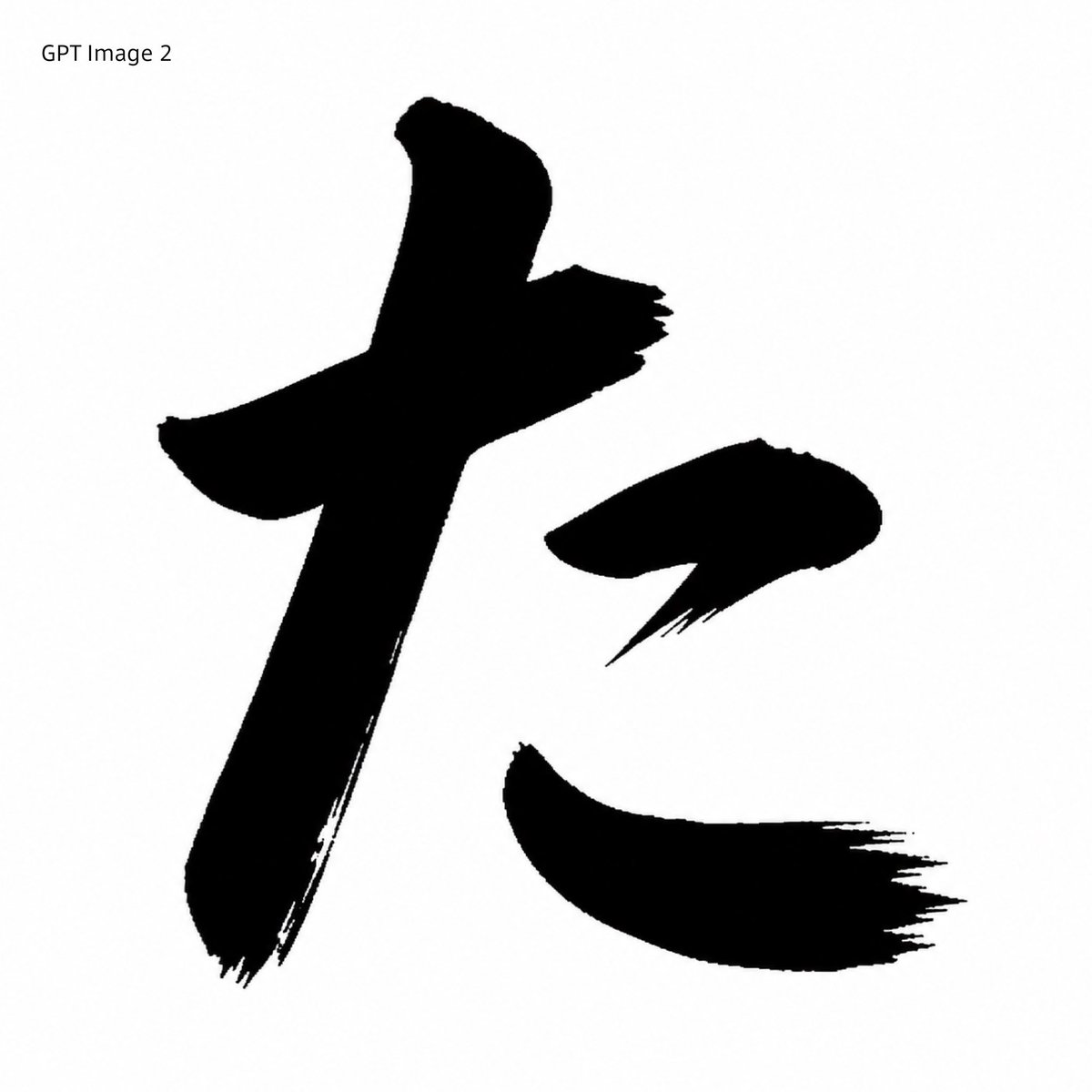
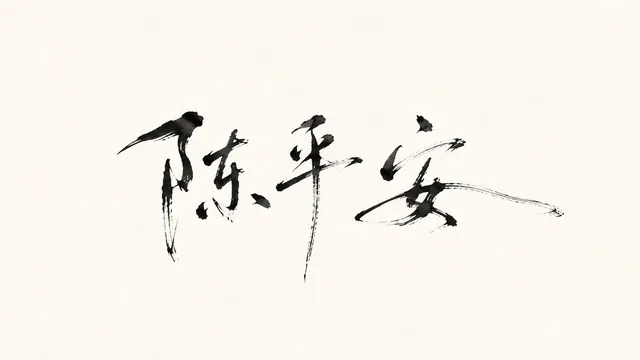
프롬프트/GPT Image 프롬프트/프롬프트 세부 정보이미지 프롬프트검은 붓 글씨 변환참조 일본 글자를 시각적 비교를 위해 흑백 GPT Image 2 스타일 붓 글씨 샘플로 변환합니다.이 프롬프트는 참조 이미지와 함께 사용되었습니다이 프롬프트 사용좋아요1조회198북마크0이 프롬프트를 저장하거나 친구와 공유하세요.프롬프트 공유프롬프트복사Using REFERENCE_0 as the character-shape source, transform the red printed kaisho glyph into a GPT Image 2-style black brush-calligraphy rendering. Preserve the same overall character, scale, placement, and white square canvas, but replace the clean red vector-like strokes with solid black ink strokes that have rough bristle texture, dry-brush fraying, uneven edges, and sharp sweeping hane/harai endings. Remove the original red Japanese font label at the top and instead add the plain black text label {argument name="top left label" default="GPT Image 2"} in the upper-left corner. Keep exactly 3 separated main stroke components matching the reference layout: the large left vertical/cross stroke, the small upper-right dot stroke, and the lower-right sweeping stroke. Minimal monochrome comparison-sample look, no extra decoration, no watermark.프롬프트 보기