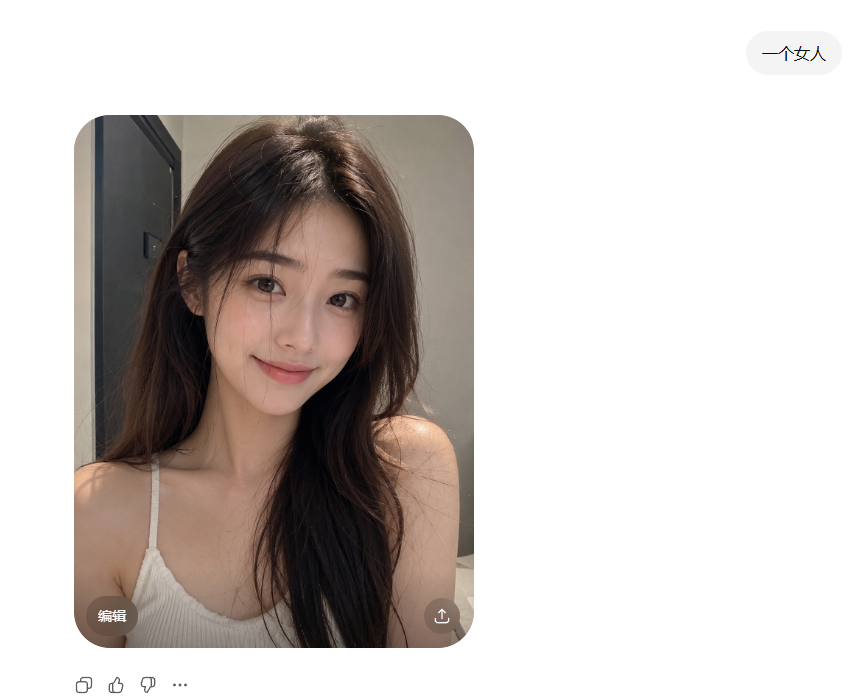
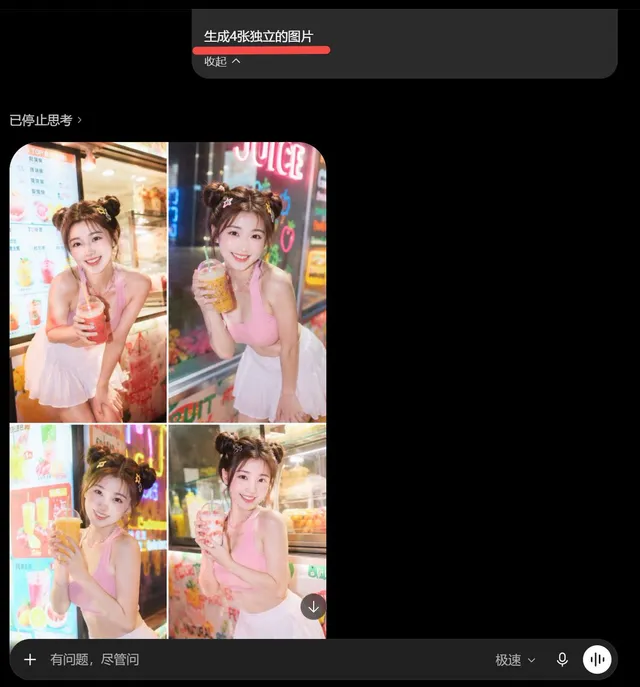
프롬프트/GPT Image 프롬프트/프롬프트 세부 정보이미지 프롬프트ChatGPT 초상화 결과 스크린샷간단한 중국어 프롬프트에서 나온 사실적인 검열된 초상화 결과를 보여주는 미니멀한 ChatGPT 스타일 인터페이스를 생성합니다.이 프롬프트는 참조 이미지와 함께 사용되었습니다이 프롬프트 사용좋아요0조회84북마크0이 프롬프트를 저장하거나 친구와 공유하세요.프롬프트 공유프롬프트복사Create a clean screenshot-style ChatGPT image generation result on a white interface. In the upper right, place one rounded light-gray prompt pill containing the Chinese text {argument name="prompt text" default="一个女人"}. The main content is one large rounded-rectangle photo card positioned left of center, with heavily rounded corners. Inside the card is a realistic indoor selfie-style portrait of {argument name="subject" default="a young woman"} from the chest up, seated or leaning forward in a small bathroom or dressing-room-like interior. She has long, slightly messy dark brown hair with soft volume, bare shoulders, and wears a white ribbed spaghetti-strap camisole. The lighting is warm and natural, with a gray wall behind her and a dark vertical doorframe or cabinet edge on the left. Her face is completely covered by one centered vertical rectangular censor block in a muted brown skin-tone color, obscuring all facial features. On the bottom-left corner of the photo card, include one small translucent dark rounded button labeled “Edit” in English. On the bottom-right corner of the photo card, include one small translucent dark circular share/download icon. Below the image card, show exactly four small interface controls aligned horizontally: copy icon, thumbs-up icon, thumbs-down icon, and three-dot more icon. Keep the overall composition minimal, with generous white margins, no watermark, and no extra text.프롬프트 보기