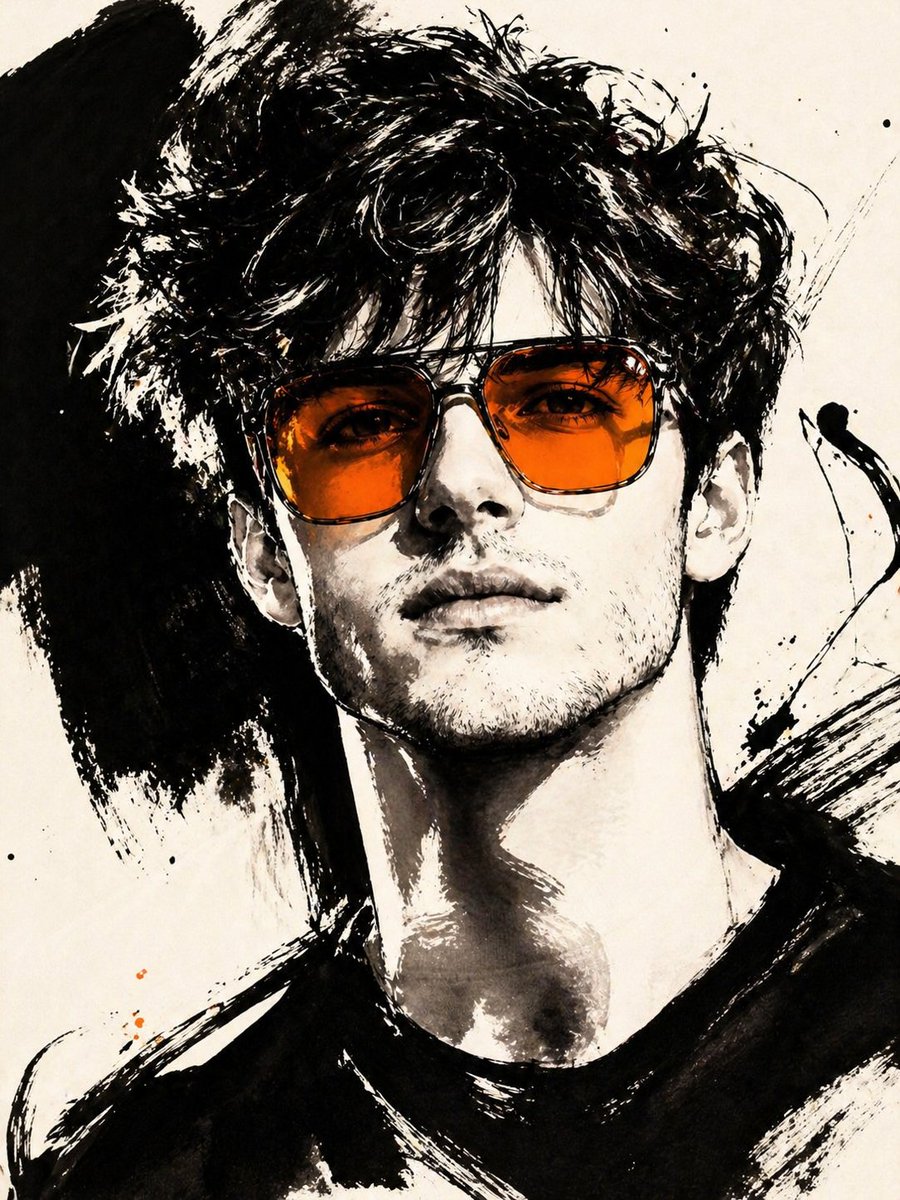
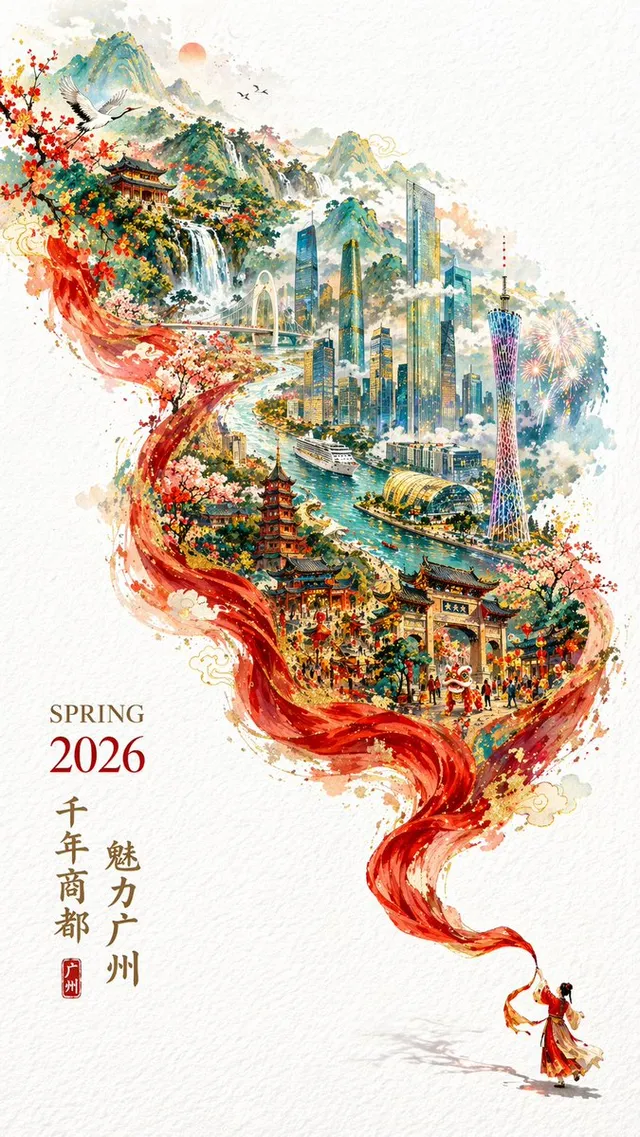
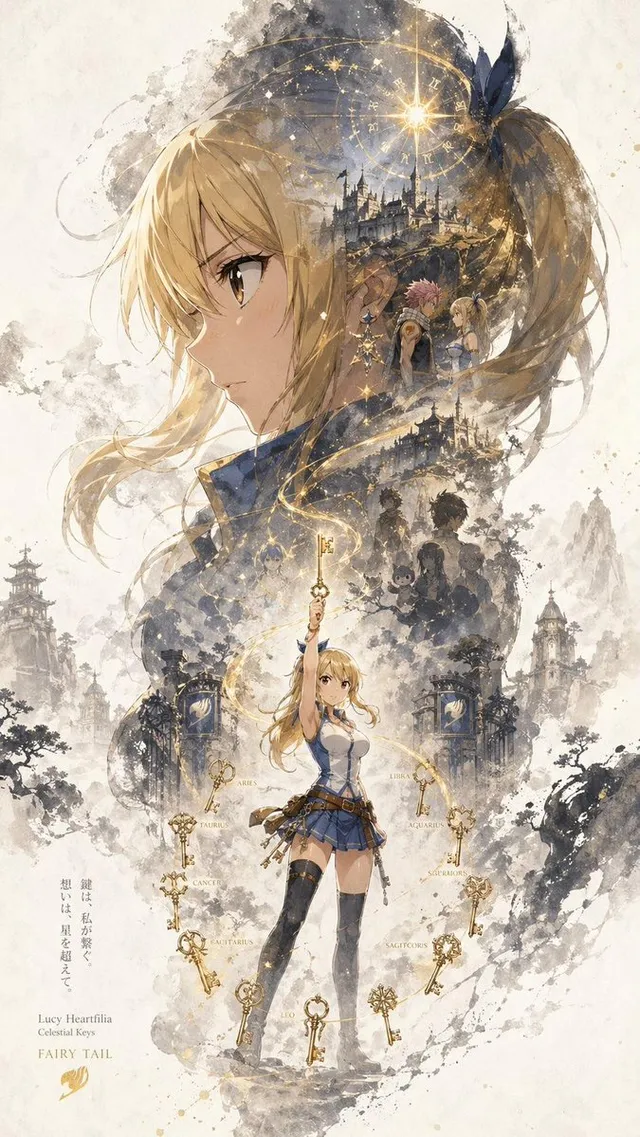
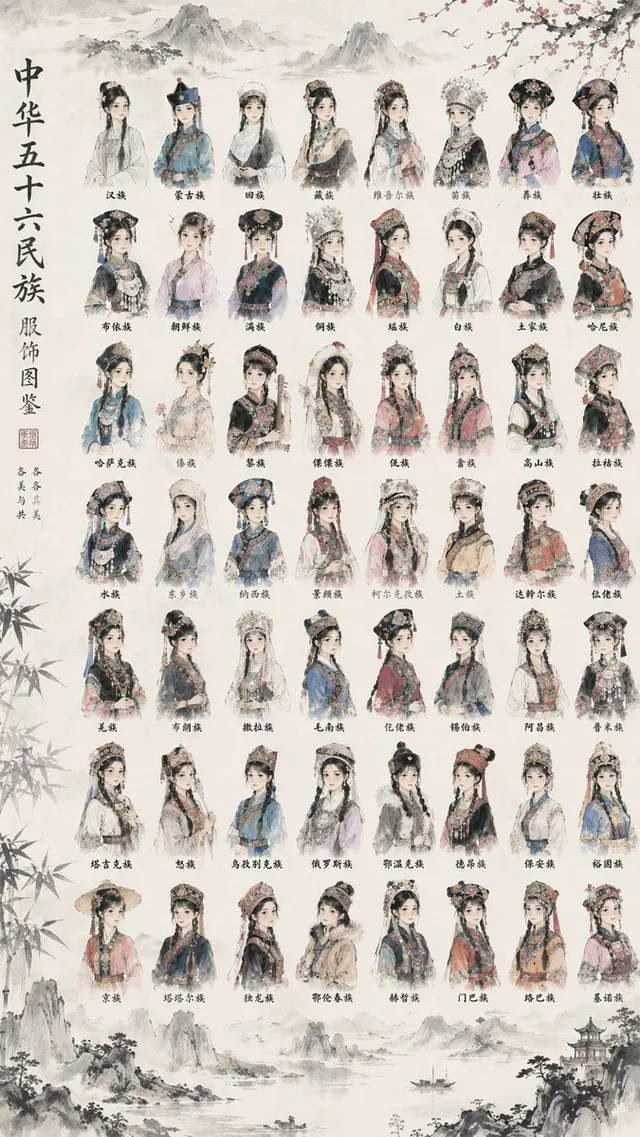
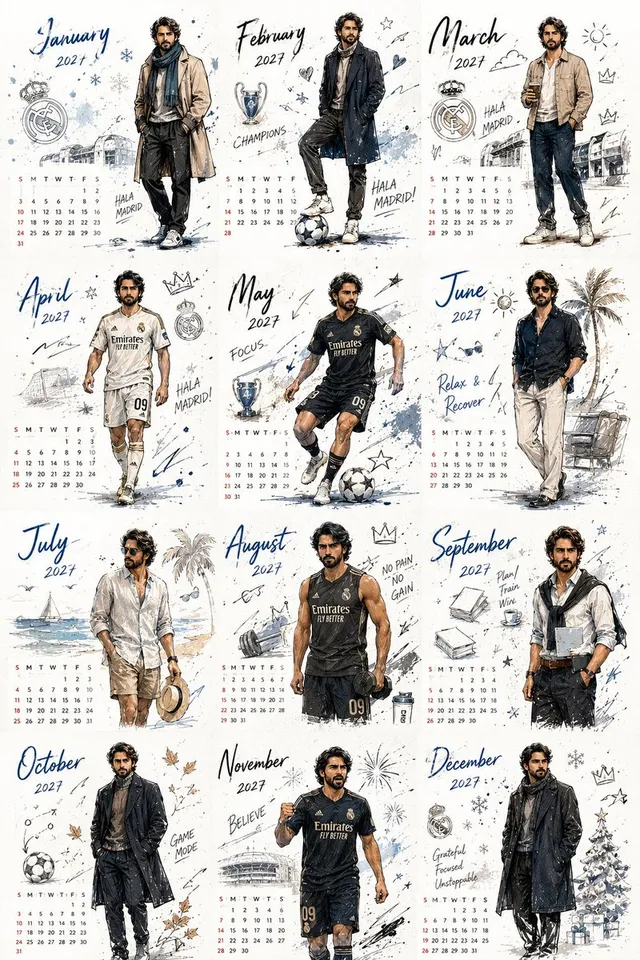
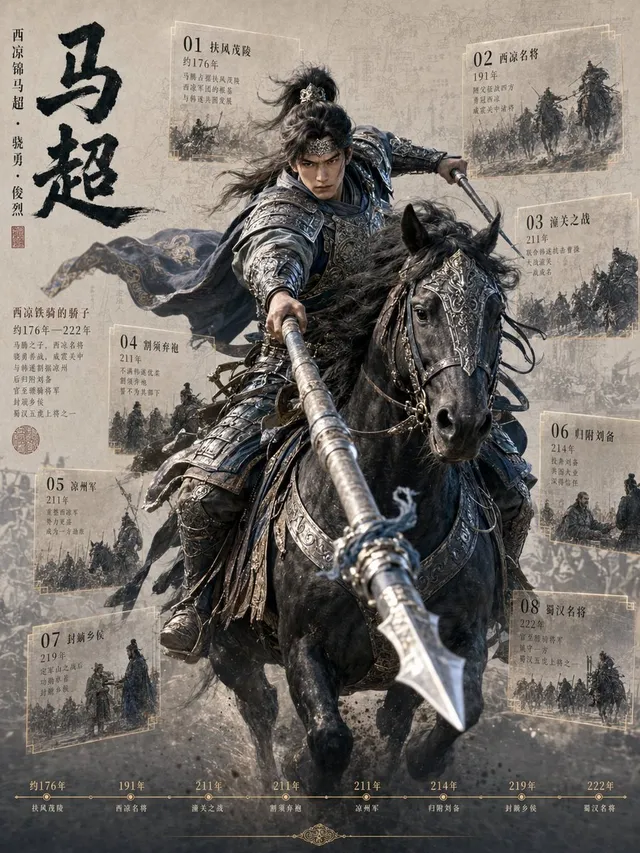
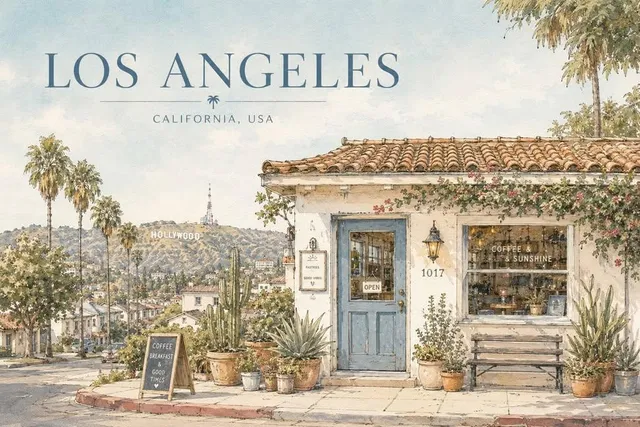
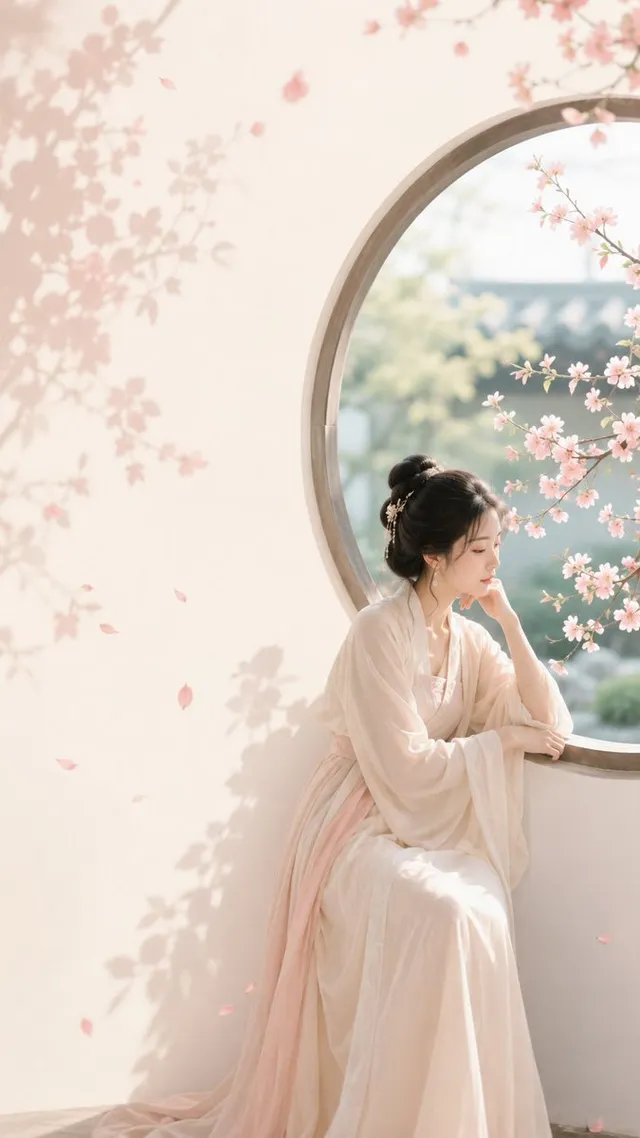
프롬프트/GPT Image 프롬프트/프롬프트 세부 정보이미지 프롬프트제스처 잉크 패션 일러스트레이션사진을 특정 색상 악센트가 있는 대담하고 하이패션 흑백 잉크 일러스트로 변환하는 고급 이미지-이미지 프롬프트.이 프롬프트는 참조 이미지와 함께 사용되었습니다이 프롬프트 사용좋아요101조회2,331북마크37이 프롬프트를 저장하거나 친구와 공유하세요.프롬프트 공유프롬프트복사ASPECT_RATIO: [{argument name="aspect ratio" default="3:4"}] SOURCE_IMAGE: [{argument name="reference" default="uploaded photo"}] ACCENT_COLOR: [{argument name="accent color" default="single vivid highlight color"}] Use the uploaded photo as the base image and the only identity source. Keep the person exactly the same and clearly recognizable. Ignore the original framing and always recompose into a tight close-up or upper-body editorial crop, with the face dominating the frame. Transform the image into a gestural editorial ink fashion illustration. The style must be built from bold black brushwork, not delicate sketch lines. Use: very thick black brush strokes broad dry-brush sweeps large asymmetrical black ink masses long loose calligraphic lines broken contours scratchy secondary linework strong black-on-ivory contrast smooth monochrome skin The thick strokes must be clearly dominant. Do not render the portrait mainly with thin contour lines. Do not make it neat, polished, or softly illustrated. The image should feel painted with a loaded brush and finished with sharp expressive pen marks. Keep the portrait stylish and high-fashion. Use one hero accessory, preferably oversized translucent tinted sunglasses. The accent color [ACCENT_COLOR] must live mainly inside that accessory, especially in the lenses, as a bold luminous tint. Only tiny supporting traces of the same color may appear elsewhere.프롬프트 보기