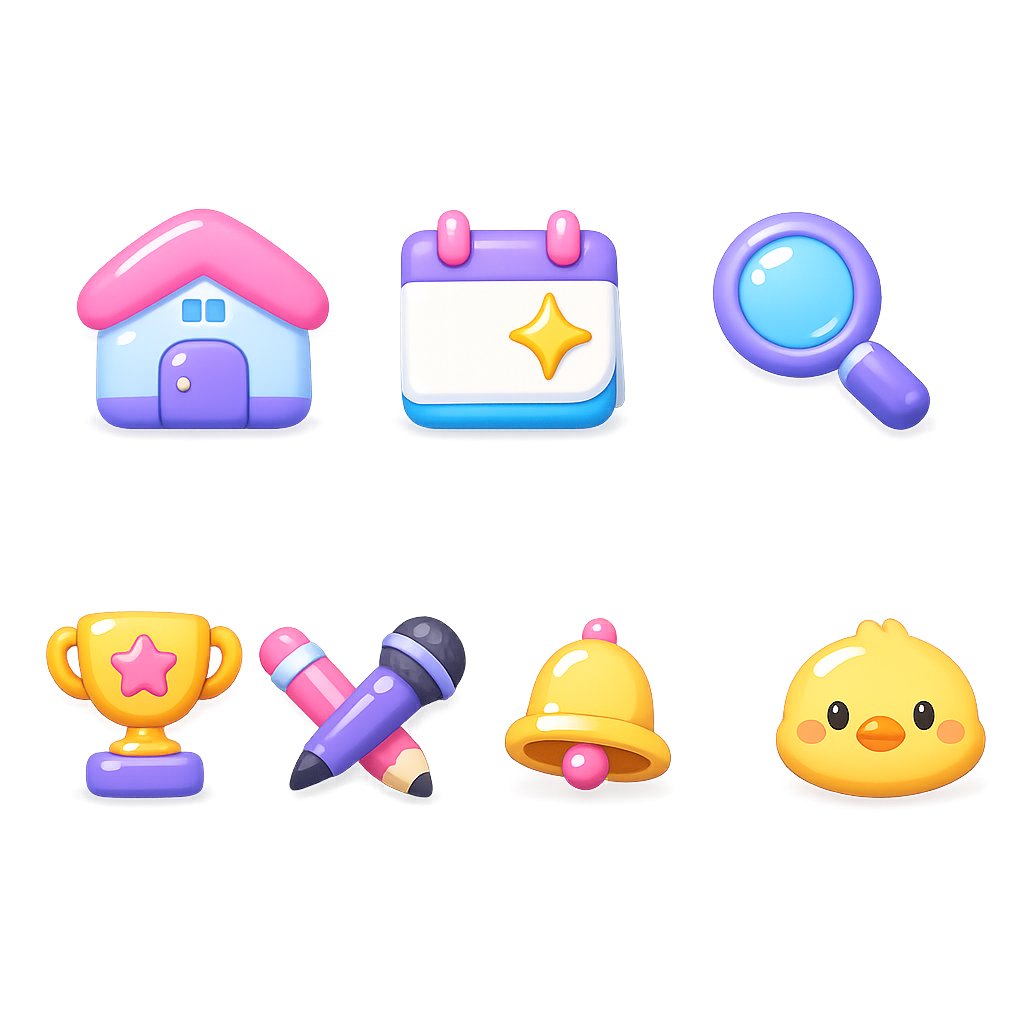
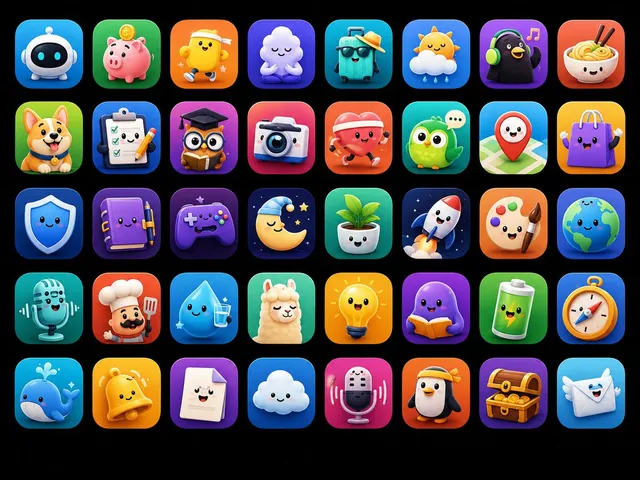
프롬프트/GPT Image 프롬프트/프롬프트 세부 정보이미지 프롬프트글로시 3D 웹사이트 카테고리 아이콘웹사이트 카테고리 헤더, 랜딩 페이지 또는 앱 탐색 에셋을 위한 귀여운 파스텔 3D 아이콘 세트를 생성합니다.이 프롬프트는 참조 이미지와 함께 사용되었습니다이 프롬프트 사용좋아요6조회65북마크0이 프롬프트를 저장하거나 친구와 공유하세요.프롬프트 공유프롬프트복사Create a clean asset-style icon set on a pure white background, arranged in a balanced grid with exactly 7 glossy 3D clay icons. Use a cute rounded toy-like style with soft shadows, high saturation pastel colors, smooth gradients, specular highlights, and no text. Canvas is square 1:1, about 768×768, with generous whitespace and each icon isolated as if for a website category header. The 7 icons are: 1) a rounded house with a pink roof, pale blue walls, purple base and door, two small blue windows, and glossy white highlights; 2) a calendar card with a purple top bar, two pink binder rings, white page area, cyan bottom edge, and a yellow sparkle star in the center; 3) a magnifying glass with a purple handle and rim, cyan blue lens, and bright reflections; 4) a gold trophy with side handles, purple base, and a pink star badge on the cup; 5) crossed writing tools, one purple microphone-like pen with dark tip and black cap details, crossed with a pink pencil with pale wood tip; 6) a golden yellow notification bell with a pink knob and clapper, rounded highlights, viewed slightly from the front; 7) a cute yellow chick face icon with small black eyes, orange beak, blush cheeks, and a tiny tuft on top. Keep all icons evenly spaced in two rows: top row has 3 icons, bottom row has 4 icons. Use {argument name="icon style" default="glossy 3D clay app icons"}, {argument name="background color" default="pure white"}, {argument name="primary palette" default="pink, purple, cyan, yellow pastel colors"}, {argument name="icon count" default="7"}, and {argument name="layout" default="two rows, 3 icons on top and 4 icons on bottom"}. Avoid outlines, labels, UI frames, watermarks, and extra objects.프롬프트 보기