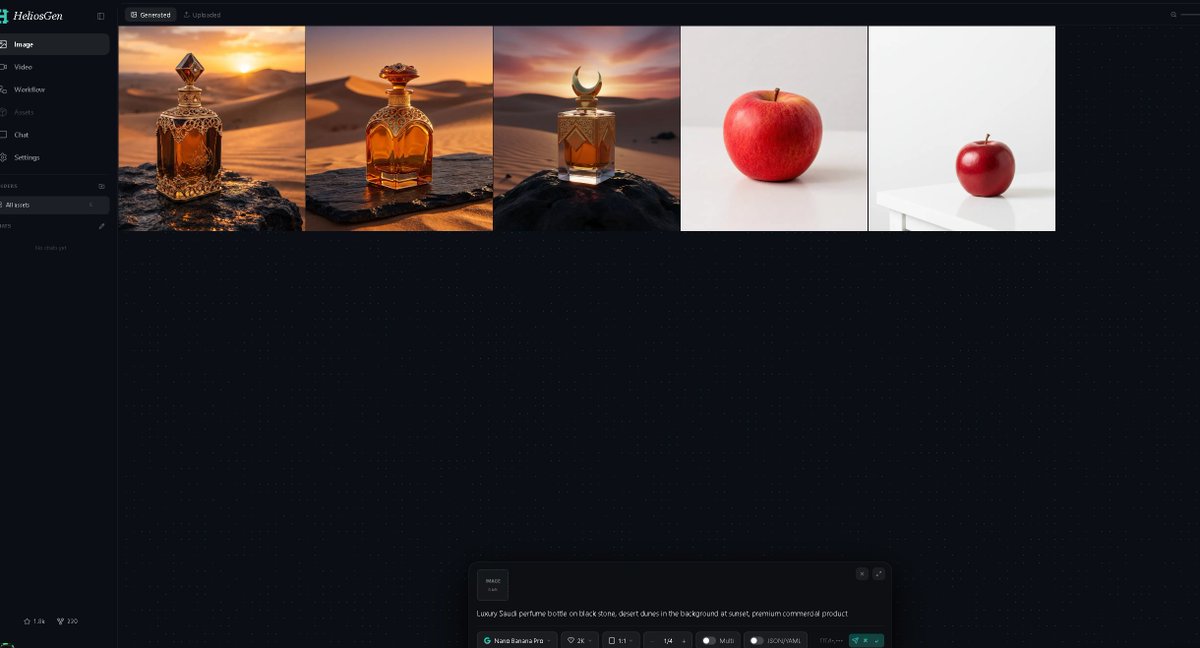
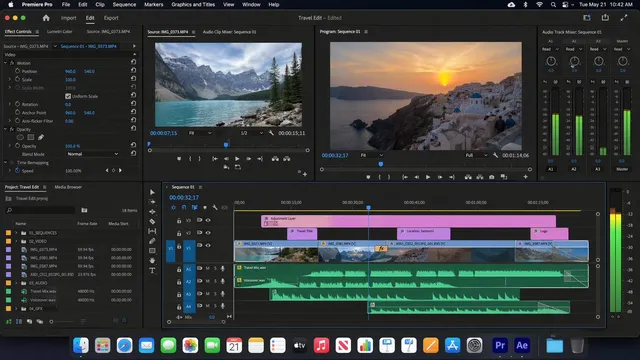
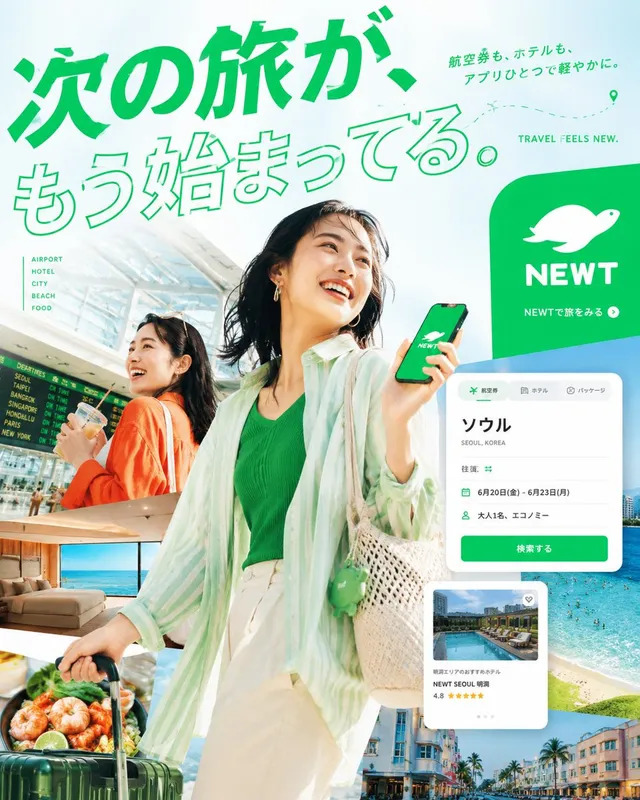
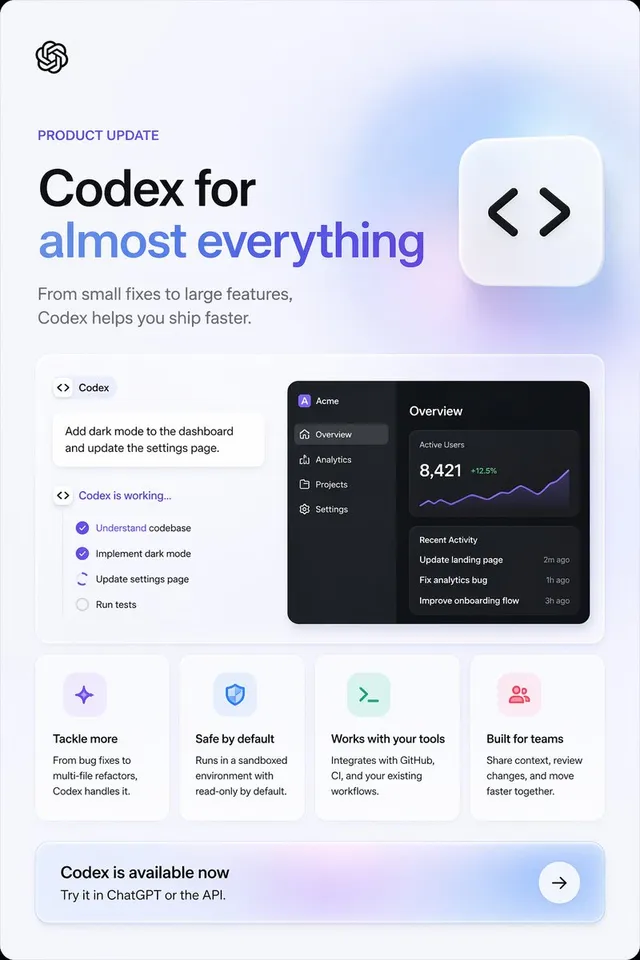
프롬프트/GPT Image 프롬프트/프롬프트 세부 정보이미지 프롬프트어두운 AI 생성 대시보드 스크린샷이미지 생성 워크플로를 보여주기 위한 생성된 이미지 썸네일과 AI 프롬프트 제어판을 보여주는 넓은 다크 모드 HeliosGen 스타일 대시보드 목업입니다.이 프롬프트는 참조 이미지와 함께 사용되었습니다이 프롬프트 사용좋아요4조회477북마크3이 프롬프트를 저장하거나 친구와 공유하세요.프롬프트 공유프롬프트복사Goal: Create a dark-mode desktop web app screenshot for {argument name="app name" default="HeliosGen"}, an AI image/video generation dashboard, shown in a wide 16:9 browser-like canvas. Canvas: 1200×675 style screenshot, very dark navy/black interface with subtle dotted grid texture across the main workspace. Use a clean modern SaaS UI aesthetic, thin dividers, small muted gray text, and teal accents. Layout: A narrow left sidebar occupies about 10% of the width, with the main workspace filling the rest. At the top of the main workspace, show two small tabs: “Generated” selected and “Uploaded” inactive. Beneath the tabs, display exactly 5 generated image thumbnails in one horizontal row, aligned along the top, each separated by thin borders. Sidebar details: Top-left logo text reads “HeliosGen” with a small teal emblem. Include exactly 6 primary navigation items with icons: 1) Image selected, 2) Video, 3) Workflow, 4) Assets, 5) Chat, 6) Settings. Below that, show a small “Folders” section with exactly 1 folder row labeled “All works,” then an empty-state area reading “No chats yet.” At the bottom-left, add two tiny stats/icons resembling “1.8k” and “220.” Thumbnail row: Show exactly 5 thumbnails from left to right: 1) an ornate amber luxury perfume bottle on a dark rock in a golden desert at sunset, 2) a rounded amber perfume bottle with ornate gold cap on a stone slab in desert dunes at sunset, 3) a square amber perfume bottle with a crescent-shaped cap on a black rock in desert dunes at sunset, 4) a single red apple centered on an off-white studio background, 5) a smaller red apple sitting on a white table in a minimal white studio scene. The first three thumbnails should feel cinematic and warm; the last two should be minimal product-photo tests. Bottom prompt panel: Near the bottom center of the workspace, include a floating generation control panel with rounded corners. On the left of the panel, show a small square preview tile labeled “IMAGE 1:1.” In the main text area, include the prompt: “{argument name="generation prompt" default="Luxury Saudi perfume bottle on black stone, desert dunes in the background at sunset, premium commercial product"}”. Along the bottom of the panel, show compact controls reading approximately “Nano Banana Pro,” “2K,” “1:1,” “1/4,” “Multi,” and “JSON (4.14k),” plus a teal send/generate button at the right. Visual style: Crisp UI screenshot, high contrast, minimal glow, fine dotted background, realistic generated-image thumbnails, no browser chrome, no extra popups, no people, no watermark.프롬프트 보기