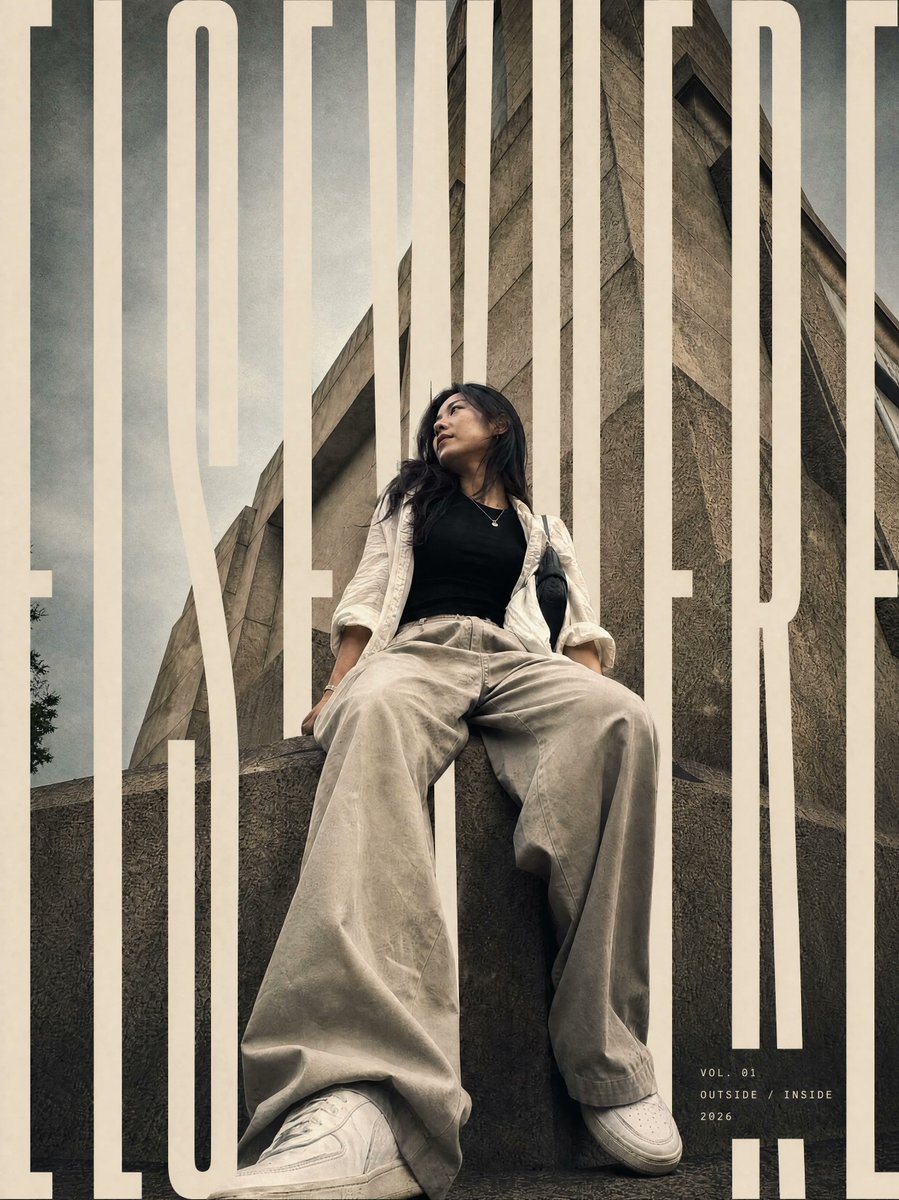
프롬프트/GPT Image 프롬프트/프롬프트 세부 정보이미지 프롬프트레이어드 편집 타이포그래피 포스터참조 사진에서 패션 편집 포스터를 만들며, 피사체 주위에 오버사이즈 마스크 타이포그래피를 레이어링합니다.이 프롬프트는 참조 이미지와 함께 사용되었습니다이 프롬프트 사용좋아요0조회33북마크1이 프롬프트를 저장하거나 친구와 공유하세요.프롬프트 공유프롬프트복사Using the provided reference image, transform it into a vertical editorial magazine poster while preserving the subject’s identity, pose, outfit, low-angle perspective, and brutalist concrete architecture. Reframe slightly tighter into a polished cover composition with cinematic contrast, muted beige/gray grading, subtle film grain, and a premium fashion-editorial finish. Typography: Add one oversized condensed uppercase typographic word across the full poster: {argument name="main cover word" default="EXEMPLAIRE"}. Make the letters extremely tall, cream/off-white, and cropped by the poster edges. Integrate the word through the composition with depth masking: some vertical letter strokes pass behind the subject and architecture, while others sit in front, creating a layered magazine-cover effect. Keep the typography bold, minimal, and architectural. Additional text: Add a small minimal cover-detail block near the lower right with exactly 3 lines: {argument name="issue line" default="VOL. 01"}, {argument name="theme line" default="OUTSIDE / INSIDE"}, and {argument name="year" default="2026"}. Use small spaced uppercase lettering in off-white. Constraints: Do not change the person’s clothing, expression, or pose. Do not add extra objects, logos, borders, or watermarks. Keep the brutalist building visible and make the final image feel like an editorial-grade poster rather than a simple photo filter.프롬프트 보기