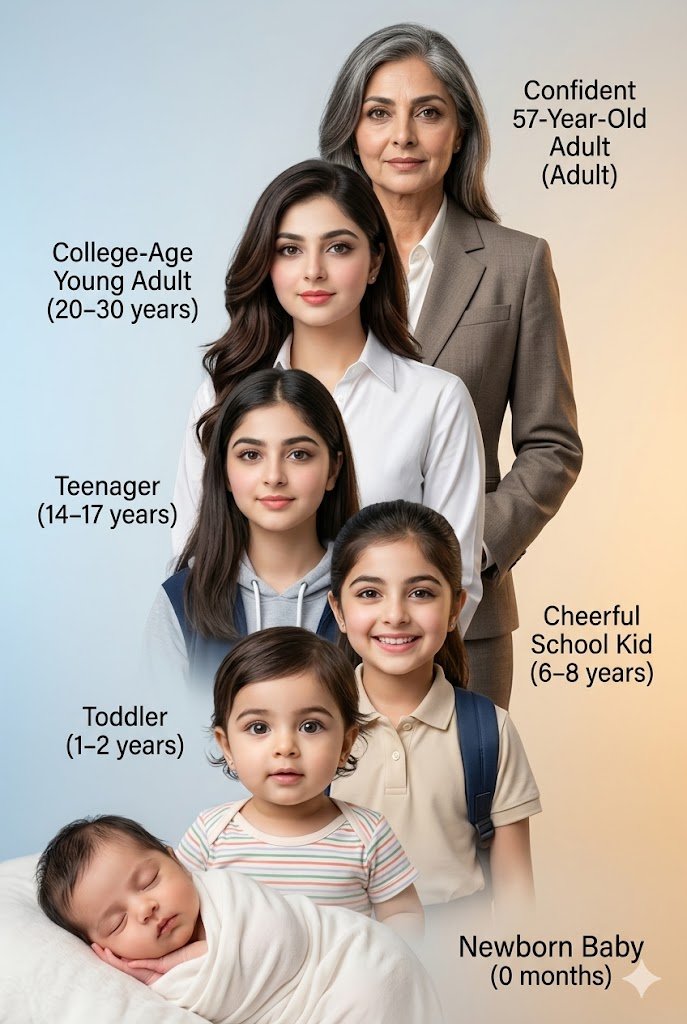
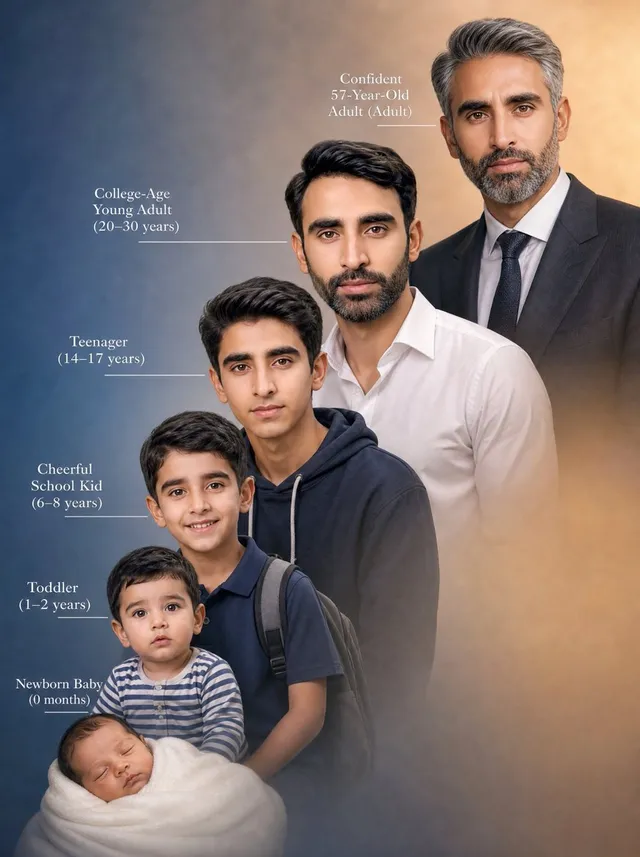
프롬프트/GPT Image 프롬프트/프롬프트 세부 정보이미지 프롬프트인간 생애 진행 합성신생아부터 노인까지 사람의 생애 단계를 보여주면서 얼굴 동일성을 유지하는 수직 합성 이미지를 생성하는 복잡한 프롬프트입니다.이 프롬프트는 참조 이미지와 함께 사용되었습니다이 프롬프트 사용좋아요14조회624북마크7이 프롬프트를 저장하거나 친구와 공유하세요.프롬프트 공유프롬프트복사Generate a meticulously detailed, vertical composite photograph illustrating the life progression of the {argument name="subject" default="uploaded handsome man"}, specifically maintaining the unique facial structure of the person, age {argument name="original age" default="30"}, which will be provided as an input image. The image is a cascading stack of six distinct individuals, linked by precise feature continuity. Top Layer (Future): 'Confident 57-Year-Old Adult' with salt-and-pepper hair, in a mature suit, features weathered but clearl. Next Layer: 'College-Age Young Adult (20–30 years)'—This is the prime 30-years-old state of the person with stylish hair and well groomed, in a premium crisp white shirt, looking ambitious. Third Layer: 'Teenager (14–17 years)' - A slightly younger person, in a school hoodie, with clear facial structure. Fourth Layer: 'Cheerful School Kid (6–8 years)' As a smiling child with a backpack, in a polo shirt. Fifth Layer: 'Toddler (1–2 years)' As an inquisitive toddler in a striped onesie. Sixth Layer: 'Newborn Baby (0 months)' The base layer, as a sleeping infant swaddled in soft fabric. The entire composition has a smooth, {argument name="background" default="soft-light gradient background from cool blue to warm amber"}. Each age label is precisely typeset next to its figure, using the exact text like 'Confident 57-Year-Old Adult (Adult)'. Features must remain identical across ages, just aged or de-aged. Organise each photo from bottom left to top right. Shot with a professional studio finish, hyper-realistic, 8k. Use provided photo as reference for the 25 years old me. Aspect ratio 2:3프롬프트 보기