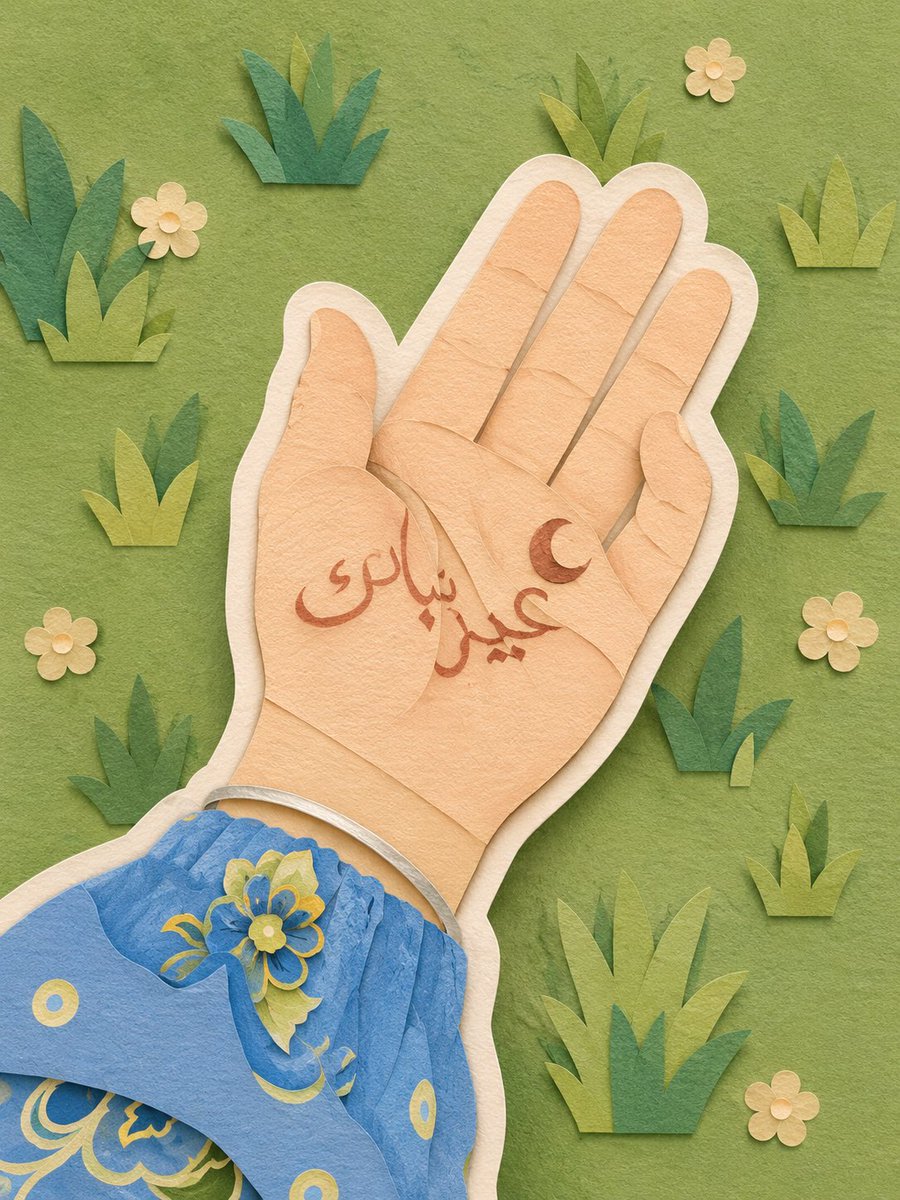
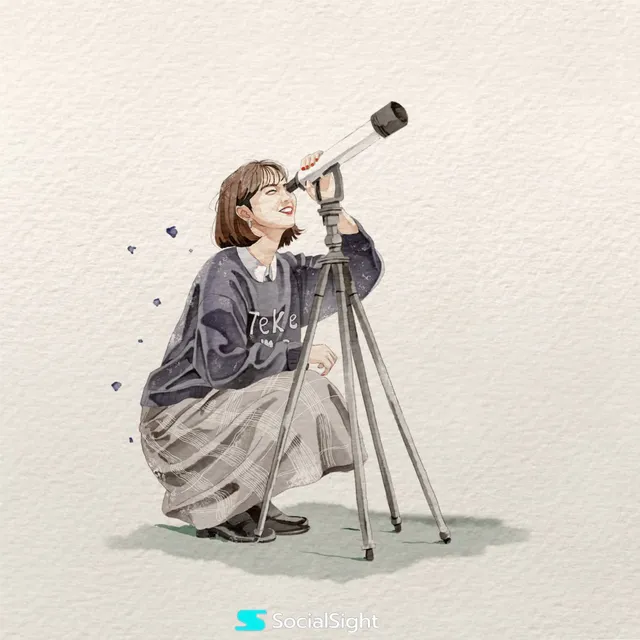
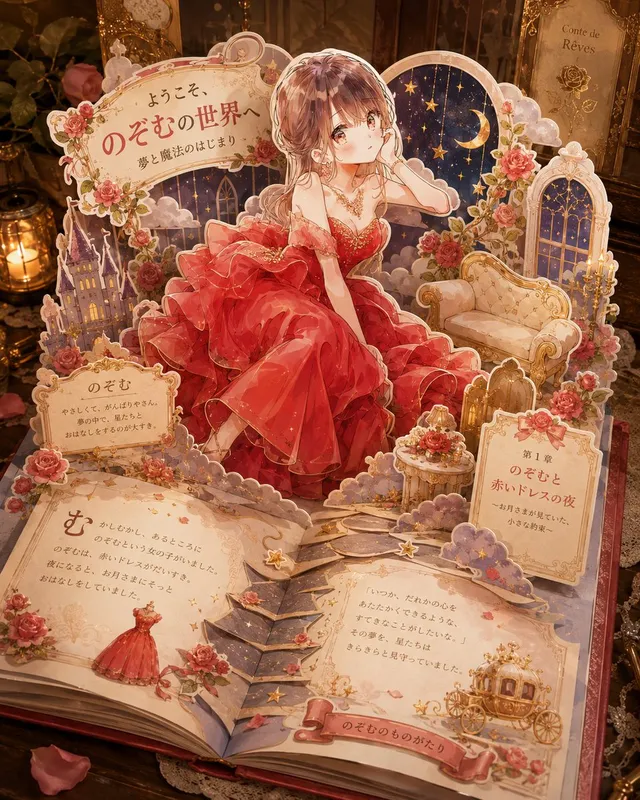
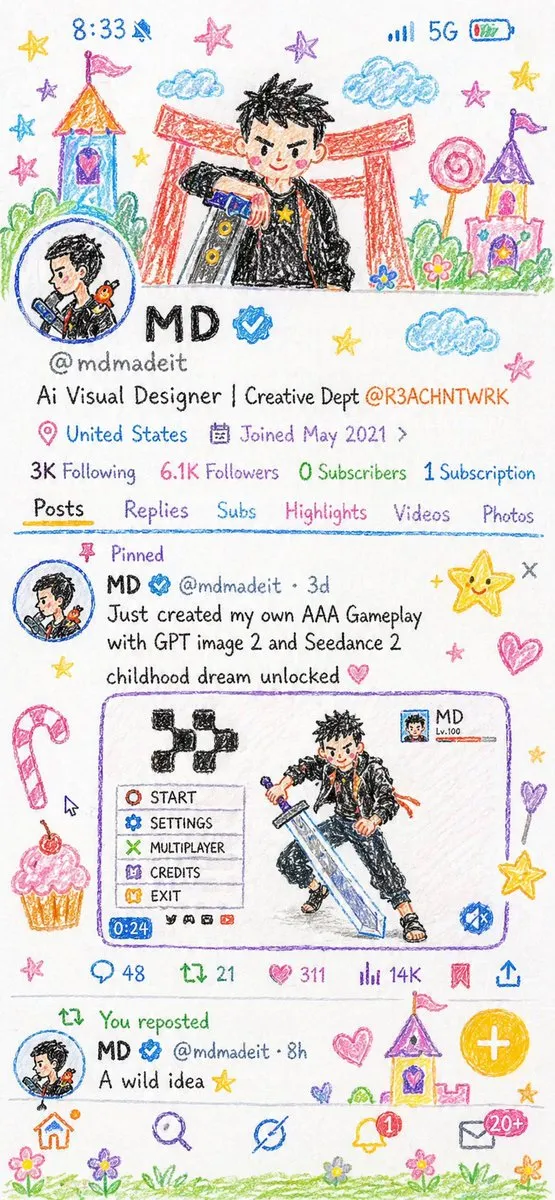
프롬프트/GPT Image 프롬프트/프롬프트 세부 정보이미지 프롬프트종이 조각 레이어 일러스트레이션 스타일이미지 1/4이미지를 수제 종이 공예 디오라마로 변환하는 스타일화된 변환 프롬프트로, 레이어드 종이 질감과 스티커 같은 윤곽선이 특징입니다.이 프롬프트는 참조 이미지와 함께 사용되었습니다이 프롬프트 사용좋아요56조회1,948북마크20이 프롬프트를 저장하거나 친구와 공유하세요.프롬프트 공유프롬프트복사Convert this image into a {argument name="art style" default="soft, handcrafted paper-cut layered illustration style"}, inspired by papercraft diorama aesthetics. Use smooth rounded shapes, simplified cute character proportions, and minimal facial details (dot eyes, blush cheeks) to create a warm, charming look. Apply stacked paper layers with visible depth, subtle shadows between layers, and clean cut edges that resemble laser-cut cardstock. Add a distinct white outer outline layer surrounding each main character, resembling a thick sticker border or white cut-paper backing, clearly separating the characters from the background. This white layer should feel like an intentional paper layer, not a glow. Use a {argument name="color palette" default="pastel color palette with muted blues, greens, and warm neutrals"}, balanced and calming. Lighting should feel soft, diffused, and even, enhancing the dimensional paper layers without harsh contrast. Textures should appear matte and tactile, like thick art paper or craft foam. Overall mood: {argument name="mood" default="cozy, wholesome, gentle, and storybook-like"}, with a playful yet polished handcrafted feel suitable for modern illustration, children’s books, or decorative art.프롬프트 보기