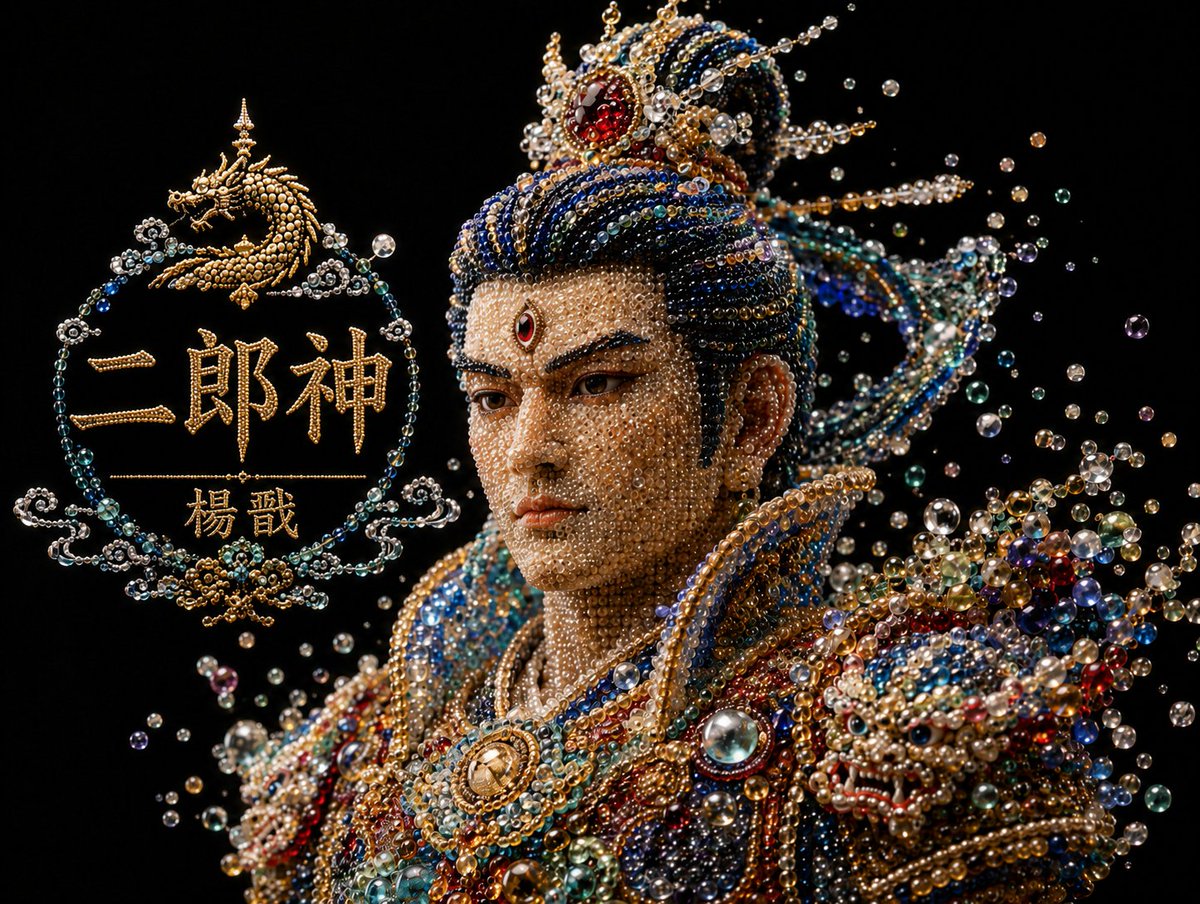
프롬프트/GPT Image 프롬프트/프롬프트 세부 정보이미지 프롬프트진주빛 이랑신 흉상참조 이미지에서 보석으로 장식된 신화적인 흉상 변환을 생성하여 창아를 이랑신으로 바꾸고 진주와 보석 스타일을 일치시킵니다.이 프롬프트는 참조 이미지와 함께 사용되었습니다이 프롬프트 사용좋아요1조회413북마크3이 프롬프트를 저장하거나 친구와 공유하세요.프롬프트 공유프롬프트복사Using REFERENCE_0 as the visual style and composition reference, transform the pearlescent bead-and-jewel bust from Chang'e into {argument name="character name" default="Erlang Shen Yang Jian"}. Keep the same black background, half-length bust framing, luxury macro photography look, floating pearl/bubble particles, and intricate translucent beadwork. Change the subject into a masculine Chinese mythological warrior deity with a taller jeweled crown, darker blue-and-gold hair ornaments, sharper heroic silhouette, ornate shoulder armor, and richer red, blue, teal, pearl, and gold gemstones. Add exactly 1 prominent dragon-themed jeweled shoulder/armor motif on the viewer's right, made from beads and gems. Replace the left-side title graphic with an ornate circular bead-and-gold emblem containing exactly 4 elements: 1 small golden dragon icon at the top, 1 large main title text {argument name="main title text" default="二郎神"}, 1 smaller subtitle text {argument name="subtitle text" default="楊戩"}, and 1 thin horizontal divider line between the title and subtitle. Make all lettering look constructed from golden pearls and filigree, matching the jewelry material. Preserve the elegant dark negative space and high-contrast sparkling highlights; do not add modern objects, extra text, or a watermark.프롬프트 보기