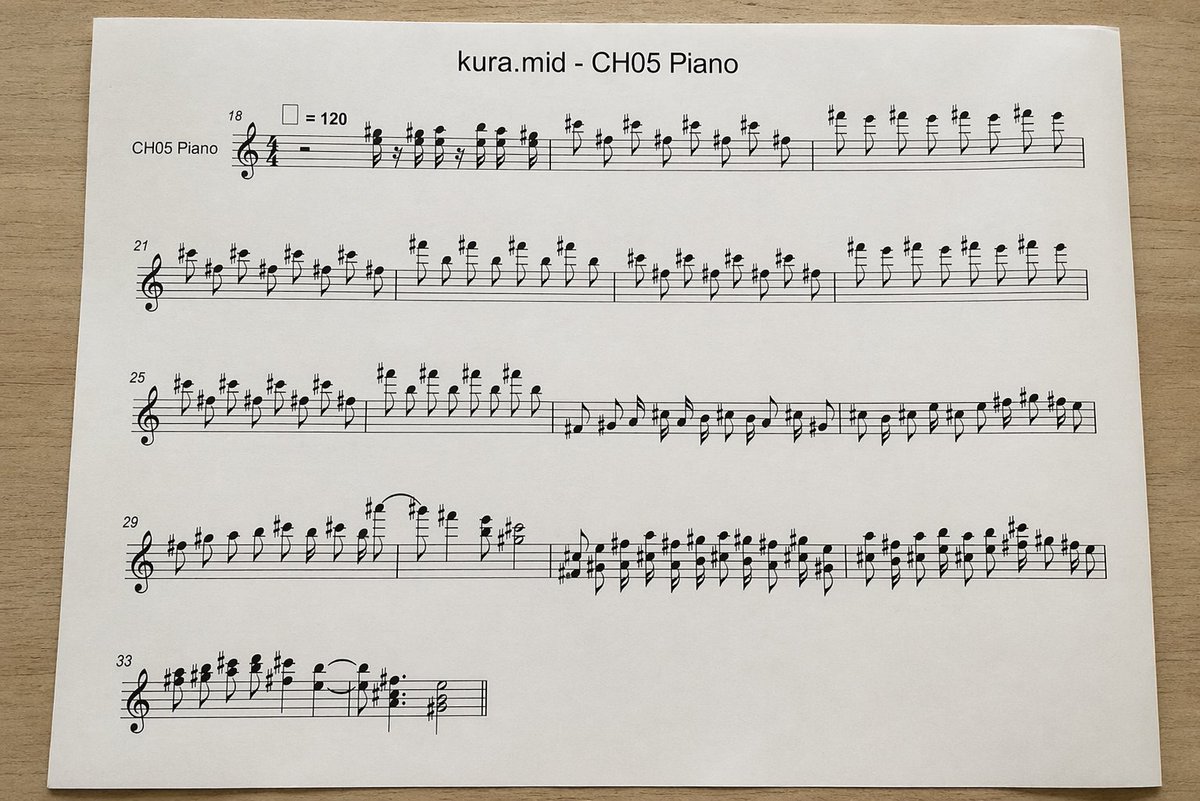
프롬프트/GPT Image 프롬프트/프롬프트 세부 정보이미지 프롬프트촬영된 MIDI 피아노 악보모의 제작물, 음악 기술 비주얼 또는 문서 스타일 일러스트에 유용한, MIDI 파일에서 변환된 인쇄된 피아노 악보 페이지의 사실적인 오버헤드 사진을 생성합니다.이 프롬프트는 참조 이미지와 함께 사용되었습니다이 프롬프트 사용좋아요40조회3,414북마크5이 프롬프트를 저장하거나 친구와 공유하세요.프롬프트 공유프롬프트복사A top-down realistic photograph of a single white sheet of printer paper placed on a light wood desk, showing a computer-generated music score. The page is centered horizontally with slight perspective and soft natural indoor lighting, minimal shadows, and a clean document-print look. At the top center, print the title "{argument name="file name" default="kura.mid"} - {argument name="track name" default="CH05 Piano"}" in a plain sans-serif font. Below it is a piano staff system rendered in standard black music notation with a treble clef and 4/4 time signature, designed to look like an automatically converted MIDI excerpt rather than carefully engraved sheet music. On the far left of the first system, include the instrument label "CH05 Piano". Show exactly 5 horizontal systems of notation on the page, beginning with measure numbers 18, 21, 25, 29, and 33 at the left edges of the systems. Near the first system, include a tempo marking with a quarter-note symbol equals 120. Fill the staves with dense, slightly awkward but plausible black notes, accidentals, stems, slurs, and rests, with many sharp signs and repeated short-note figures in the upper register, visually resembling piano transcription from MIDI. The first 3 systems should be long and nearly full width; the 4th system should also be long; the 5th system should be short, occupying only the left portion of the page. Keep the notation legible but somewhat mechanically spaced. Use a clean white page with wide margins and no handwritten marks, no colored elements, no extra graphics, just the printed score sheet photographed on a desk.프롬프트 보기