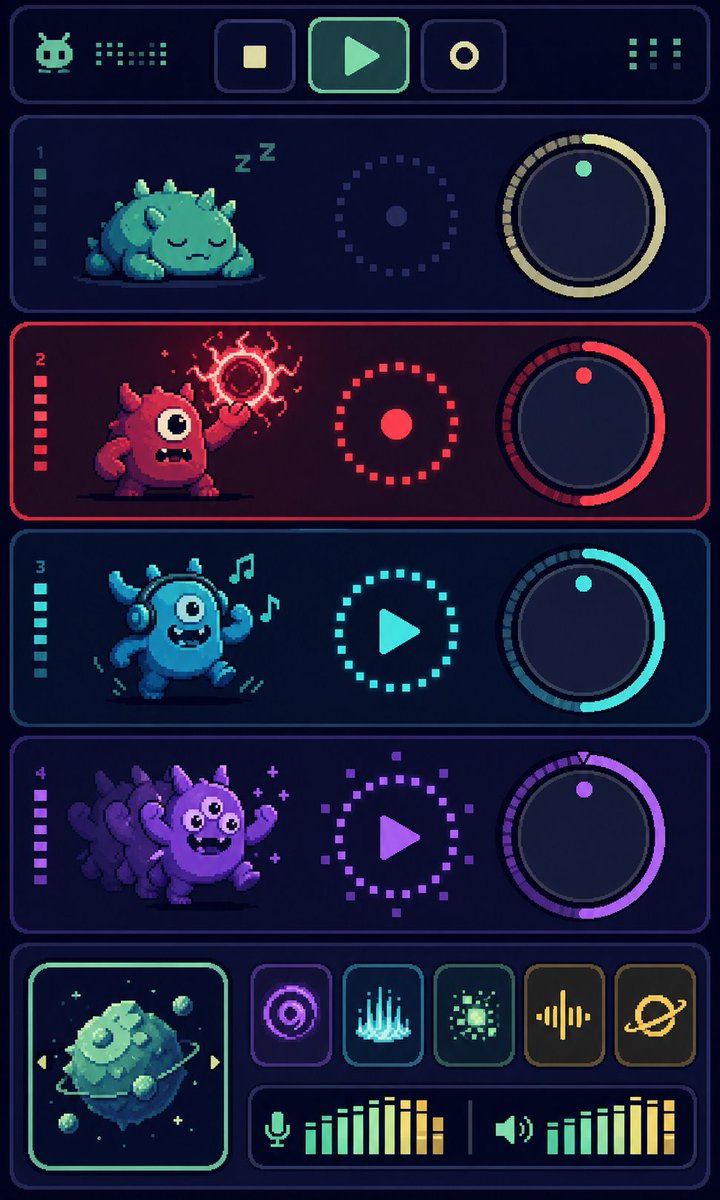
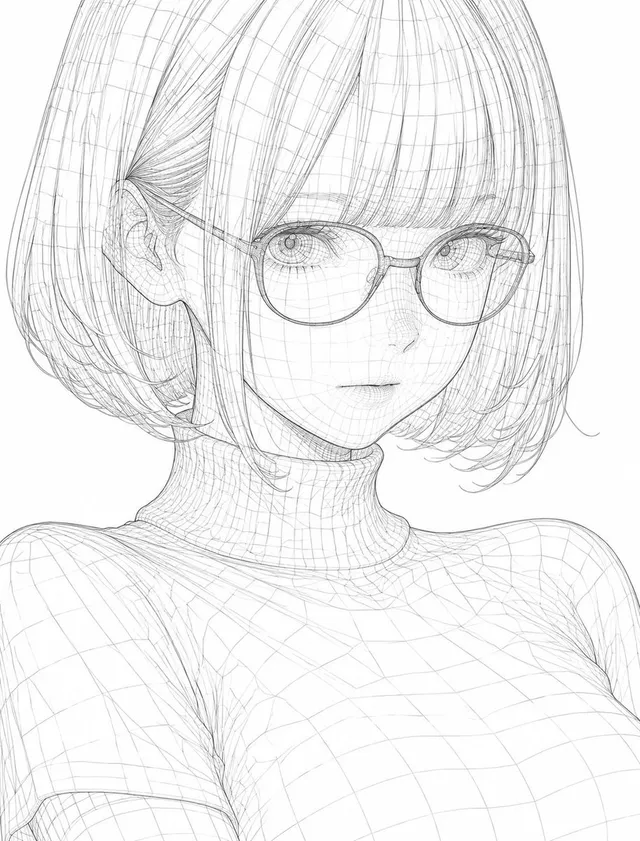
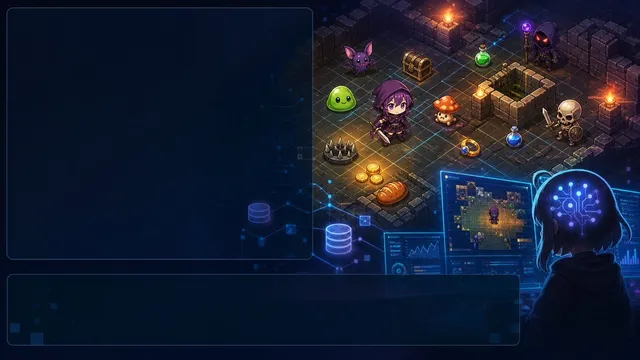
프롬프트/GPT Image 프롬프트/프롬프트 세부 정보이미지 프롬프트픽셀 몬스터 음악 시퀀서 UI네 마리의 몬스터 트랙, 노브, 트랜스포트 컨트롤, 효과, 오디오 미터가 있는 세로 레트로 픽셀 아트 신디사이저 대시보드를 생성합니다.이 프롬프트는 참조 이미지와 함께 사용되었습니다이 프롬프트 사용좋아요4조회793북마크0이 프롬프트를 저장하거나 친구와 공유하세요.프롬프트 공유프롬프트복사Goal: Create a vertical pixel-art sci-fi music sequencer interface showing four cute monster audio tracks, like a retro game synth dashboard. Canvas: Tall portrait mobile screen, 720×1200 style, dark navy background with glowing rounded rectangular panels and crisp pixel-art edges. Use a limited neon palette with cyan, mint, red, purple, and yellow accents. Everything should look like high-resolution pixel art, with subtle scanline/dither texture and no photorealism. Layout: At the very top, create one wide rounded header bar. Inside it place exactly 6 discrete control/readout elements: 1 small alien/robot face icon on the left, 1 dotted equalizer readout beside it, 3 square transport buttons in the center showing stop, play, and record icons, and 1 dotted menu/grid indicator on the right. Main track area: Stack exactly 4 horizontal rounded track panels, each with a left track number and a vertical level meter, a monster character on the left, a circular dotted status control in the middle, and a large rotary knob on the right. Track 1: Label number “1”. Mint/teal theme. The creature is a sleepy squat round monster with small horns/spikes, closed eyes, lying down, with “Z Z” sleep marks above it. The middle control is a dotted circular ring with a small center dot. The right knob has a pale yellow arc and one mint indicator dot near the top. Track 2: Label number “2”. Red theme. The creature is a red one-eyed monster standing aggressively, mouth open with teeth, one arm raised and casting a crackling magical red orb above its hand. The middle control is a red dotted ring with a solid red center dot. The right knob has a red arc and one red indicator dot. Track 3: Label number “3”. Cyan theme. The creature is a blue dancing one-eyed monster wearing headphones, smiling with a toothy mouth, arms raised, with exactly 2 floating music notes near its head. The middle control is a cyan dotted circle containing a play triangle. The right knob has a cyan arc and one cyan indicator dot. Track 4: Label number “4”. Purple theme. The creature is a purple energetic monster with multiple ghosted afterimage duplicates behind it, big eyes, waving arms, small sparkle marks around it. The middle control is a purple dotted circle containing a play triangle. The right knob has a purple arc and one purple indicator dot plus a tiny triangular tick at the top. Bottom mixer section: Create one wide rounded bottom panel. On the left, include exactly 1 square album-art tile with a glowing mint border, showing a floating mossy cube planet or asteroid with small orbiting rocks and tiny stars. To the right of the album art, arrange exactly 5 square effect buttons in one row: 1 purple concentric-circle/radar icon, 1 cyan vertical waveform/spectrum icon, 1 green pixel burst icon, 1 yellow audio waveform icon, and 1 yellow ringed planet icon. Beneath those buttons, add exactly 2 horizontal audio meters: the left meter has a microphone icon followed by green-to-yellow vertical bars, and the right meter has a speaker icon followed by green-to-yellow vertical bars, separated by a thin vertical divider. Text content: Only include the visible track numbers “1”, “2”, “3”, and “4”; do not add readable labels or words besides the two “Z” sleep marks. Use abstract pixel icons rather than detailed typography. Style constraints: Retro 16-bit pixel-art UI, dark futuristic synth console, glowing outlines, rounded panels, clean symmetry, high contrast, playful monster characters, no watermark, no realistic 3D rendering. Make the main accent color palette customizable: {argument name="primary neon color" default="mint cyan"}, {argument name="danger track color" default="hot red"}, {argument name="party track color" default="purple"}, {argument name="background color" default="deep navy"}, {argument name="interface theme" default="retro monster music sequencer"}.프롬프트 보기