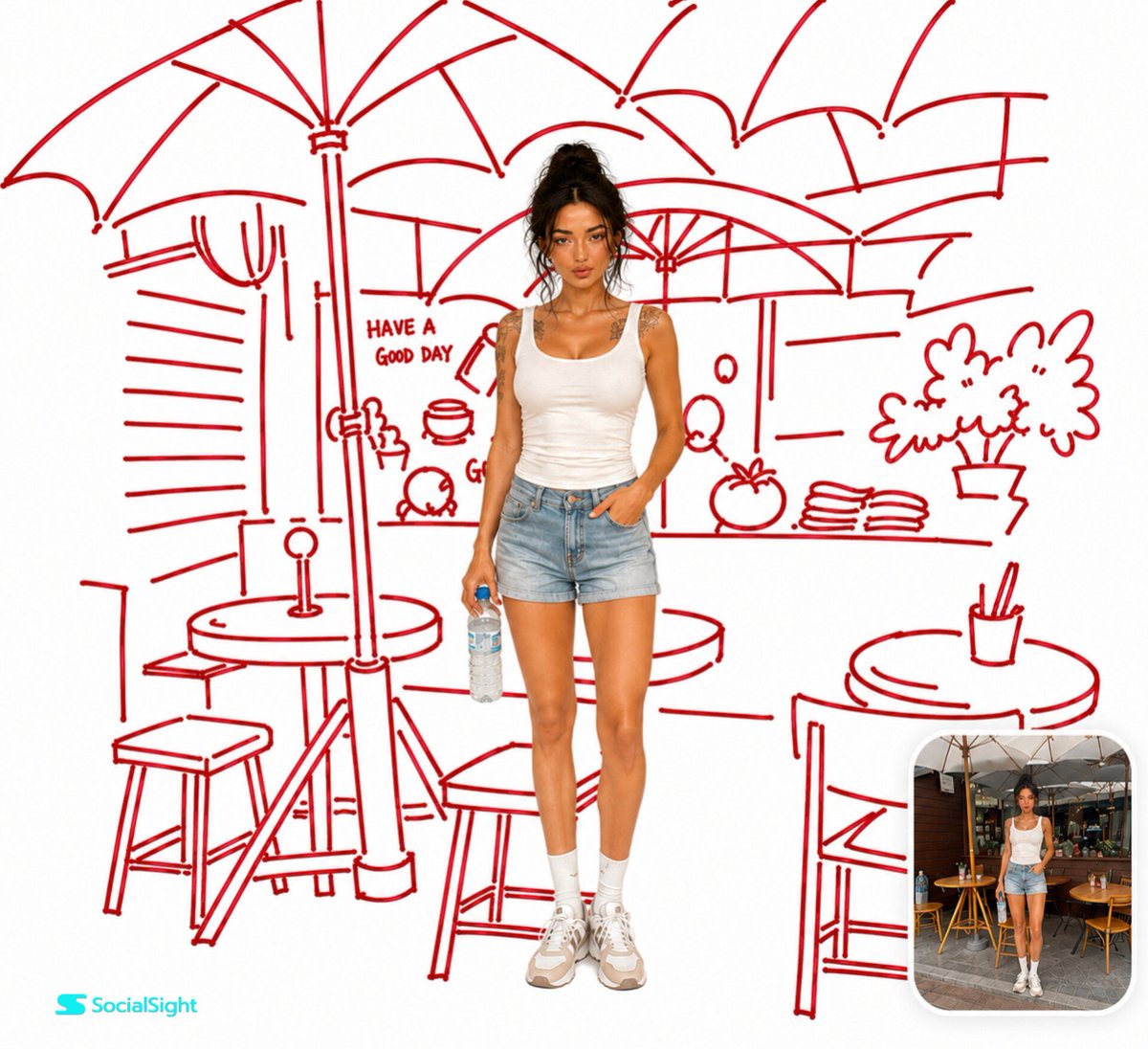
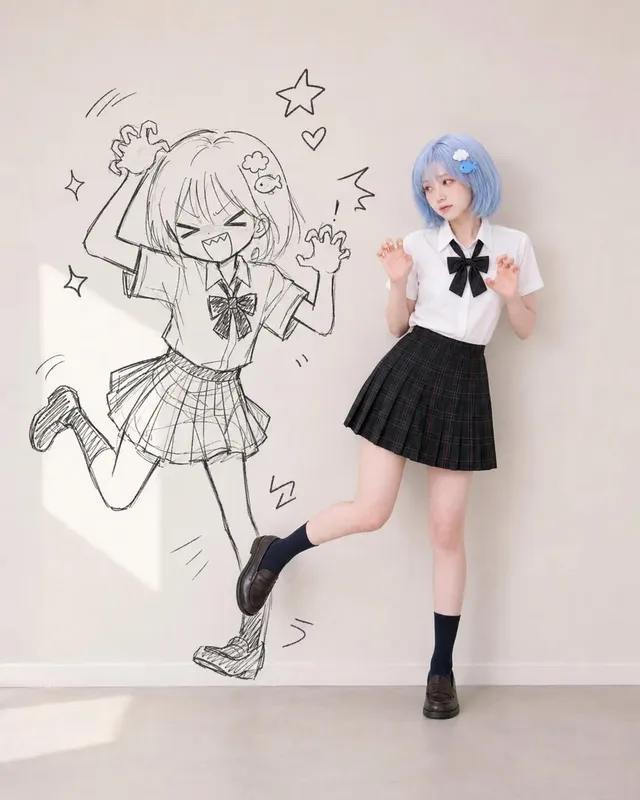
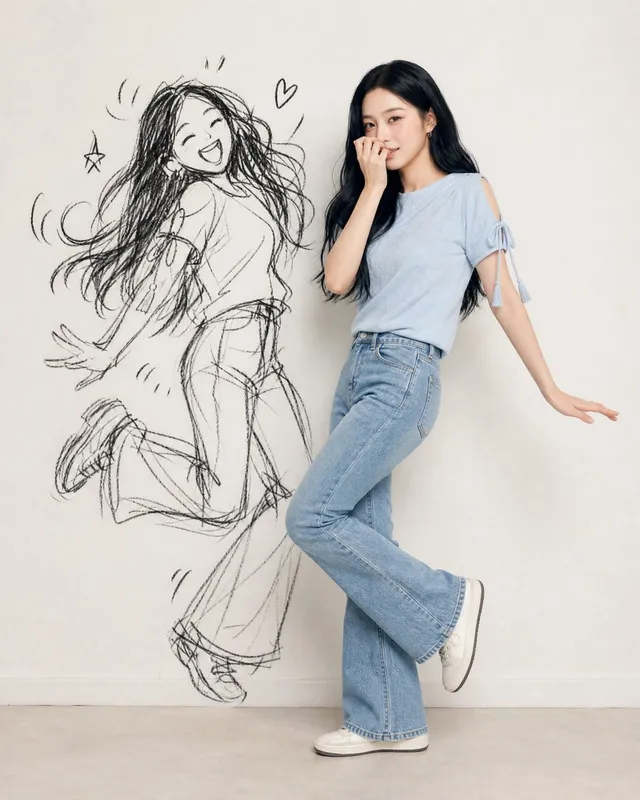
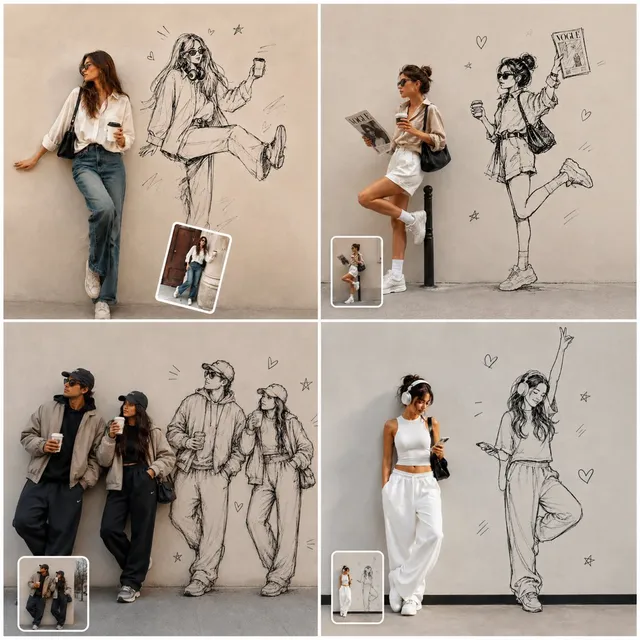
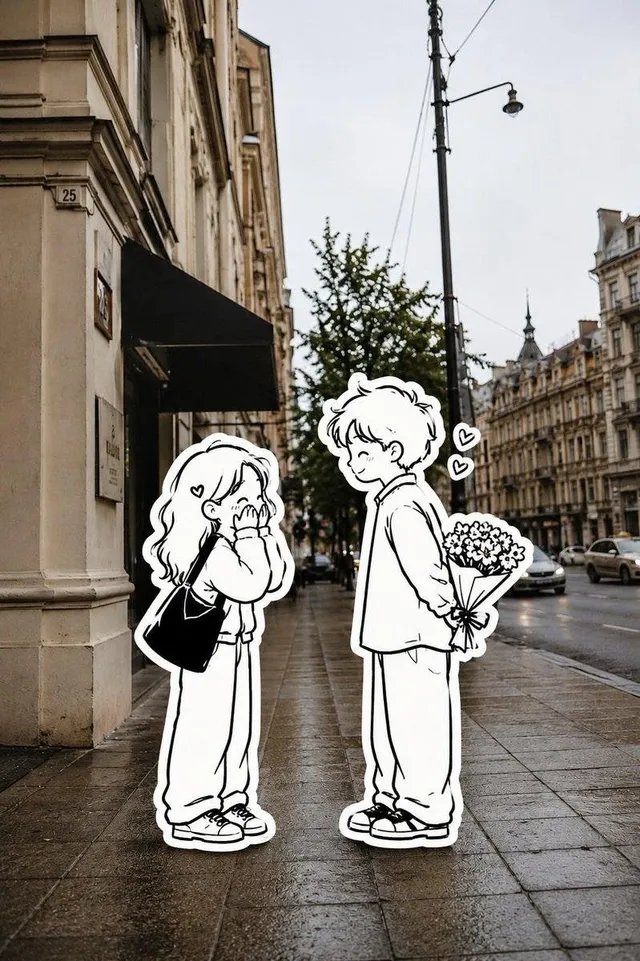
프롬프트/GPT Image 프롬프트/프롬프트 세부 정보이미지 프롬프트빨간 마커 배경의 사실적인 초상화사람을 극사실적으로 유지하면서 원래 배경을 장난스러운 빨간색 펠트 펜 스케치로 바꾸는 창의적인 변환 프롬프트입니다.이 프롬프트는 참조 이미지와 함께 사용되었습니다이 프롬프트 사용좋아요69조회4,280북마크12이 프롬프트를 저장하거나 친구와 공유하세요.프롬프트 공유프롬프트복사Use the uploaded image as the only reference. Keep the person exactly the same, preserving their face, pose, clothing, hairstyle, lighting, colors, and proportions. Remove the original background and recreate the same environment as a {argument name="sketch style" default="loose hand-drawn sketch using only deep crimson red felt-tip marker lines"} on a {argument name="background color" default="pure white background"}. The sketch should be quick, playful, imperfect, and confidently hand-drawn with medium-thick strokes, slight wobble, pressure variation, tiny gaps, and marker bleed—not vector art or technical line work. Keep the person 100% photorealistic with no sketch effect or outline applied to them. Place the subject naturally in front of the illustrated background, ensuring all {argument name="marker color" default="red"} sketch lines remain behind the person. Add a small rounded-corner inset in the bottom-right corner showing the original uploaded photo of the exact same person and scene before the transformation for a clear before-and-after comparison. Ultra-clean editorial style, high resolution, strong contrast between the realistic subject and the bold red sketch, no extra colors, no gradients, and no paper texture.프롬프트 보기