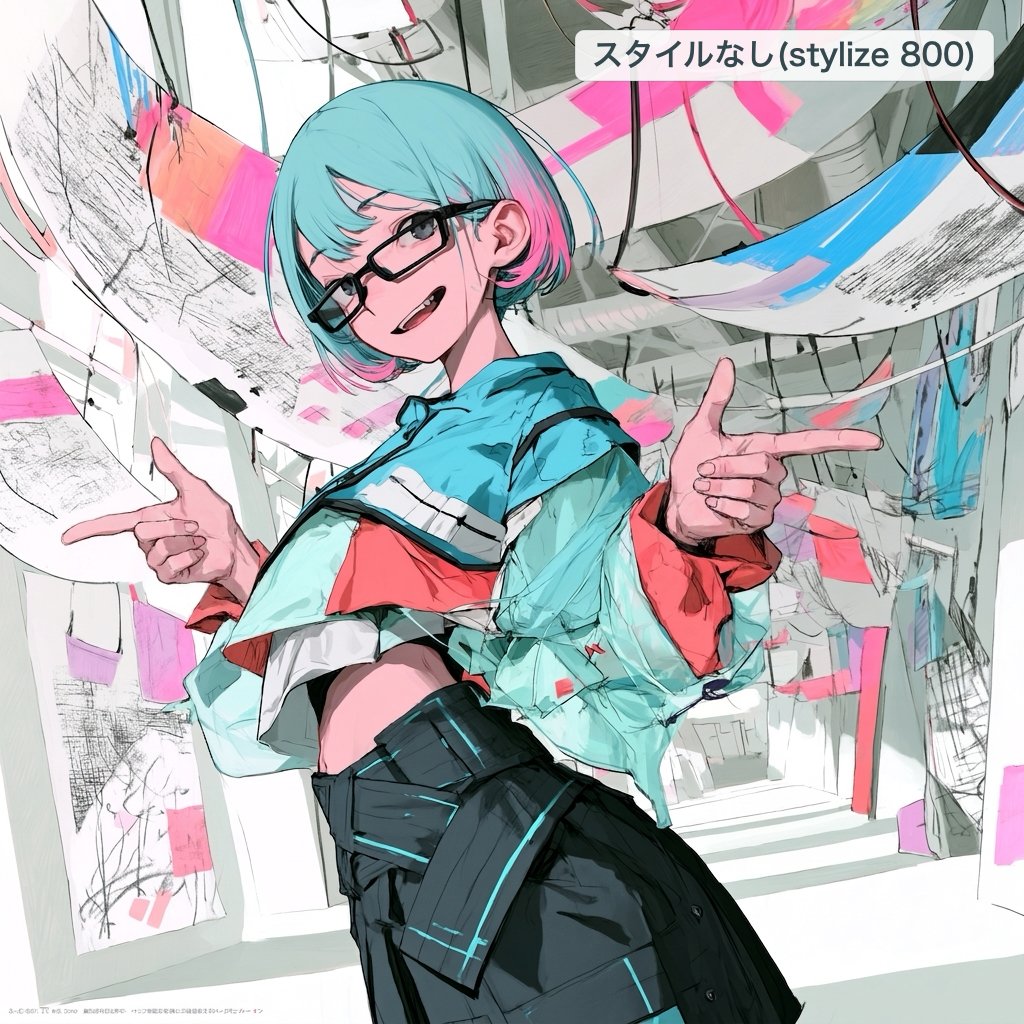
프롬프트/GPT Image 프롬프트/프롬프트 세부 정보이미지 프롬프트거친 스케치에서 세련된 애니메이션 편집이미지 1/3역동적인 포즈, 추상 갤러리 배경, 편집 가능한 오른쪽 상단 라벨이 있는 세련된 일본 애니메이션 스타일 일러스트레이션으로 거친 캐릭터 스케치를 변환합니다.이 프롬프트는 참조 이미지와 함께 사용되었습니다이 프롬프트 사용좋아요28조회705북마크6이 프롬프트를 저장하거나 친구와 공유하세요.프롬프트 공유프롬프트복사Using REFERENCE_0 as the rough sketch and composition guide, clean it up into a polished, high-quality Japanese animation-style illustration with an artistic, creator-driven look. Keep the same main subject, the short turquoise hair, glasses, playful expression, cropped top silhouette, and both hands making finger-gun gestures, but refine the anatomy, hands, clothing folds, face, and linework into a finished illustration rather than a sketch. Style and rendering: Use crisp expressive anime line art, painterly cel shading, high contrast, detailed fabric texture, and vivid cyan-pink accents. Preserve some rough sketch energy through visible scribbly marks and graphic brush textures, but make the character fully resolved and attractive. Composition changes: Reframe the pose into a more dynamic low-angle, three-quarter view with the character leaning toward the viewer. Replace the simple pastel background with a dense abstract interior/gallery-like space made of curved hanging panels, paper sheets, sketch marks, cables, and blocks of cyan and hot pink paint. Text overlay: Add exactly 1 rounded white label near the top right containing the Japanese text {argument name="top right label" default="スタイルなし(stylize 800)"}. Do not keep the original label from the reference. Constraints: Do not add extra characters. Avoid photorealism. Keep the image square. Make the final result look like a refined edit of the rough draft, not a completely unrelated character.프롬프트 보기