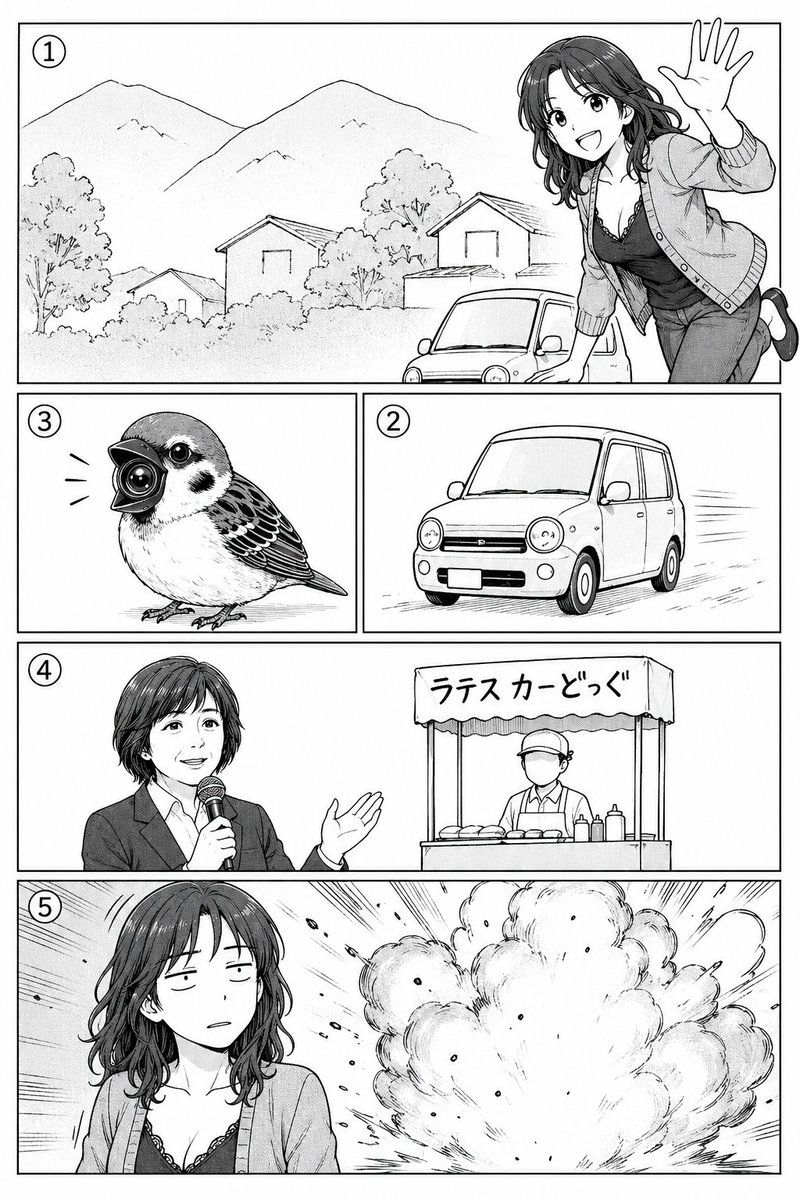
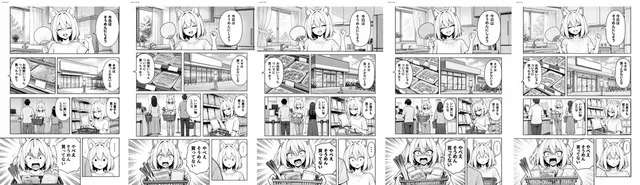
프롬프트/GPT Image 프롬프트/프롬프트 세부 정보이미지 프롬프트거친 스토리보드에서 완성된 만화 페이지이미지 1/2원래 패널 순서와 주요 액션을 유지하면서 거친 5패널 만화 스토리보드를 깔끔한 흑백 완성 만화 페이지로 변환합니다.이 프롬프트는 참조 이미지와 함께 사용되었습니다이 프롬프트 사용좋아요21조회500북마크1이 프롬프트를 저장하거나 친구와 공유하세요.프롬프트 공유프롬프트복사Using REFERENCE_0 as a rough manga storyboard, turn it into a clean black-and-white manga page with polished line art, screentone shading, and crisp rectangular panel borders. Keep the same 5-panel story structure and visible circled panel numbers: 1 landscape scene with mountains, houses, a small car, and a cheerful woman leaning in from the right waving; 2 a compact car driving; 3 a small bird with a camera-like beak; 4 an announcer holding a microphone beside a street-food stall; 5 the woman in front of a large explosion. Preserve the rough layout order and the intended character/object positions, but render everything as finished manga art. Keep the faces in panels 4 and 5 intentionally obscured by a soft gray rectangular blur. Add Japanese text on the stall awning reading {argument name="stall sign text" default="ラテスカーどっぐ"}. Make the page monochrome, high-detail, print-ready, with dynamic speed lines and explosion effects where indicated.프롬프트 보기