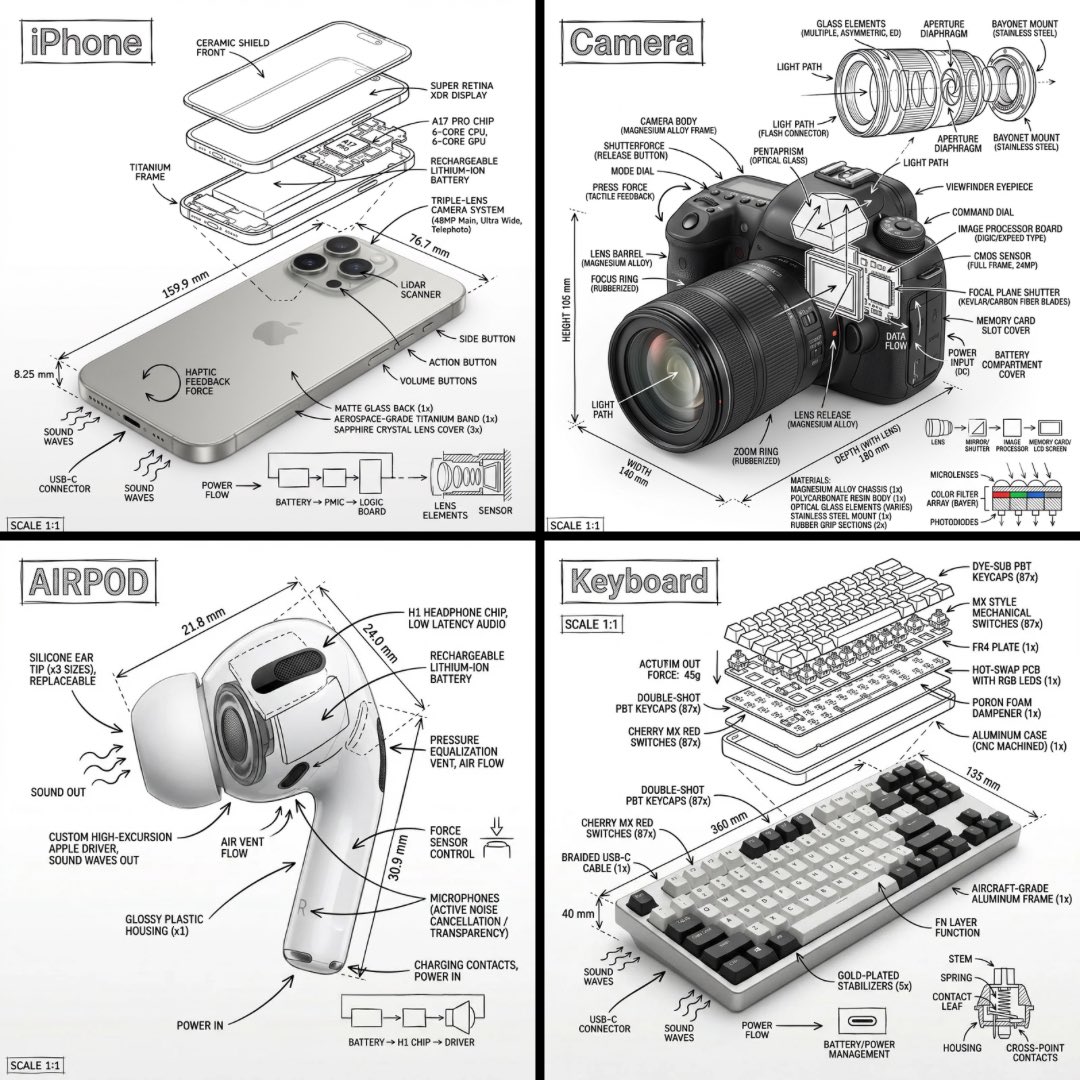
프롬프트/GPT Image 프롬프트/프롬프트 세부 정보이미지 프롬프트기술 설명서 인포그래픽 스타일깨끗한 흰색 배경에 손으로 그린 기술 주석 및 도식과 사실적인 개체를 융합하여 엔지니어링 설명서를 모방합니다.이 프롬프트 사용좋아요1조회145북마크0이 프롬프트를 저장하거나 친구와 공유하세요.프롬프트 공유프롬프트복사Design an infographic-style image of {argument name="subject" default="[OBJECT]"} that fuses a photorealistic render of the object with hand-drawn technical annotations layered directly on top. Render the annotations in black ink linework and matching text (architectural pen / technical manual look) sitting on a {argument name="background" default="pure white studio backdrop"}. The annotations should include: • Labels for every key component • Exploded-view or cutaway outlines revealing internals • Dimensions, measurements, and scale indicators • Material callouts with quantities • Directional arrows showing function, force, or flow (airflow, sound, current, pressure) • Small schematic or cross-section diagrams where they help. Drop the title [OBJECT] inside a sketched annotation box tucked into one corner. Style and layout: • The realistic object stays fully visible underneath the annotation layer • Annotations read as sketched, precise, architectural • Tidy composition with deliberate negative space • Vibe: engineering manual meets museum exhibit. Visual style: Minimal technical illustration aesthetic, crisp black linework over photoreal imagery, exacting yet slightly hand-drawn. Color palette: Pure white background, strictly black lines and text. No other colors. Output: 1080x1080, razor-sharp, optimized for social feeds, no watermark.프롬프트 보기