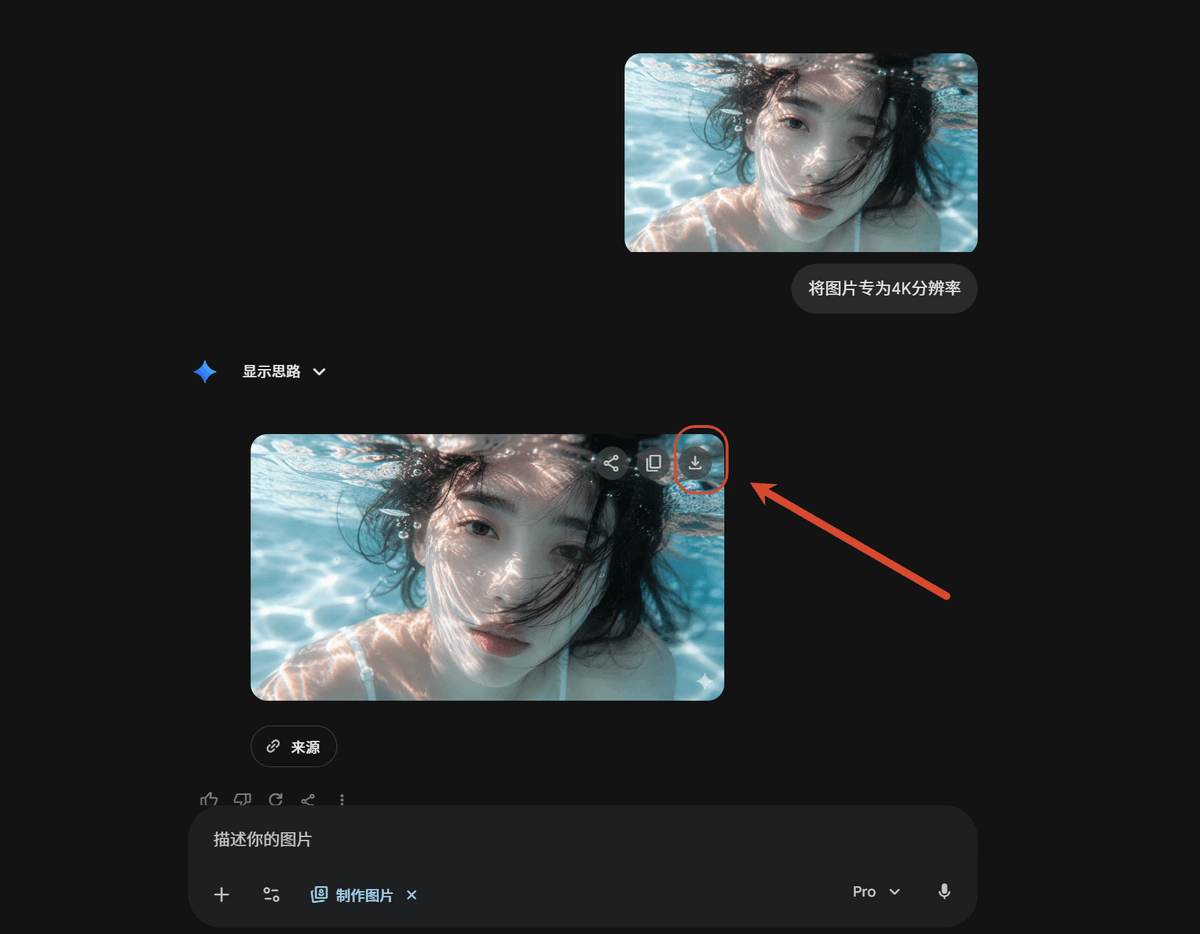
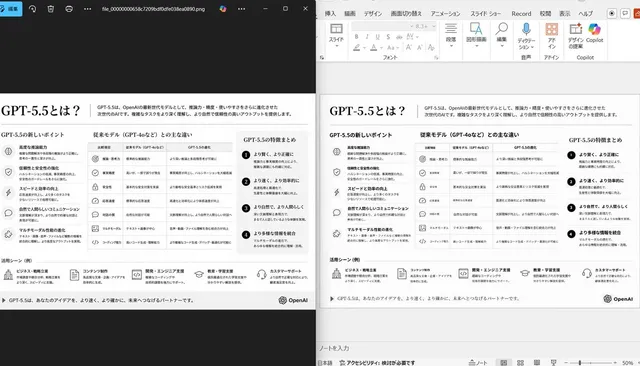
提示词/GPT Image 提示词/提示词详情图片提示词暗色AI聊天4K放大教程创建一张暗色模式AI聊天教程截图,展示上传的图像被转换为4K结果,并高亮显示下载按钮。这条提示词使用了参考图片立即使用点赞49浏览10,816收藏59保存这条提示词,或分享给朋友。分享提示词提示词复制Using REFERENCE_0 as the source screenshot, create a clean dark-mode AI chat interface tutorial mockup that shows the same underwater photo being upscaled. Remove the Windows Photos app chrome, side information panel, filename details, and resolution callout from the reference; use only the underwater image content as the visual asset. Layout: Place exactly 2 rounded-corner image previews of the underwater photo in the chat: 1 smaller uploaded-image preview near the upper right and 1 larger generated-result preview below it, slightly left of center. Keep the face-obscuring gray blur/block over the person in both previews. Chat elements: Add exactly 1 user message bubble beside the upper preview with the Chinese text {argument name="user prompt text" default="将图片专为4K分辨率"}. Add exactly 1 assistant label reading “显示思路” with a small blue sparkle icon and a dropdown chevron. Under the larger image preview, add exactly 1 small rounded “来源” source button. Callout: On the upper-right corner of the larger generated image preview, show the download icon and highlight it with exactly 1 red circular outline. Add exactly 1 thick red arrow pointing from the right side toward that circled download icon. Bottom UI: Include a dark rounded message input bar at the bottom with placeholder text “描述你的图片”, small attachment/tool icons, a “制作图片” chip, a {argument name="model label" default="Pro"} dropdown, and a microphone icon. Style and constraints: Match a modern Gemini/AI-chat dark theme with lots of empty black space, subtle gray UI controls, rounded corners, and a 16:9 screenshot composition. Do not add extra images, extra arrows, extra callouts, or additional explanatory text.展开提示词