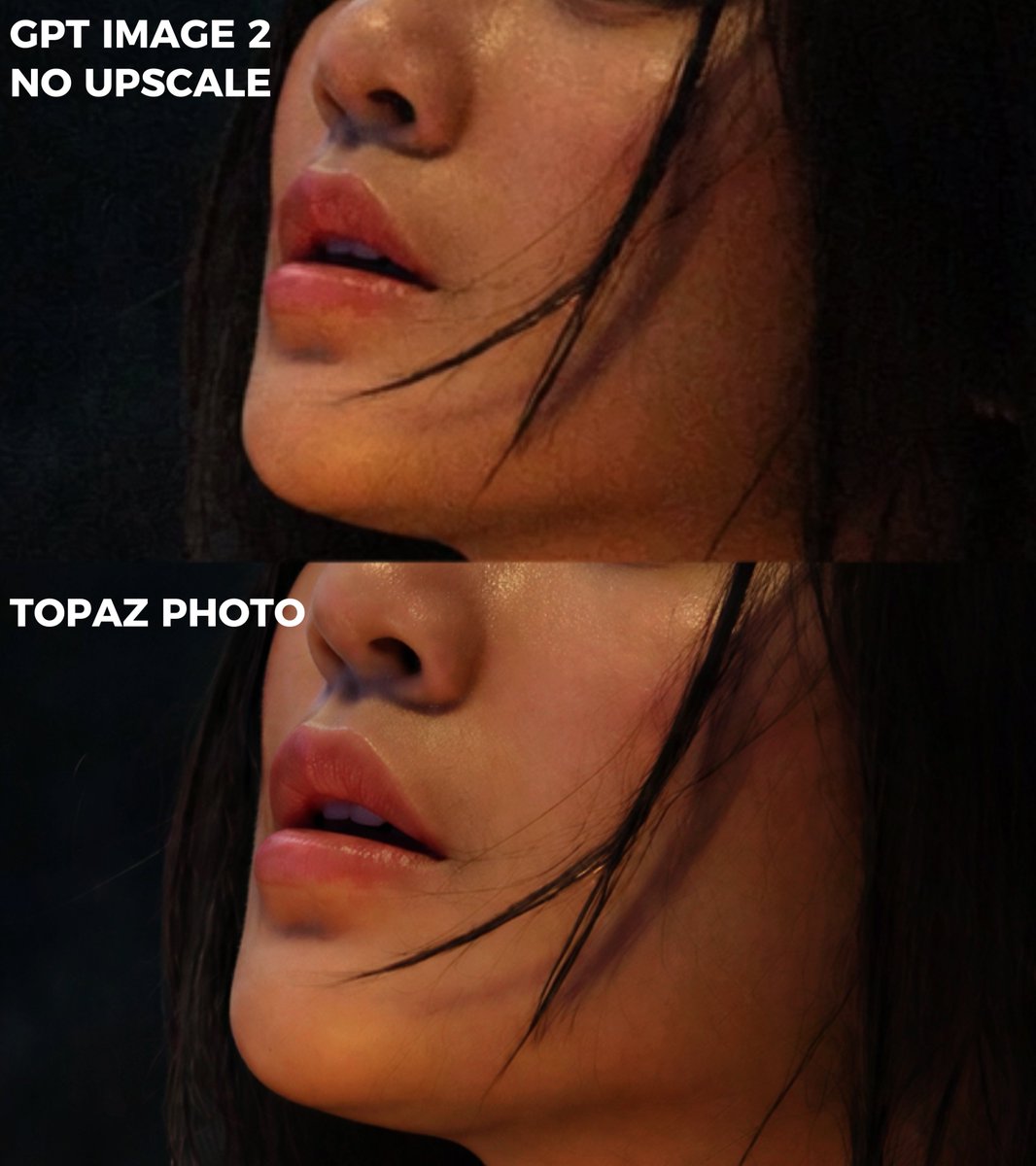
プロンプト/GPT Imageプロンプト/プロンプトの詳細画像プロンプトエクストリームズーム比較クロップ元のラベルと匿名化された被写体を保持しながら、2パネルの画質比較からタイトなクローズアップクロップを作成します。このプロンプトは参照画像と共に使用されましたこのプロンプトを使ういいね68表示4,831ブックマーク63このプロンプトを保存するか、友達と共有しましょう。プロンプトを共有プロンプトコピーUsing REFERENCE_0 as the source image, create an extreme zoom-in crop for a detail-comparison view. Keep the same two stacked comparison sections and preserve the existing anonymizing face blocks, but crop tightly around the subject’s face, hair, jawline, and neck so the facial area fills most of the frame. Leave only partial edge context from the original forest background and the left-side white labels visible. Preserve exactly 2 visible section labels: “GPT IMAGE 2 NO UPSCALE” in the upper section and “TOPAZ PHOTO” in the lower section. Maintain the dark cinematic lighting, original colors, and comparison-divider structure; do not add new objects, new text, or change the subject.プロンプトを表示