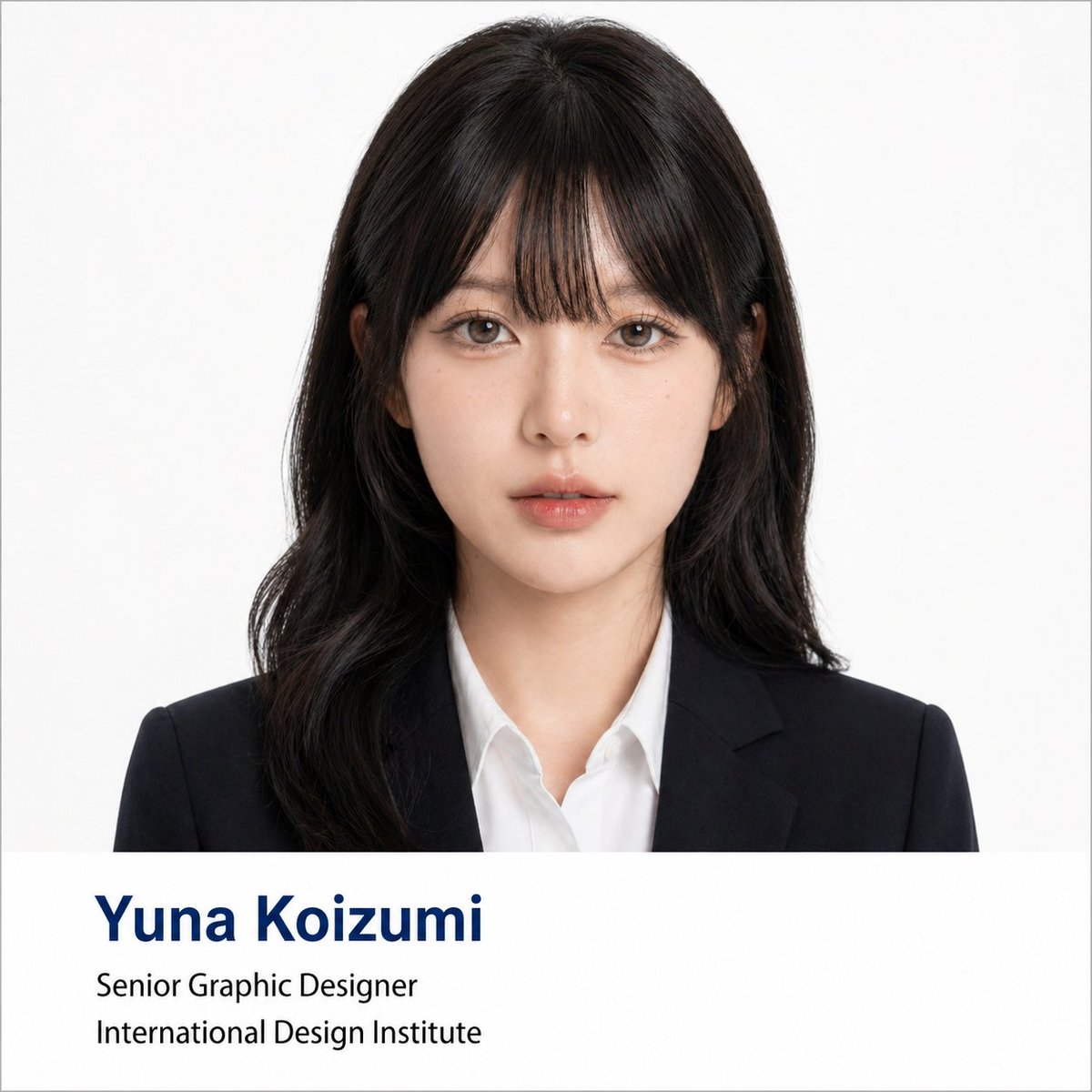
프롬프트/GPT Image 프롬프트/프롬프트 세부 정보이미지 프롬프트전문 기업 헤드샷 포스터 제작기이미지 1/2모든 셀카를 정보 표시줄과 정장 복장을 갖춘 전문 기업 헤드샷으로 변환하는 변환 프롬프트입니다.이 프롬프트는 참조 이미지와 함께 사용되었습니다이 프롬프트 사용좋아요5조회269북마크3이 프롬프트를 저장하거나 친구와 공유하세요.프롬프트 공유프롬프트복사Using the portrait photo you upload, create a polished formal business headshot poster. Keep the person's real facial features, proportions, face shape, and overall presence intact — do not change who they look like. Lightly refine the facial contour to look cleaner and more photogenic. Smooth skin texture and reduce blemishes or uneven tone without over-retouching — preserve natural skin detail and realistic lighting. Give the subject a business hairstyle tailored to their face shape: neat, professional, and natural-looking, not exaggerated. Dress them in formal business attire — dark suit jacket, white or light shirt, optional tie — for a premium, minimal, trustworthy appearance. Composition: frontal half-body portrait, subject centered, looking directly at the camera with a calm, confident expression. Plain solid white background with soft, even lighting — similar to a professional ID photo or corporate headshot. Style: clean, formal, photorealistic, square 1:1 ratio. Include a clean info bar at the bottom with modern minimal typography: Name: {argument name="name" default="[Yuna Koizumi]"} Title: {argument name="job title" default="[Senior Graphic Designer]"} Department / Institution: {argument name="institution" default="[International Design Institute]"} Text rule: if any label text is in Chinese or another language, translate it to formal English before placing it in the image. Do not display Chinese in the image unless explicitly asked. Typography: Name in dark navy bold large font (first line); Title and Department in black regular weight (second and third lines). Layout should reference university faculty profile pages or professional conference speaker cards.프롬프트 보기