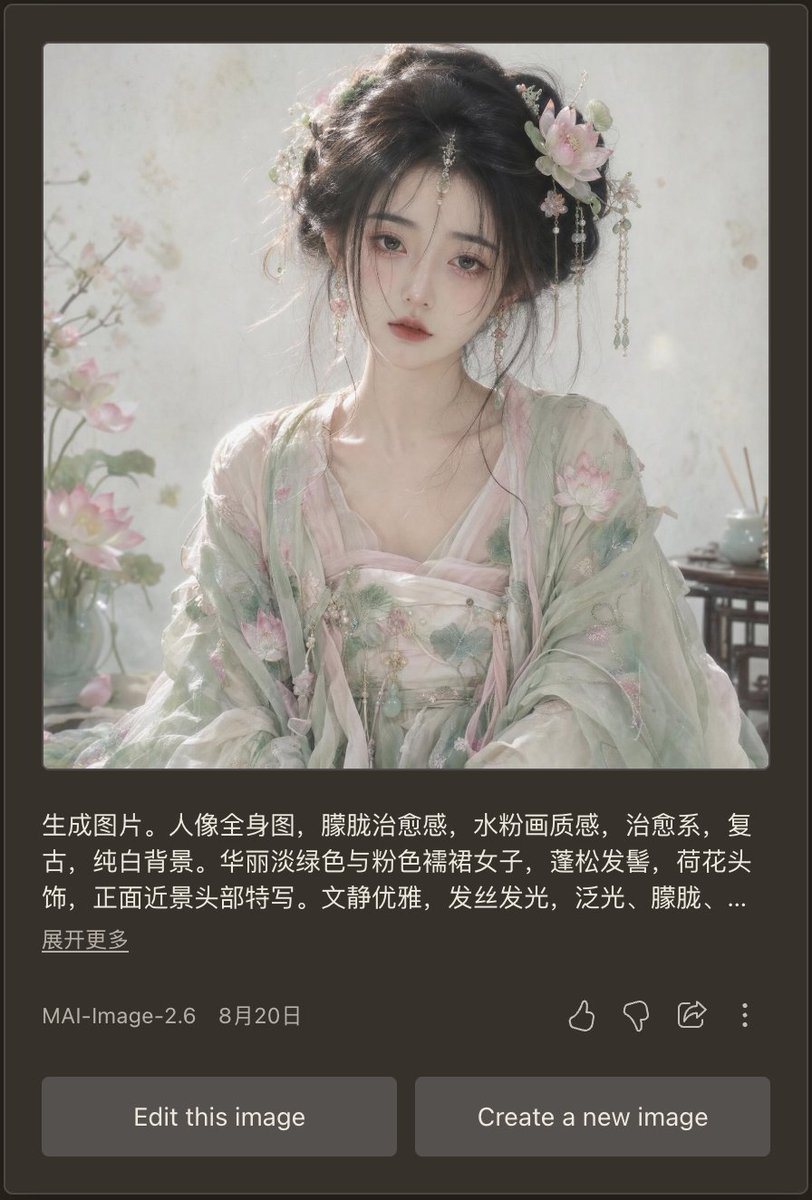
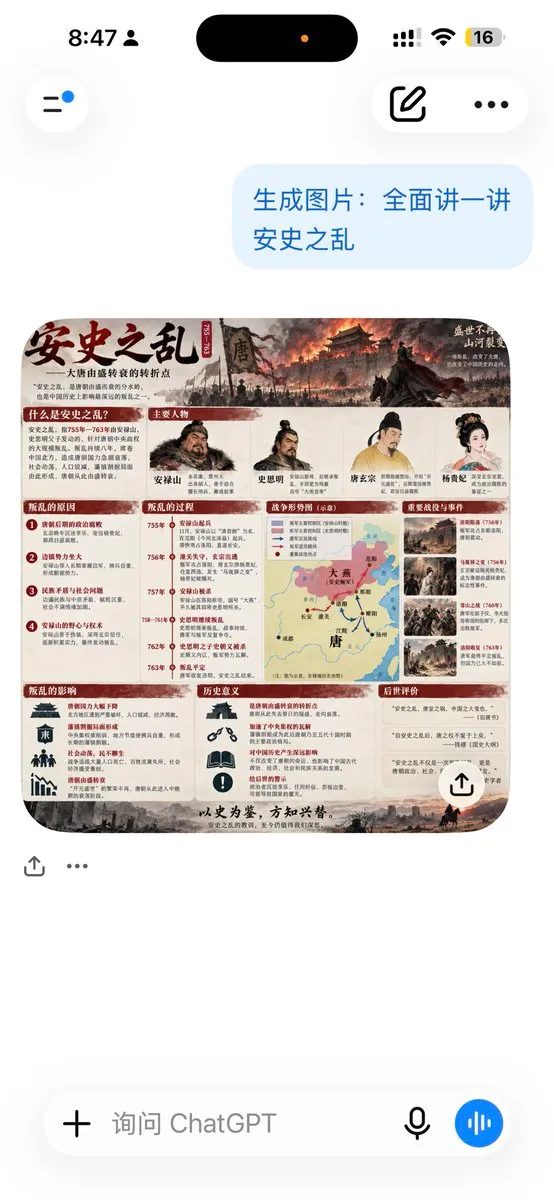
提示詞/GPT Image 提示詞/提示詞詳細資料圖片提示詞深色模式 AI 人像成果卡生成寫實的手機 AI 圖像應用程式截圖,呈現夢幻的漢服人像成果,並附上中文提示詞與操作控制項。此提示詞使用了參考圖片立即使用讚2瀏覽349收藏1儲存此提示詞或分享給朋友。分享提示詞提示詞複製Goal: Create a realistic mobile app screenshot showing an AI image generation result card in dark mode, featuring a soft vintage Chinese-style portrait and the surrounding interface. Canvas: Vertical smartphone screenshot, approximately 9:16 ratio. Use a dark charcoal brown app background with rounded card edges and subtle borders. The main content is centered with generous margins. Main generated image: At the top of the card, place one large square portrait image with slightly rounded corners. The portrait shows {argument name="character description" default="a beautiful young woman in pale green and pink Hanfu, lotus-flower hair ornaments, loose black updo, delicate dangling jewelry, soft melancholic expression, facing forward in a close-up half-body composition"}. Style the portrait as ethereal, therapeutic, vintage, pale watercolor-like, with soft diffused daylight, glowing hair strands, translucent fabric, pure white background, pastel lotus blossoms, misty atmosphere, shallow depth of field, and a refined elegant mood. Include exactly 3 visible floral/environment details in the portrait: lotus flowers on the left foreground, a pale blossom hair ornament on the right side of her hair, and a small tea table or vase detail on the right background. Text block under image: Add a Chinese prompt preview in white text, left aligned, spanning about three lines, ending with an ellipsis. Use this exact visible text: {argument name="prompt preview text" default="生成图片。人像全身图,朦胧治愈感,水粉画质感,治愈系,复古,纯白背景。华丽淡绿色与粉色襦裙女子,蓬松发髻,荷花头饰,正面近景头部特写。文静优雅,发丝发光,泛光,朦胧,..."}. Below it, place a smaller underlined-style Chinese link reading {argument name="expand link text" default="展开更多"}. Metadata row: Under the prompt preview, show one metadata row with the model name {argument name="model label" default="MAI-Image-2.6"} on the left and the date {argument name="date label" default="8月20日"} beside it. On the right side of the same row, include exactly 4 outline action icons: thumbs up, thumbs down, share arrow, and vertical three-dot menu. Bottom controls: Add exactly 2 large rounded rectangular gray buttons at the bottom, side by side with a small gap. The left button says “Edit this image”; the right button says “Create a new image”. Visual style: Make the UI look like a real mobile app screenshot, clean and slightly compressed, with crisp white and gray typography. The portrait should be much brighter than the surrounding interface, with dreamy pastel lighting and delicate realistic facial rendering. No extra panels, no watermark, no browser chrome.展開提示詞